Automotive HMI
Automotive infotainment and vehicle-control console built with Qt/QML for camera, navigation, climate, media, tire pressure, and power controls.
Outcome
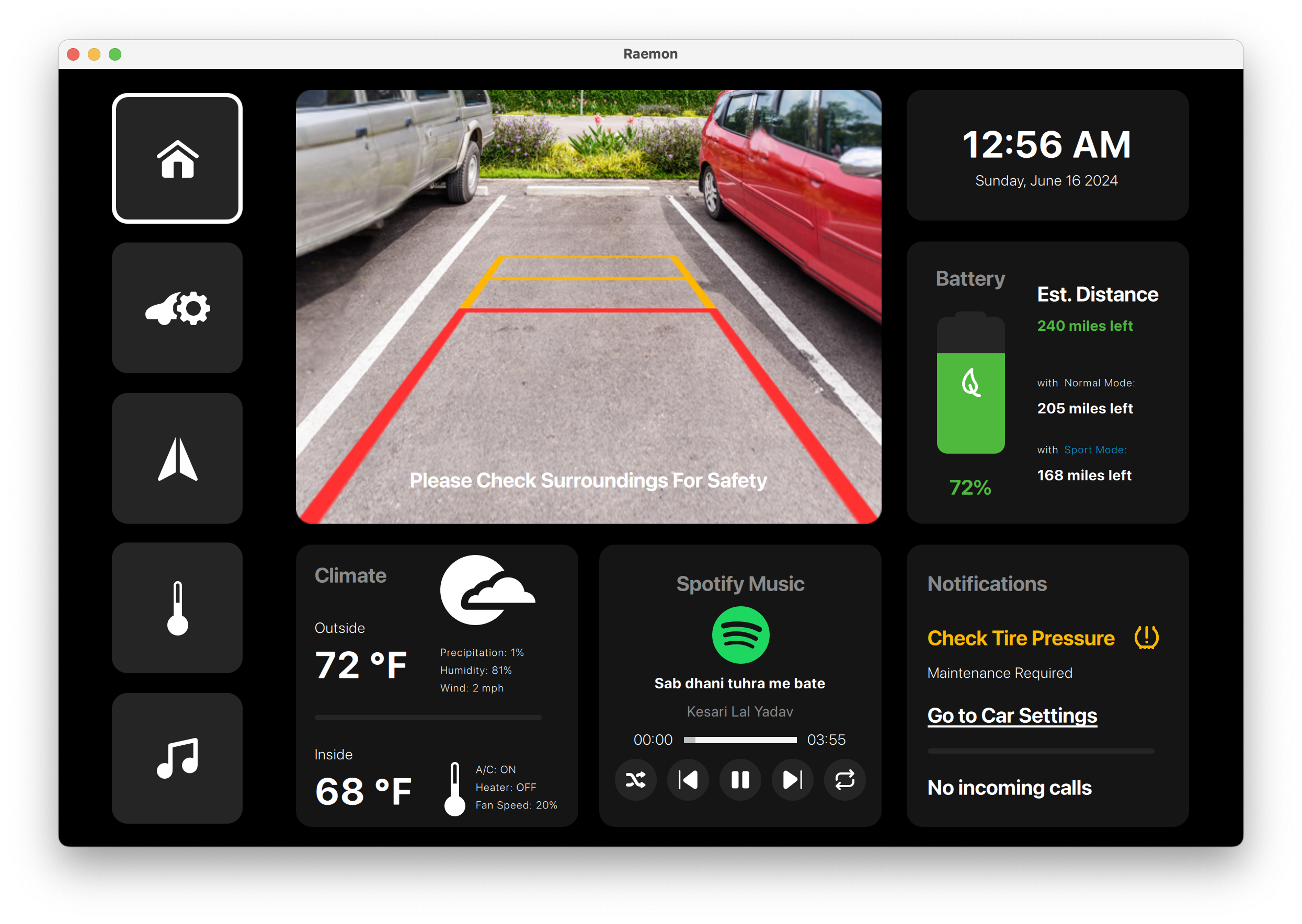
A Reamon-branded vehicle console covering reverse camera, tire warnings, navigation, climate, seat comfort, media, and power-mode controls.
Industry
Automotive HMI
Platform
Qt Quick, C++, In-vehicle Touch UI
Engagement
Automotive console prototype
01
16 console screens
02
Vehicle status and controls
03
Reusable QML dashboard cards
Case study
The interface needed to combine vehicle status, comfort controls, media, navigation, and warning states without making the center console feel crowded.
A Reamon-branded vehicle console covering reverse camera, tire warnings, navigation, climate, seat comfort, media, and power-mode controls.
Deliverables
The implementation focuses on maintainable QML composition, C++ integration readiness, responsive screen layouts, and UI states that can be validated against real product data.
Screenshots
Screens from the project showing core workflows, control surfaces, dashboard states, and interaction patterns.
Branded loading state for the in-car console before the main dashboard and controls become available.
The home view combines a parking camera feed, battery and range card, weather, Spotify playback, tire-pressure notification, and incoming-call status.
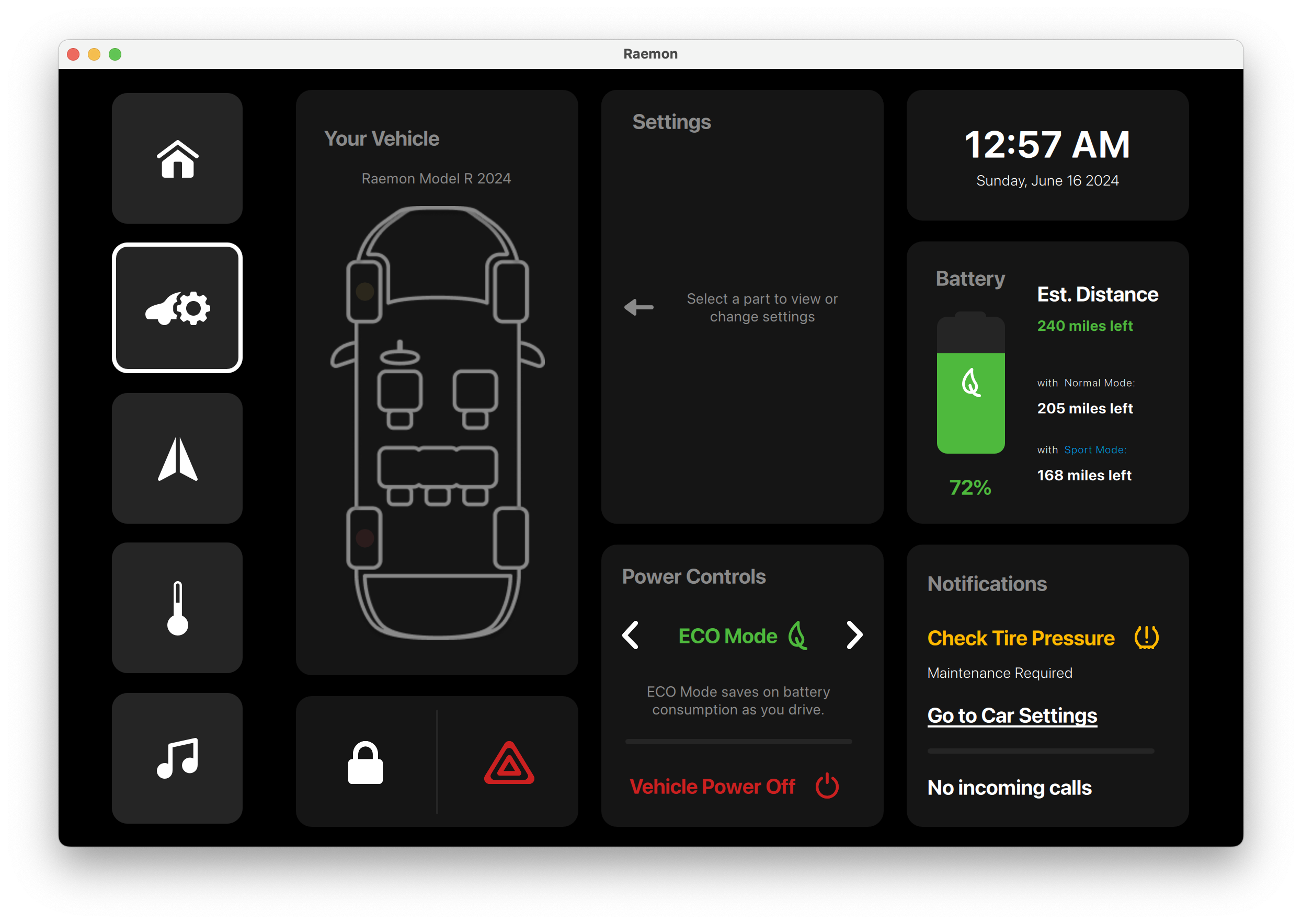
Vehicle status and power controls are shown beside the seating layout, with Eco Mode selected and warnings kept visible in the notification column.
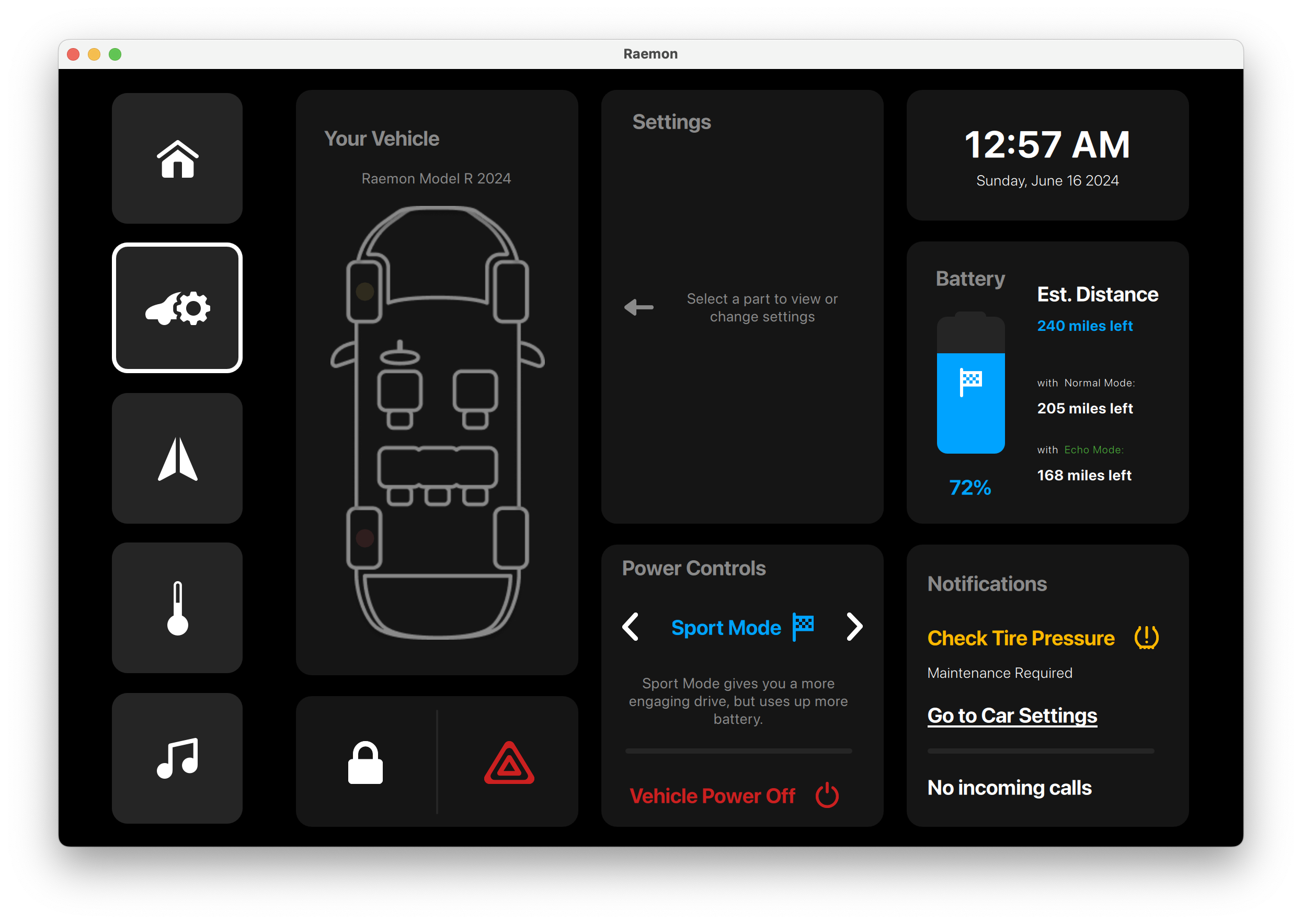
The same settings layout switches to Sport Mode, showing how drive modes can change while battery and alert context stays in place.
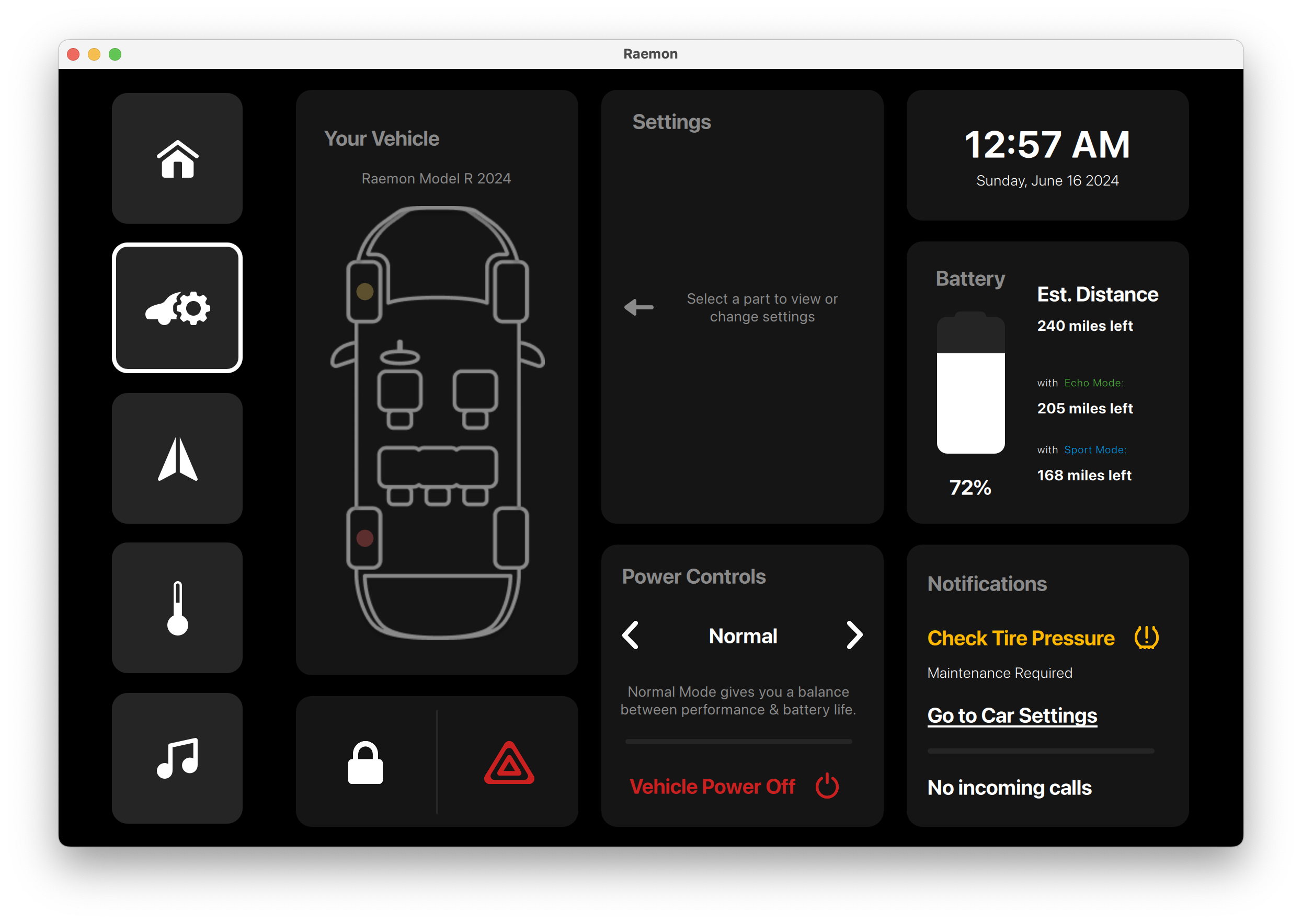
Normal drive mode is presented as a simple left/right selector in the power-controls card, keeping mode changes quick and readable.
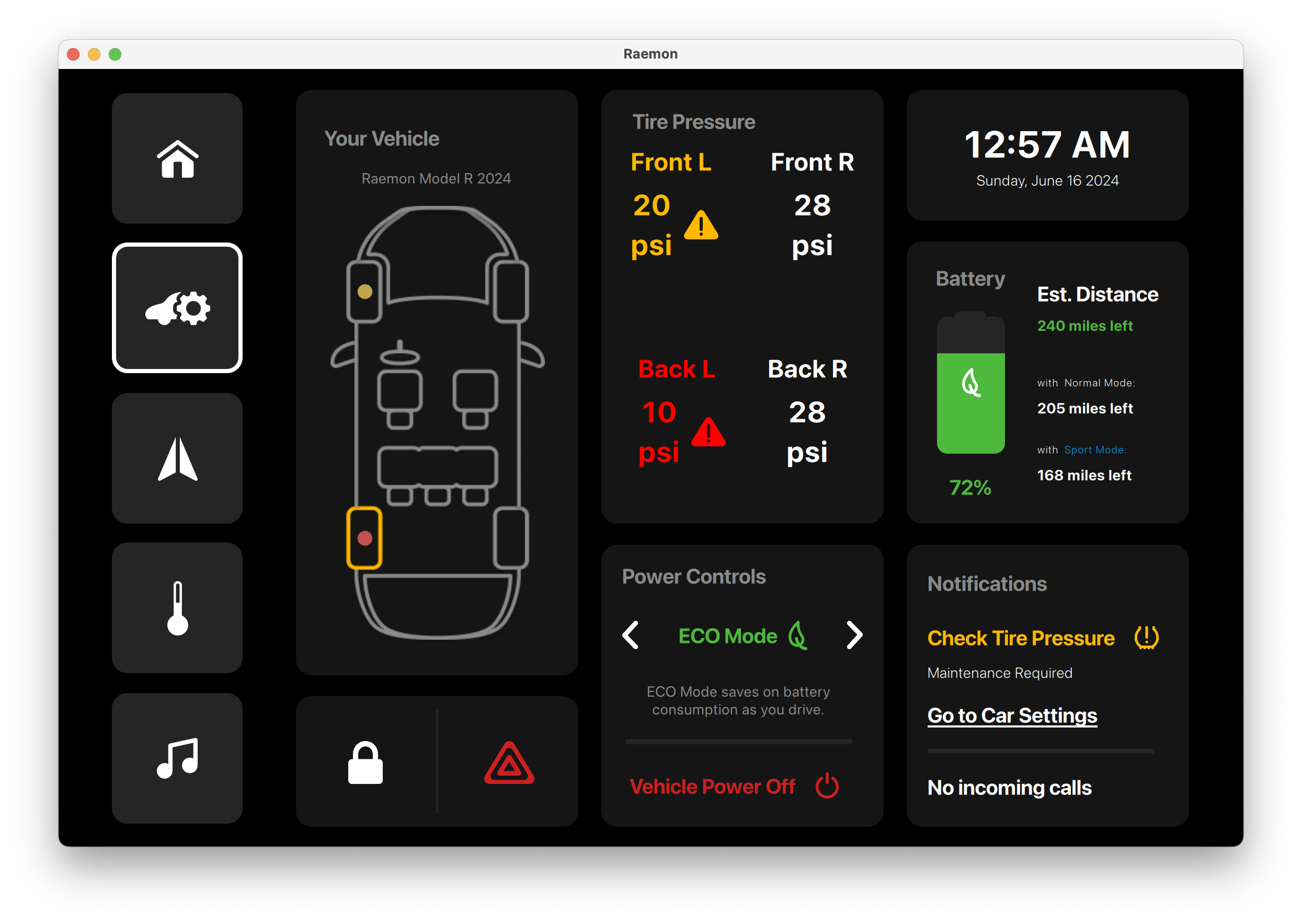
The tire-pressure screen highlights individual wheel pressure values and warning states so the driver can see which tire needs attention.
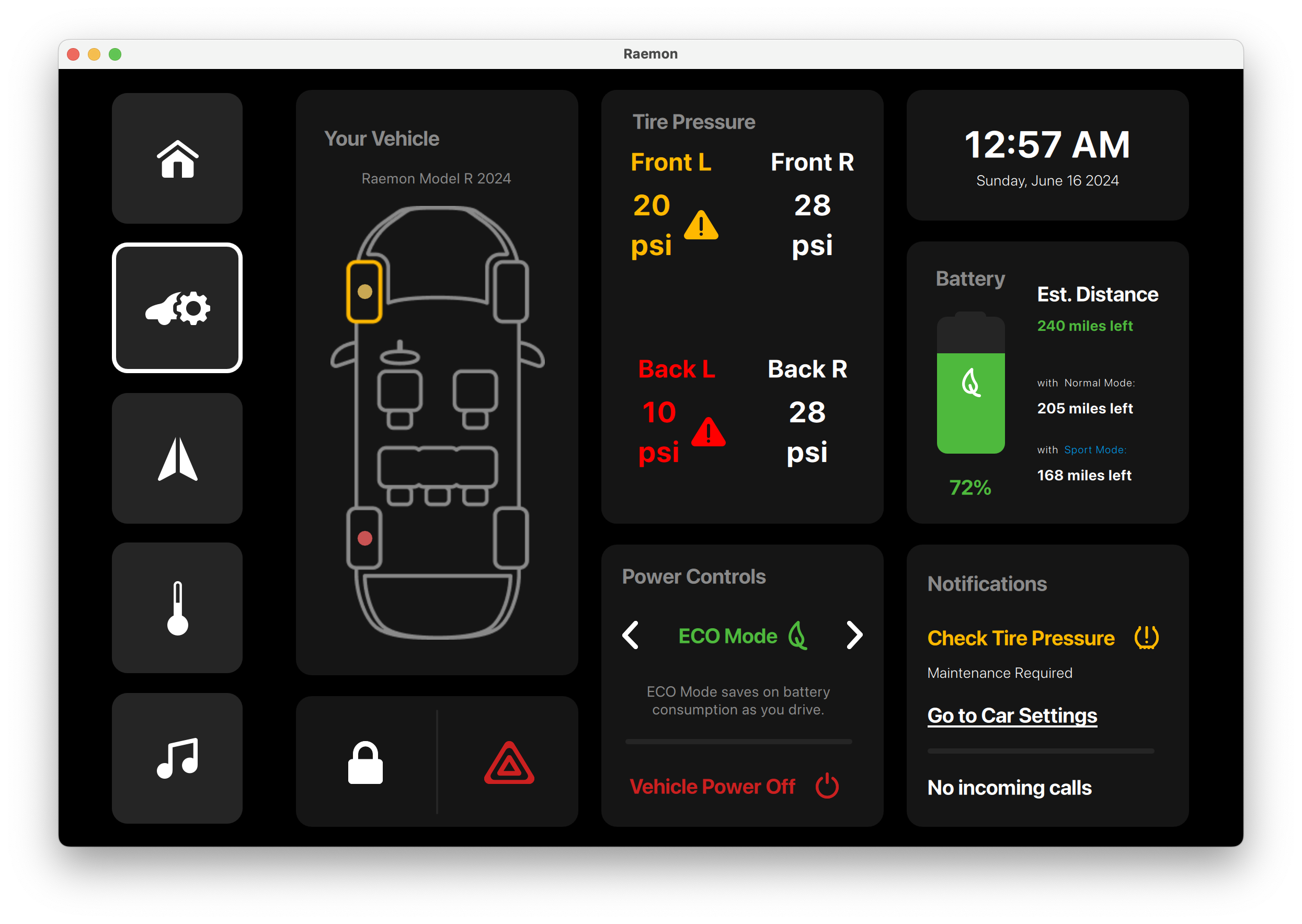
A compact vehicle-status view pairs tire-pressure alerts with Eco Mode controls, range, battery, and notification cards.
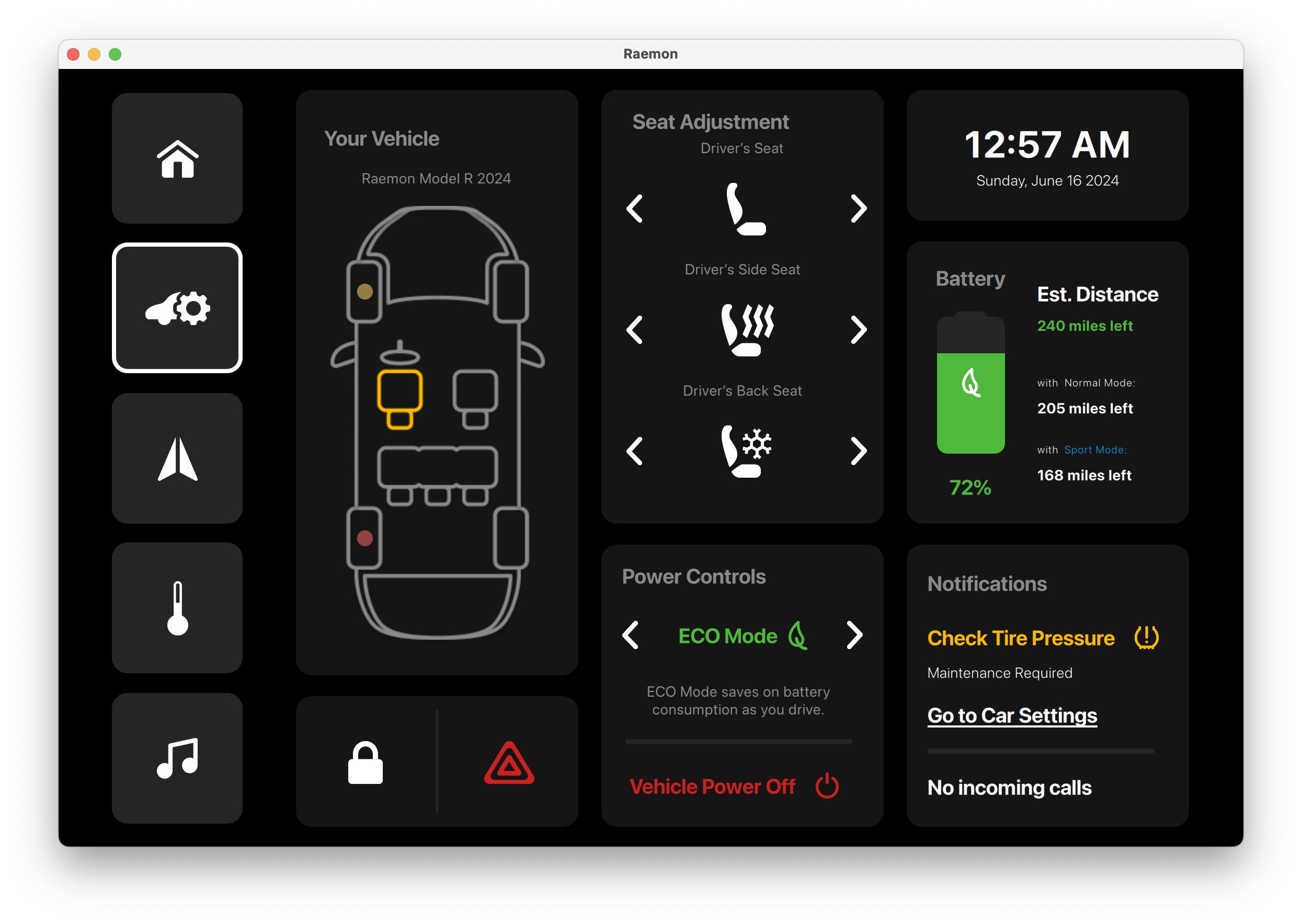
Seat adjustment, heating, ventilation, and climate shortcuts are grouped into a comfort panel for driver and passenger control.
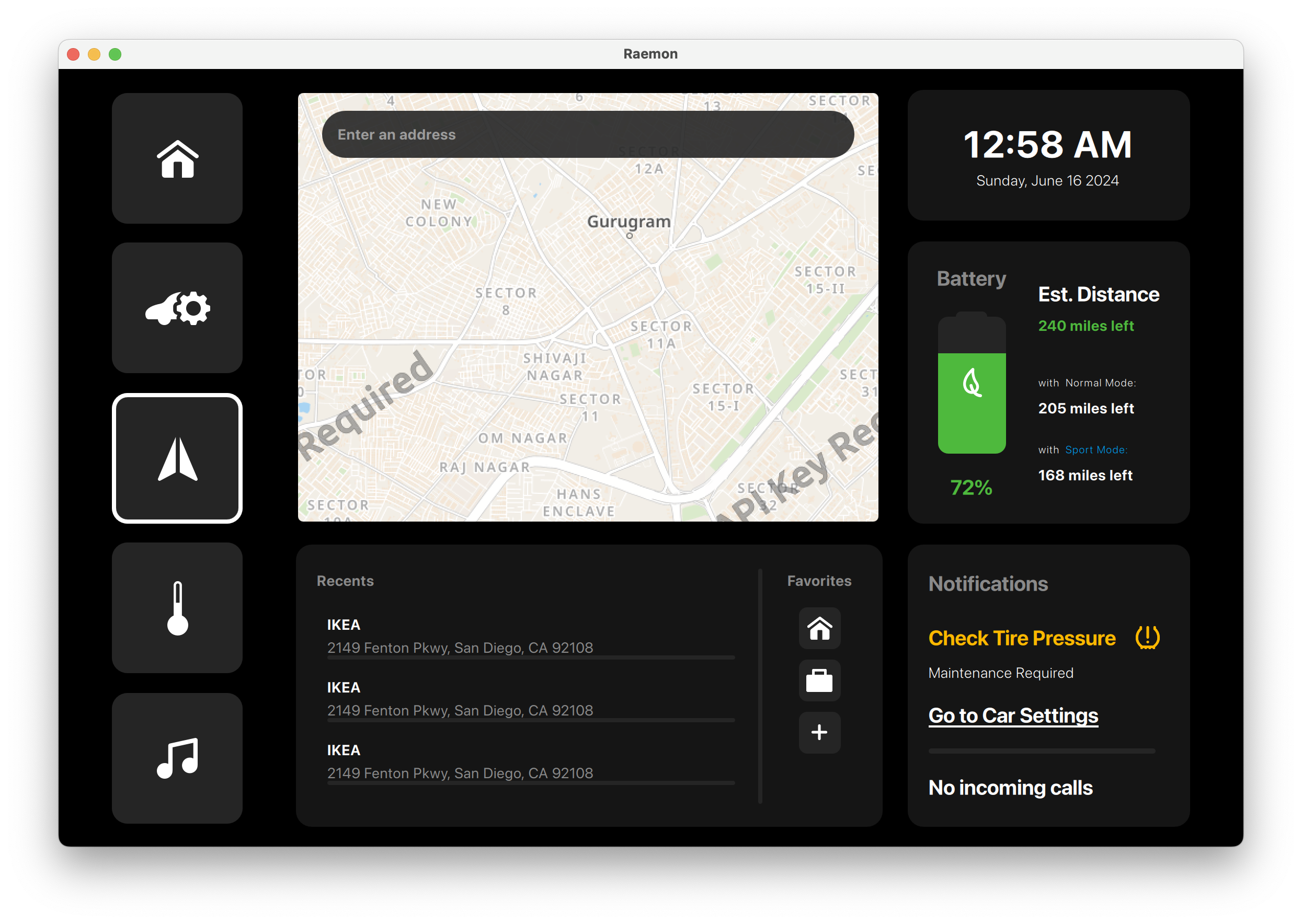
The navigation screen shows a route map with search, recent destinations, zoom controls, battery range, and persistent vehicle notifications.
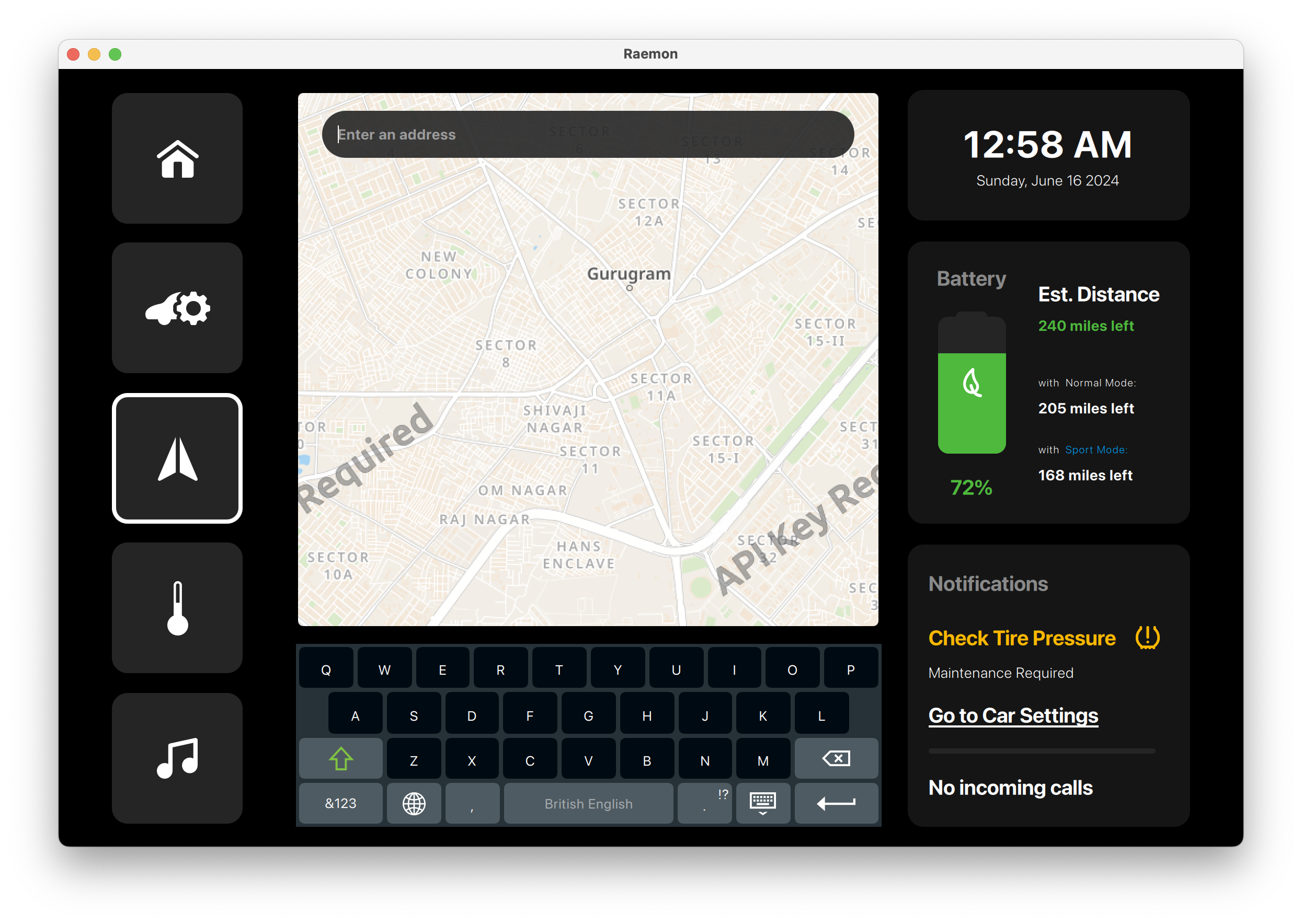
A destination-search state with an on-screen keyboard, giving the driver a direct route-entry workflow inside the map view.
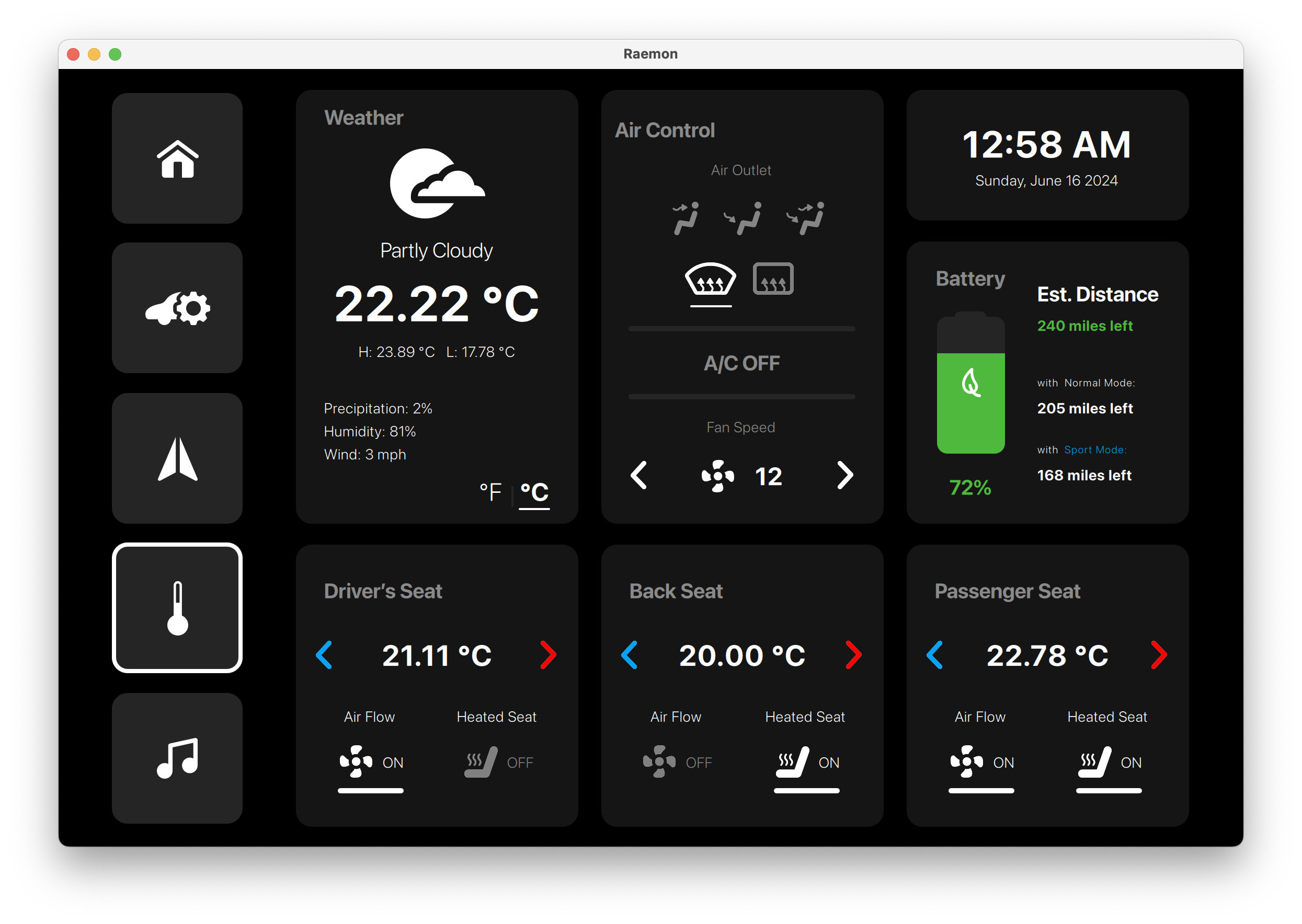
Weather, AC direction, fan speed, and individual driver/back/passenger seat temperatures are shown in a climate-control layout.
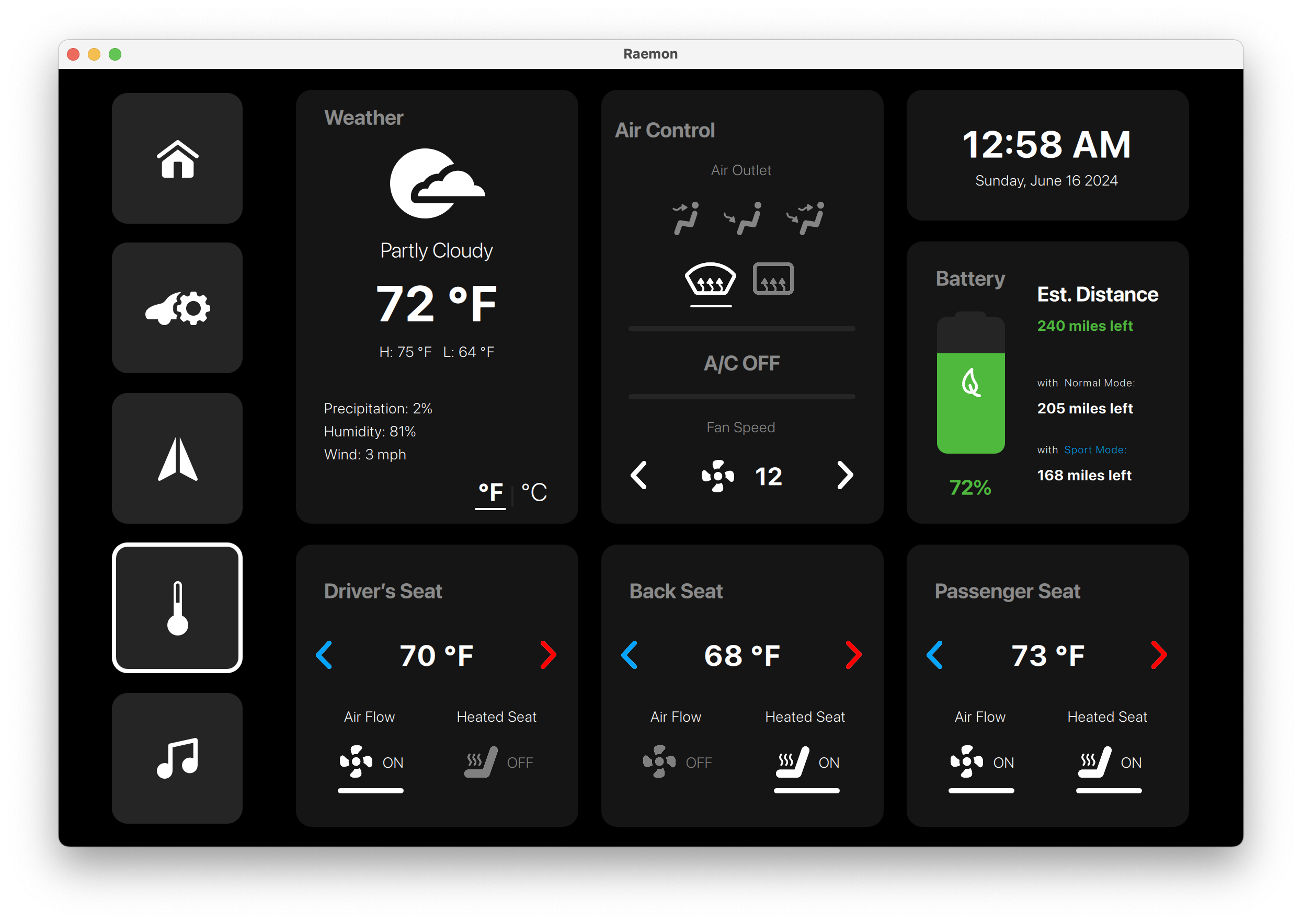
The same climate screen switches units to Fahrenheit while keeping air control, battery, and seat temperature cards consistent.
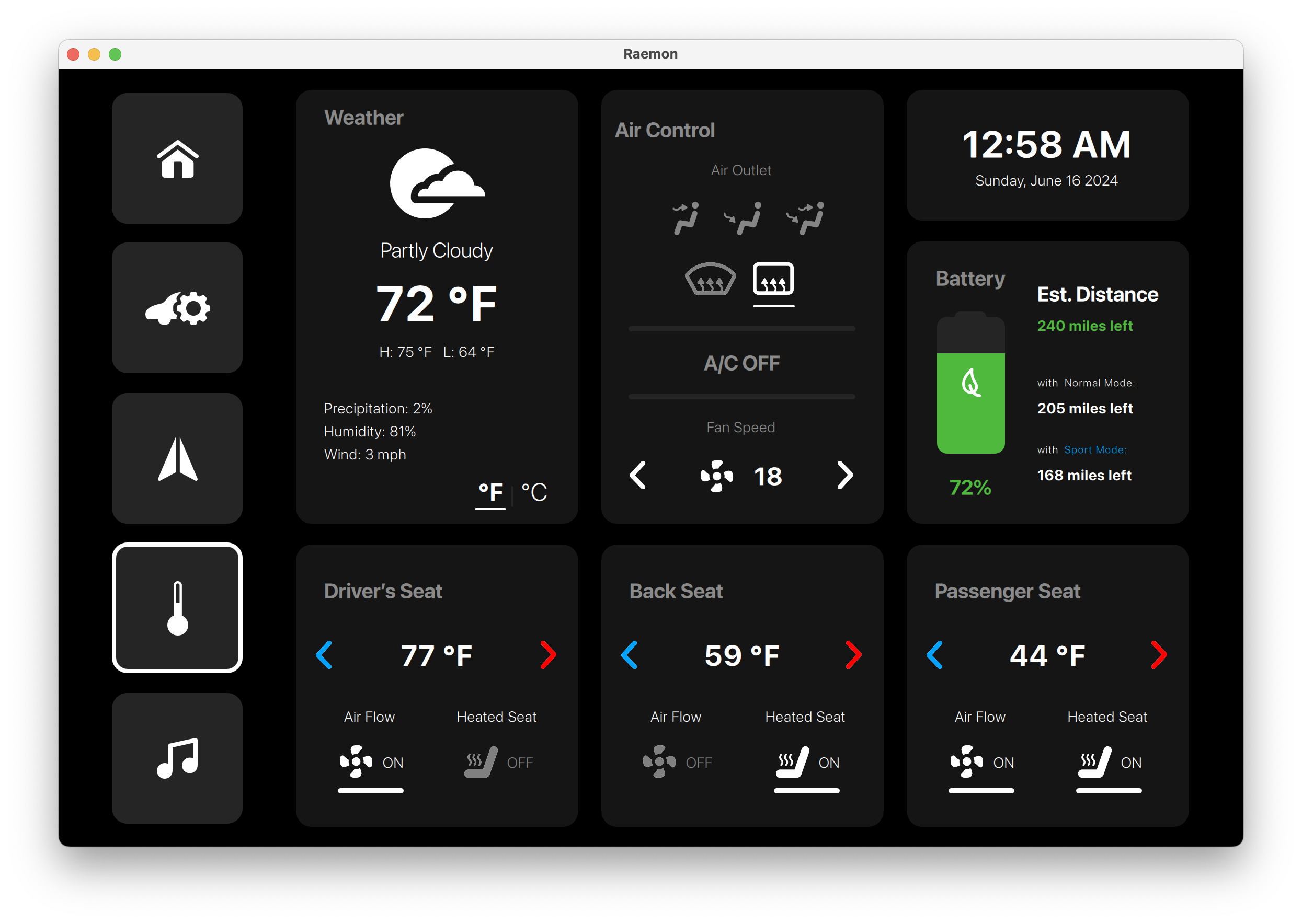
Driver, rear, and passenger seat cards show different target temperatures, useful for demonstrating independent comfort zones.
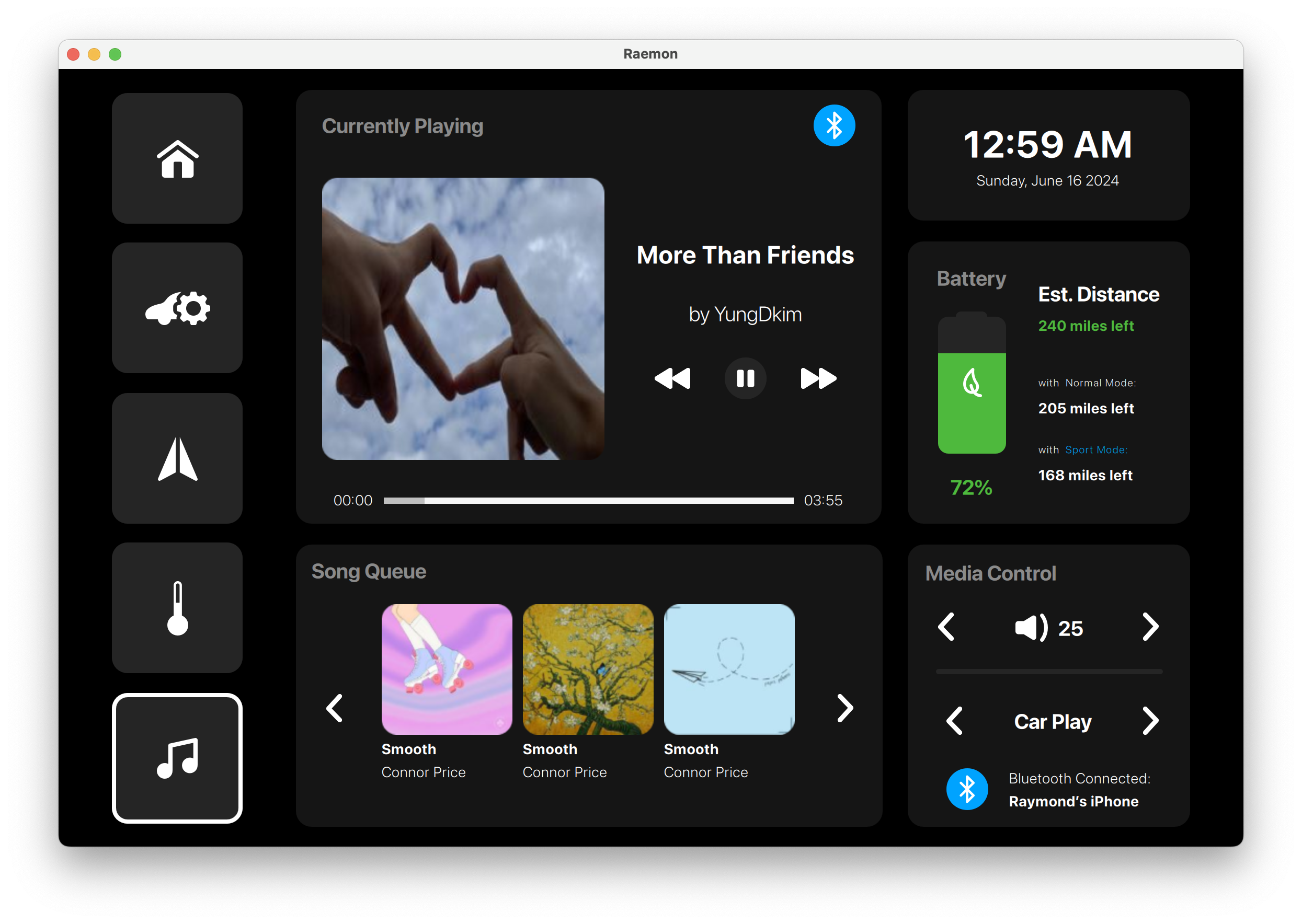
The media screen includes album art, playback controls, queue cards, Bluetooth status, volume, and app selection.
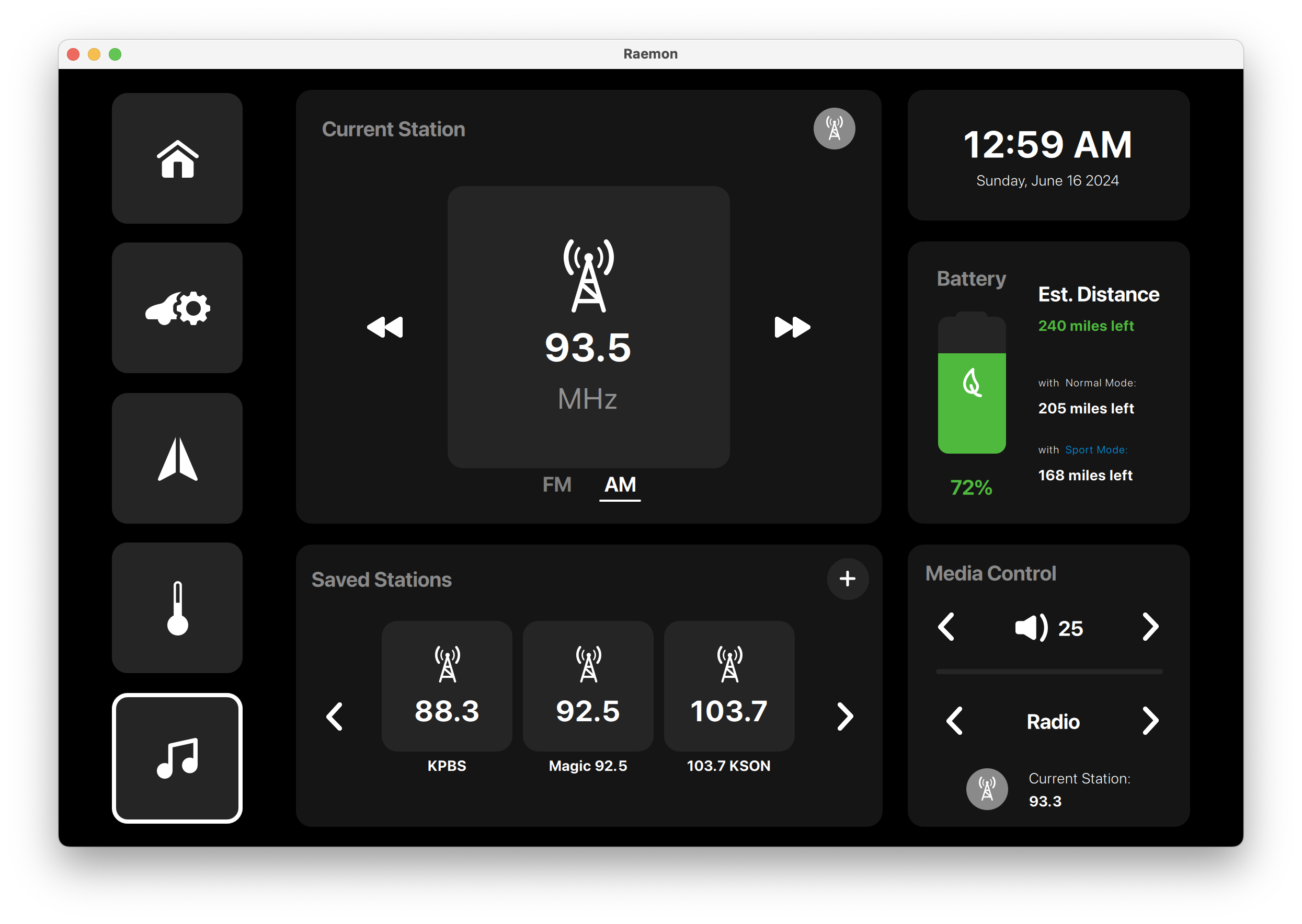
FM radio playback is separated from Spotify, with saved stations, next/previous controls, and a current-station card.
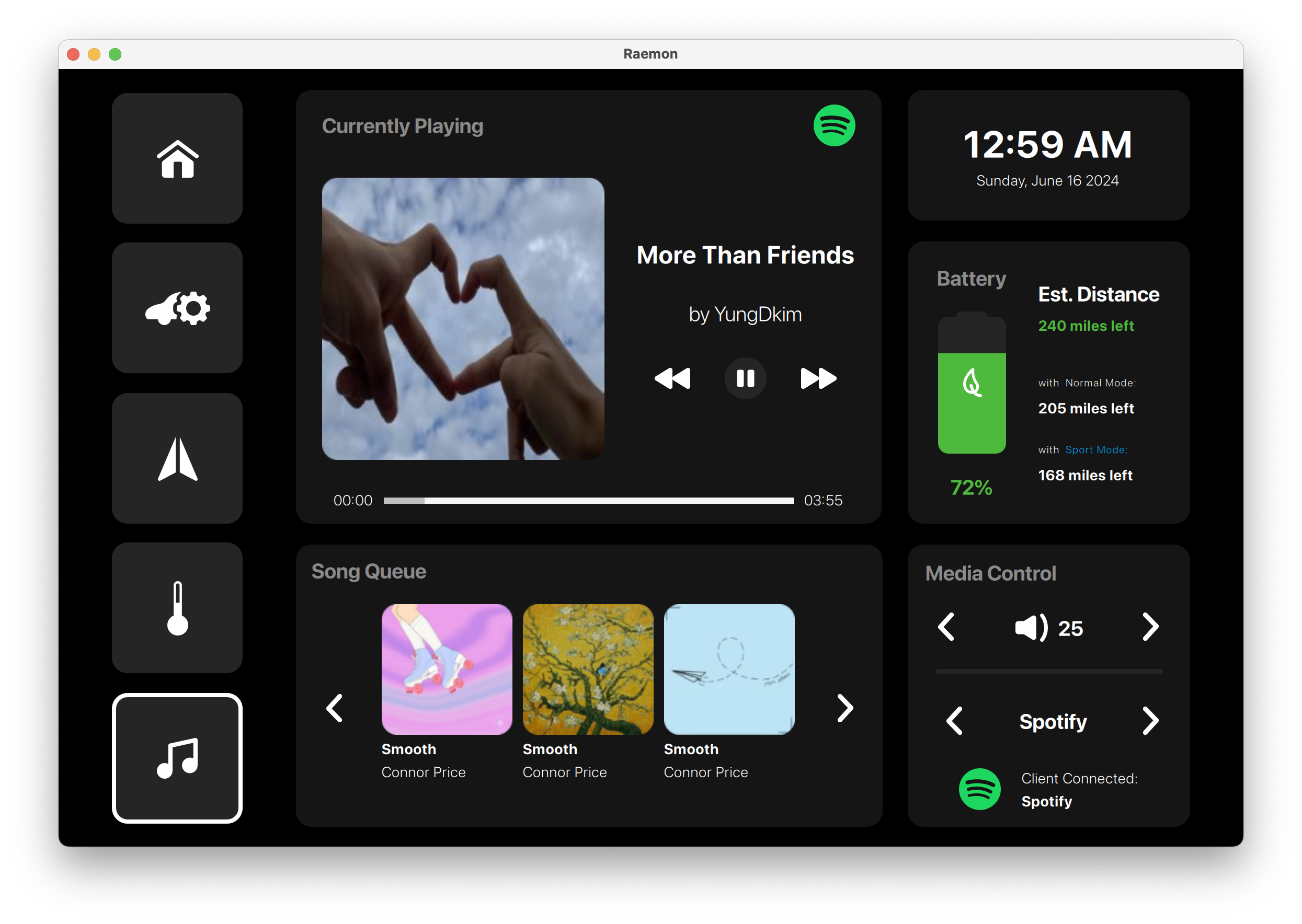
A focused media view gives more space to album art, progress, song queue, Spotify source, and volume controls.
Watch the project in action and explore the source code.
Access the complete project source code, including Qt/QML UI, C++ backend logic, and build configuration.
Related work
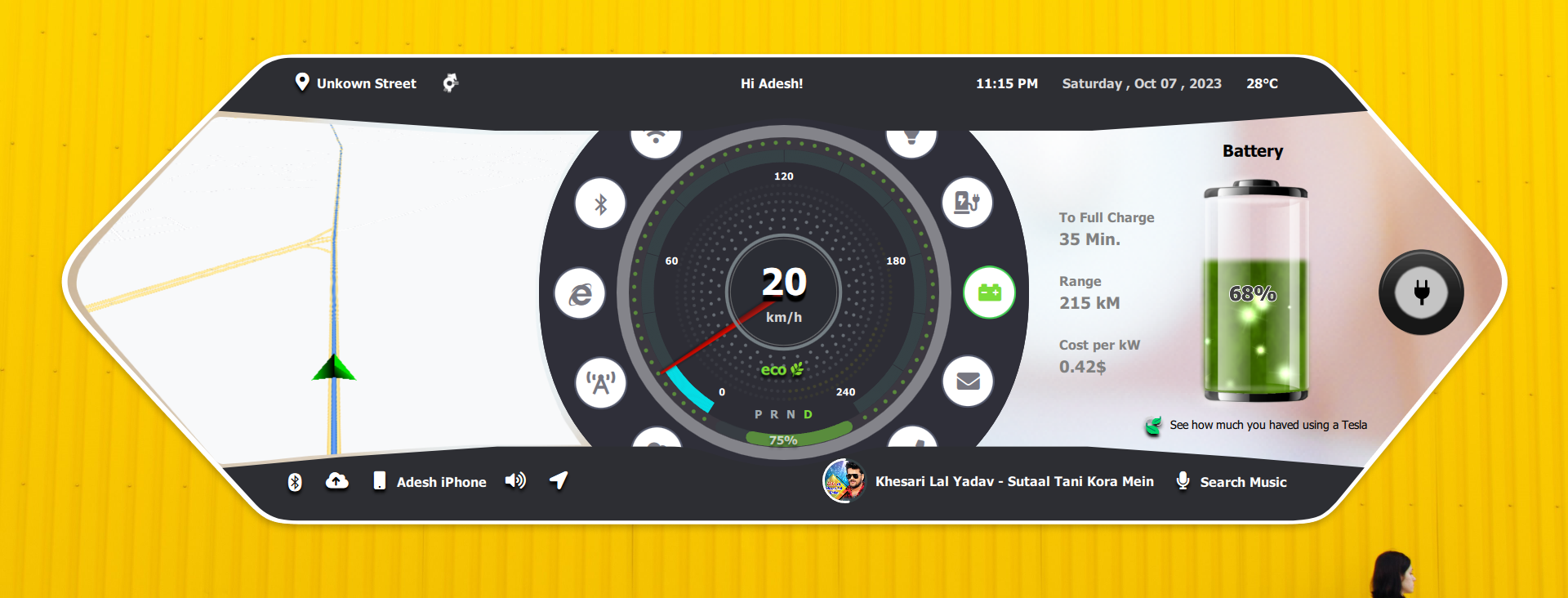
Wide-format electric vehicle dashboard with map, speed cluster, battery, charging, controls, Bluetooth, Spotify, and weather views.
A panoramic in-car dashboard experience for navigation, speed, charging, vehicle controls, connectivity, and media.
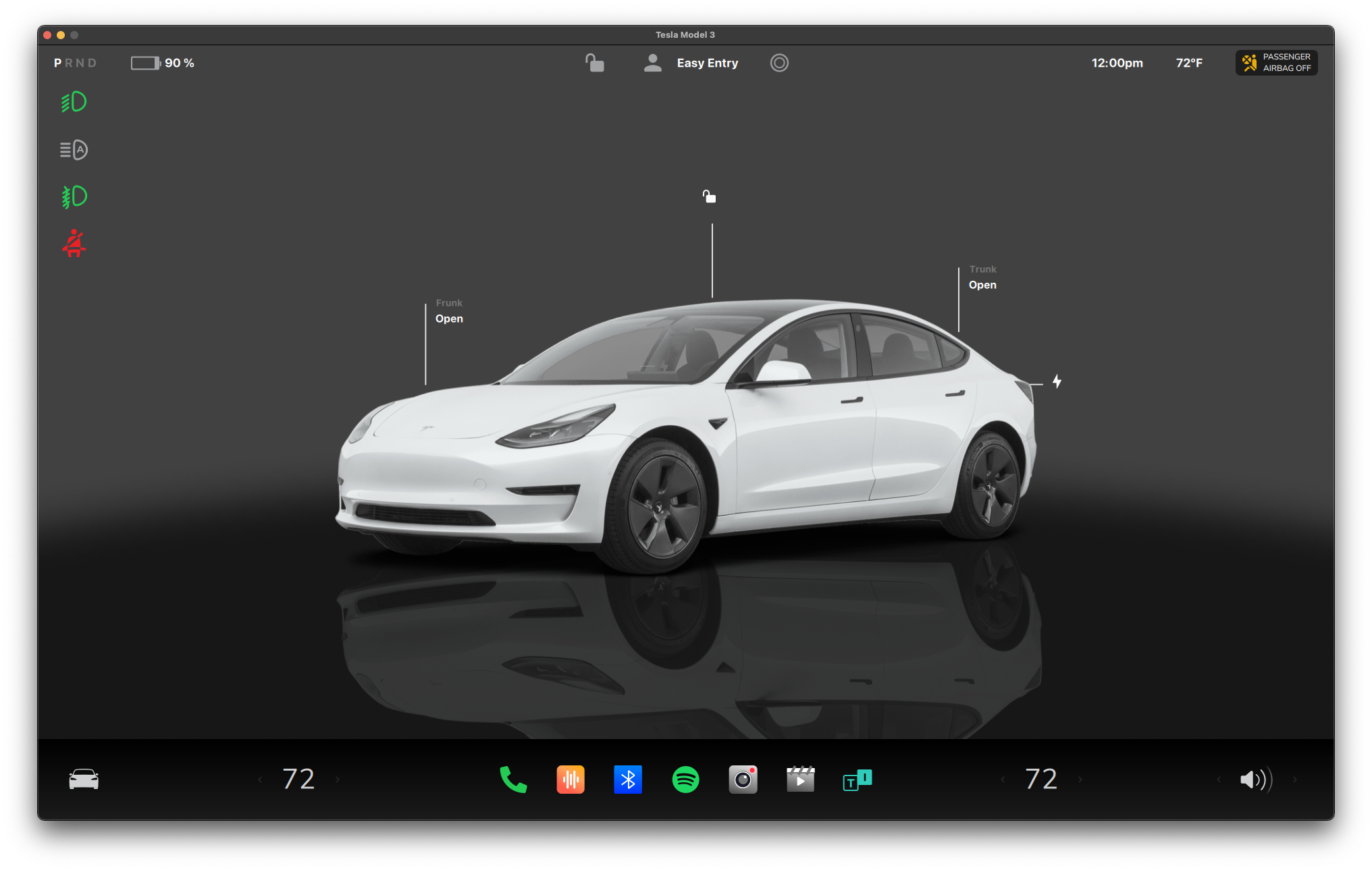
Automotive-style infotainment and vehicle control UI developed with Qt/QML.
Automotive-style control interface for vehicle state, media, navigation, and comfort controls.
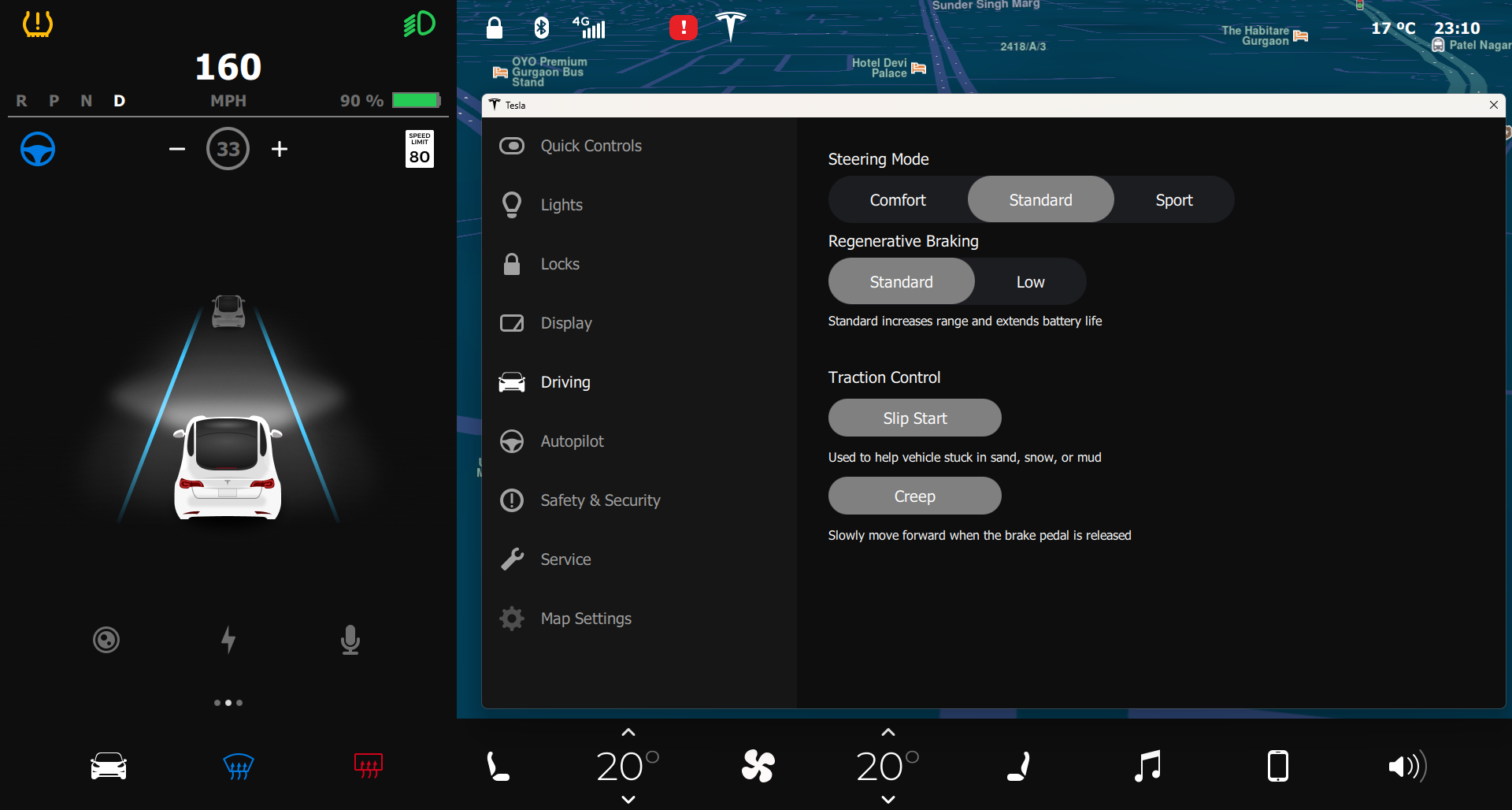
Next-generation vehicle control and digital cluster UI built with Qt/QML.
Refined vehicle control experience with stronger visual hierarchy and screen-to-screen consistency.
Share your hardware target, UI scope, Qt version, and delivery timeline. We will provide a practical technical assessment.
