Automotive HMI
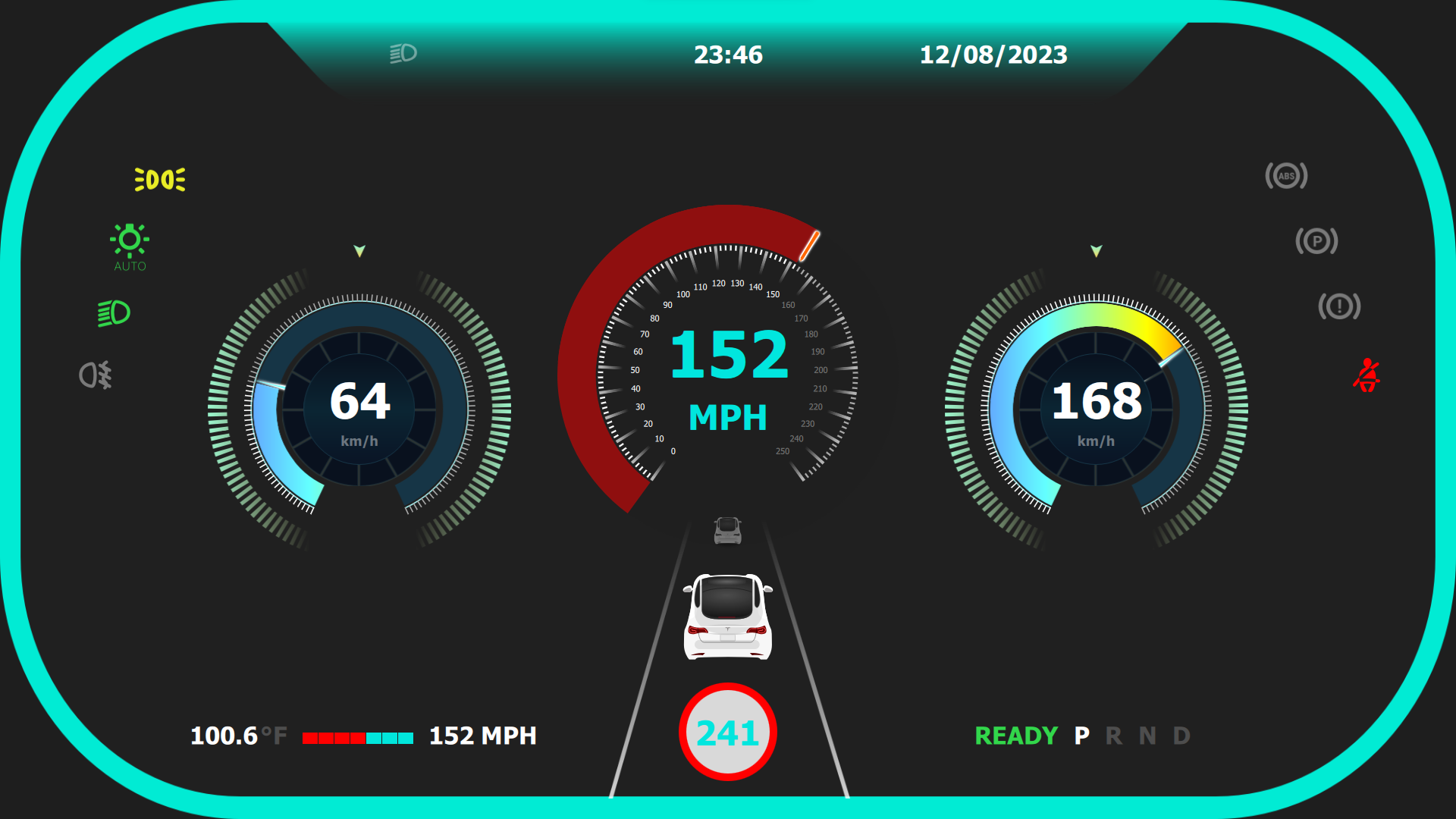
Automotive digital instrument cluster built with Qt/QML for speed, battery, range, warning icons, and driving-state visualization.
Outcome
A high-contrast digital cluster with startup, speed, battery, range, warning, and driving visualization states.
Industry
Automotive HMI
Platform
Qt Quick, C++, Digital Cluster
Engagement
Instrument cluster concept
01
Instrument cluster screens
02
Speed and battery states
03
Driving visualization UI
Case study
The project needed a Qt/QML interface that could communicate complex system state clearly, remain maintainable, and scale across multiple screens without visual or architectural drift.
A high-contrast digital cluster with startup, speed, battery, range, warning, and driving visualization states.
Deliverables
The implementation focuses on maintainable QML composition, C++ integration readiness, responsive screen layouts, and UI states that can be validated against real product data.
Screenshots
Screens from the project showing core workflows, control surfaces, dashboard states, and interaction patterns.
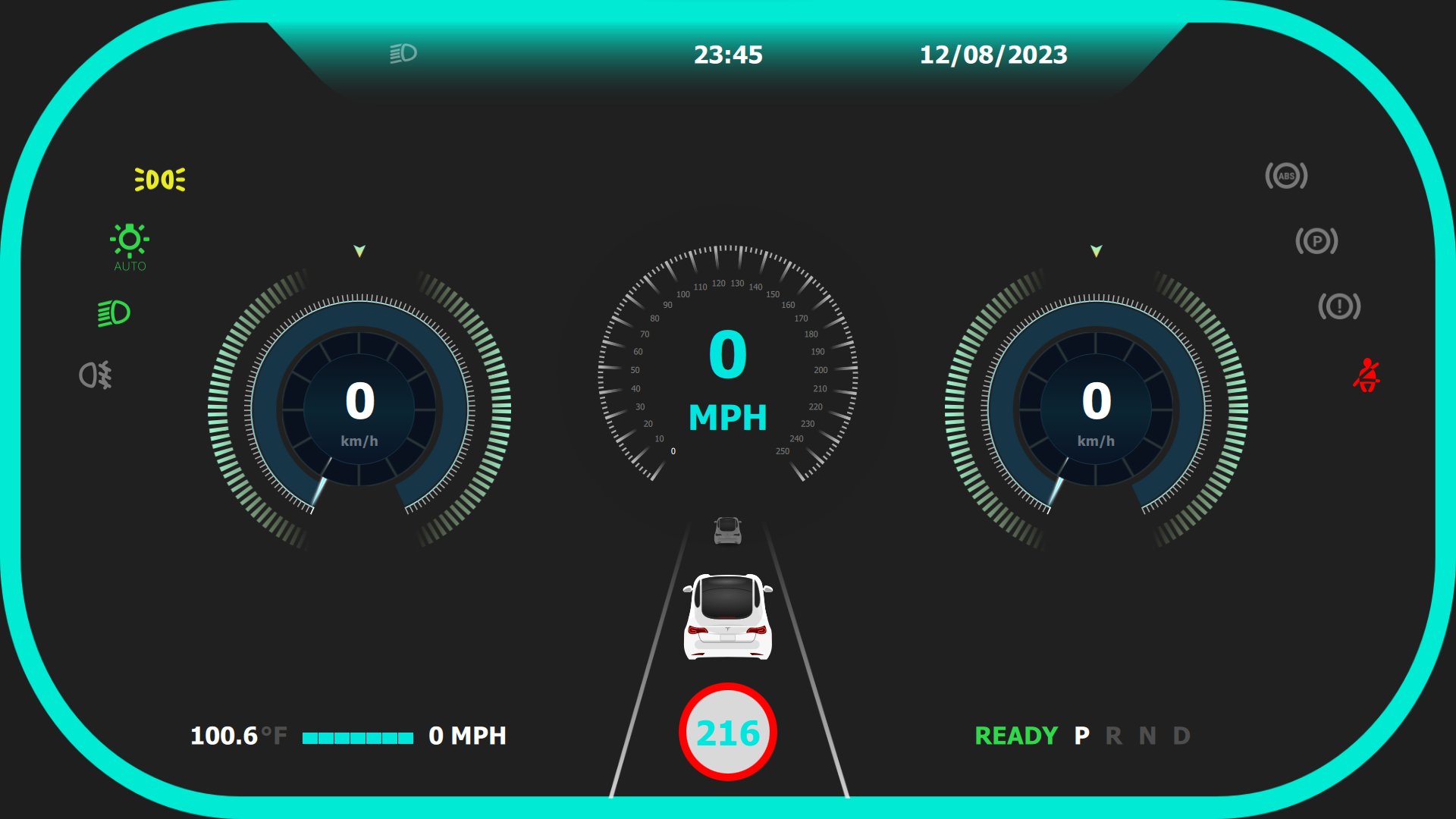
A dark digital cluster with zero-speed gauges, vehicle visualization, gear state, warning icons, and teal frame lighting.
The cluster shows active speed, left/right circular gauges, warning range, and lane-centered vehicle visualization.
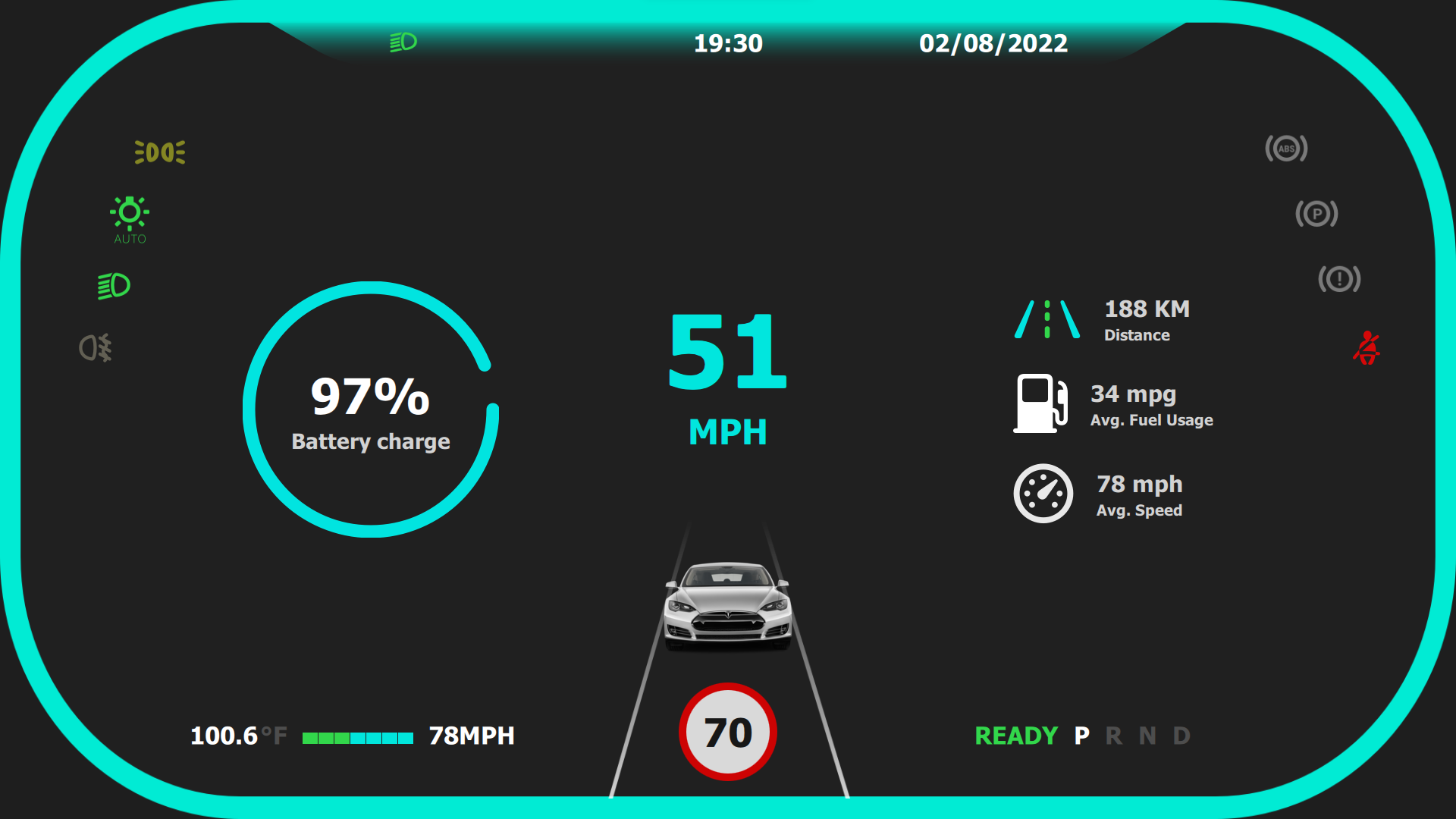
A simplified cluster view highlights battery charge, current speed, distance, average MPG, and speed-limit context.
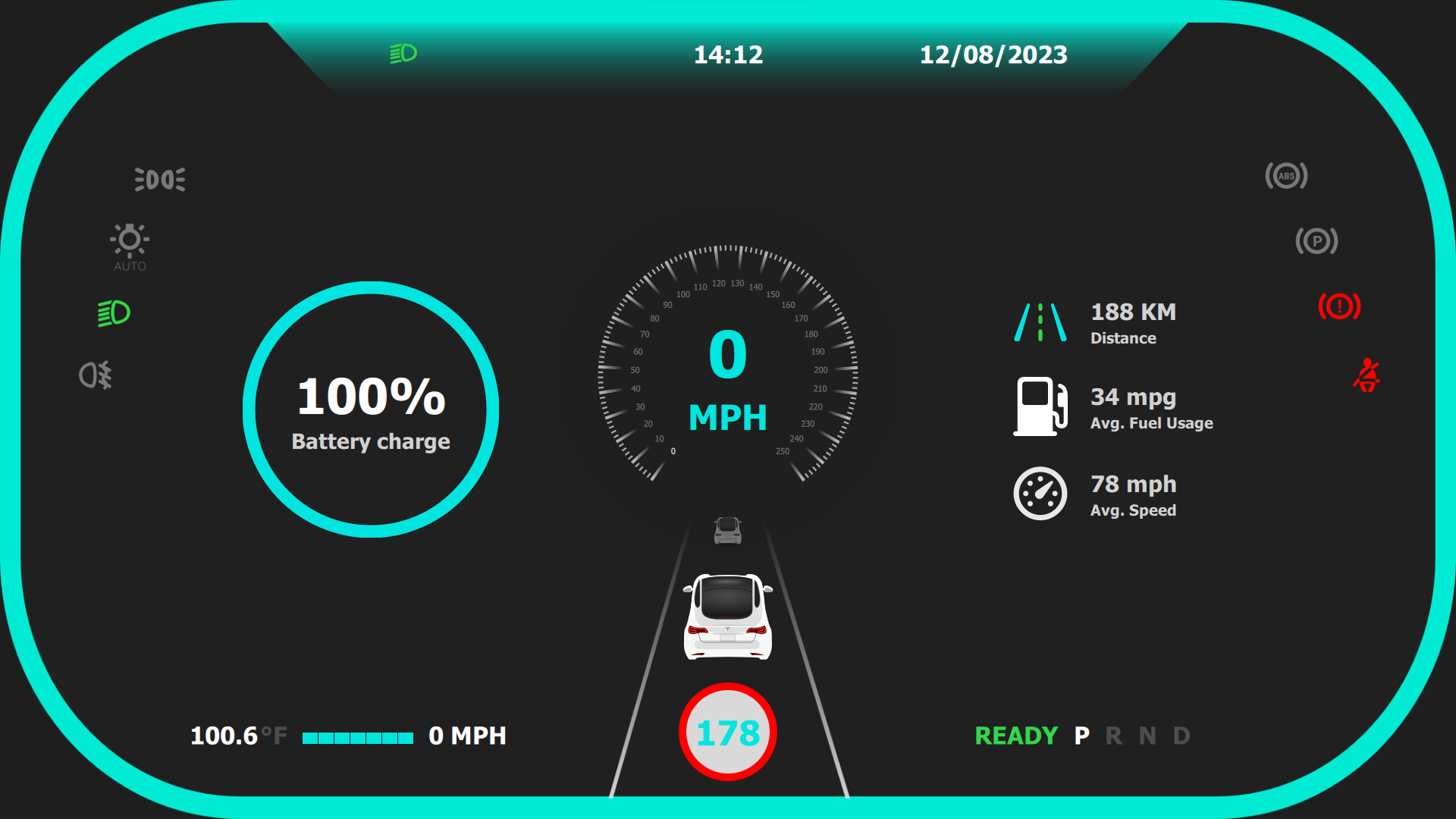
The same battery/range layout shows a fully charged parked state with zero speed and vehicle-ready indicator.
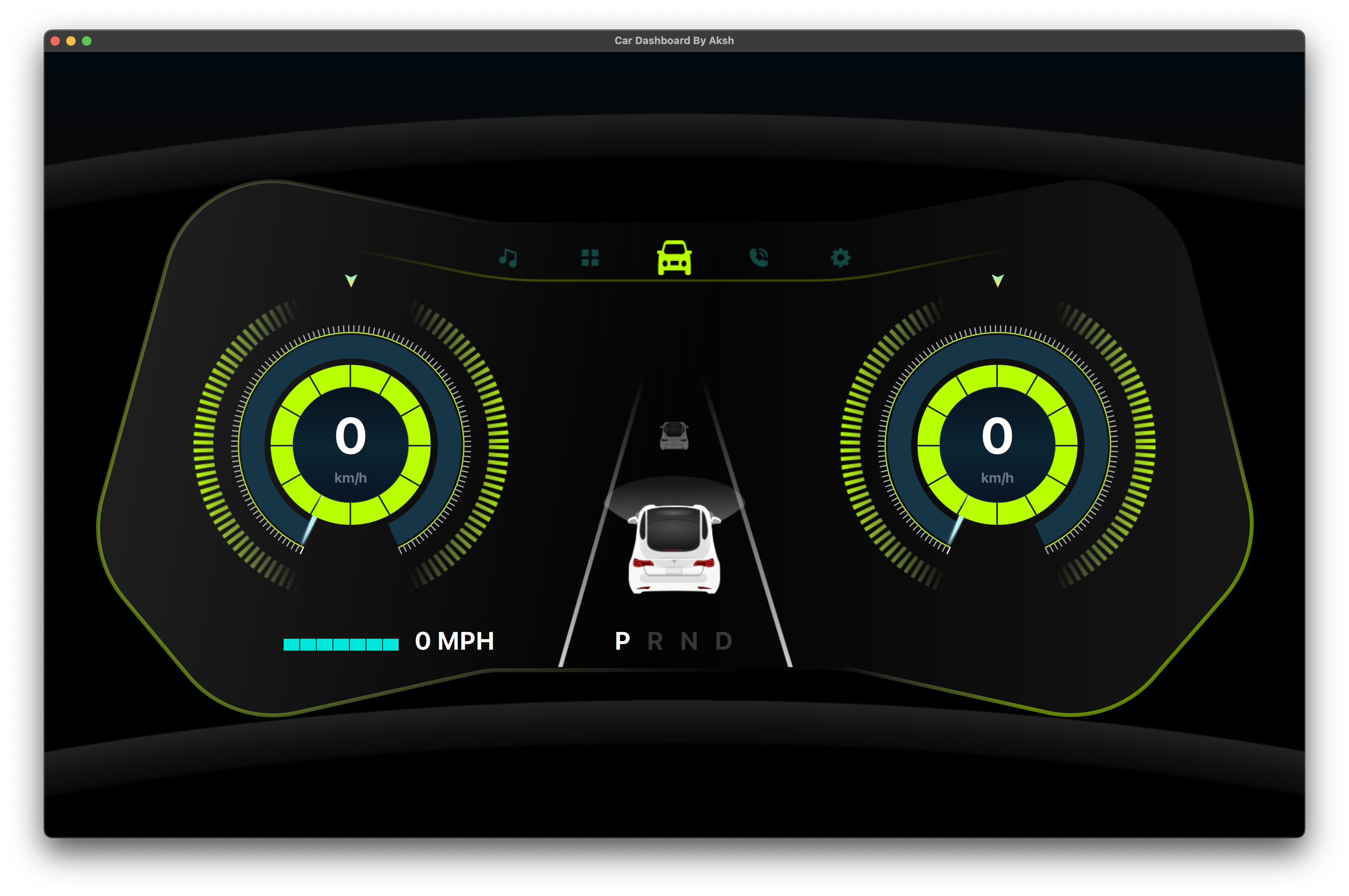
A second cluster style uses two large circular gauges, top function icons, gear state, and lane visualization.
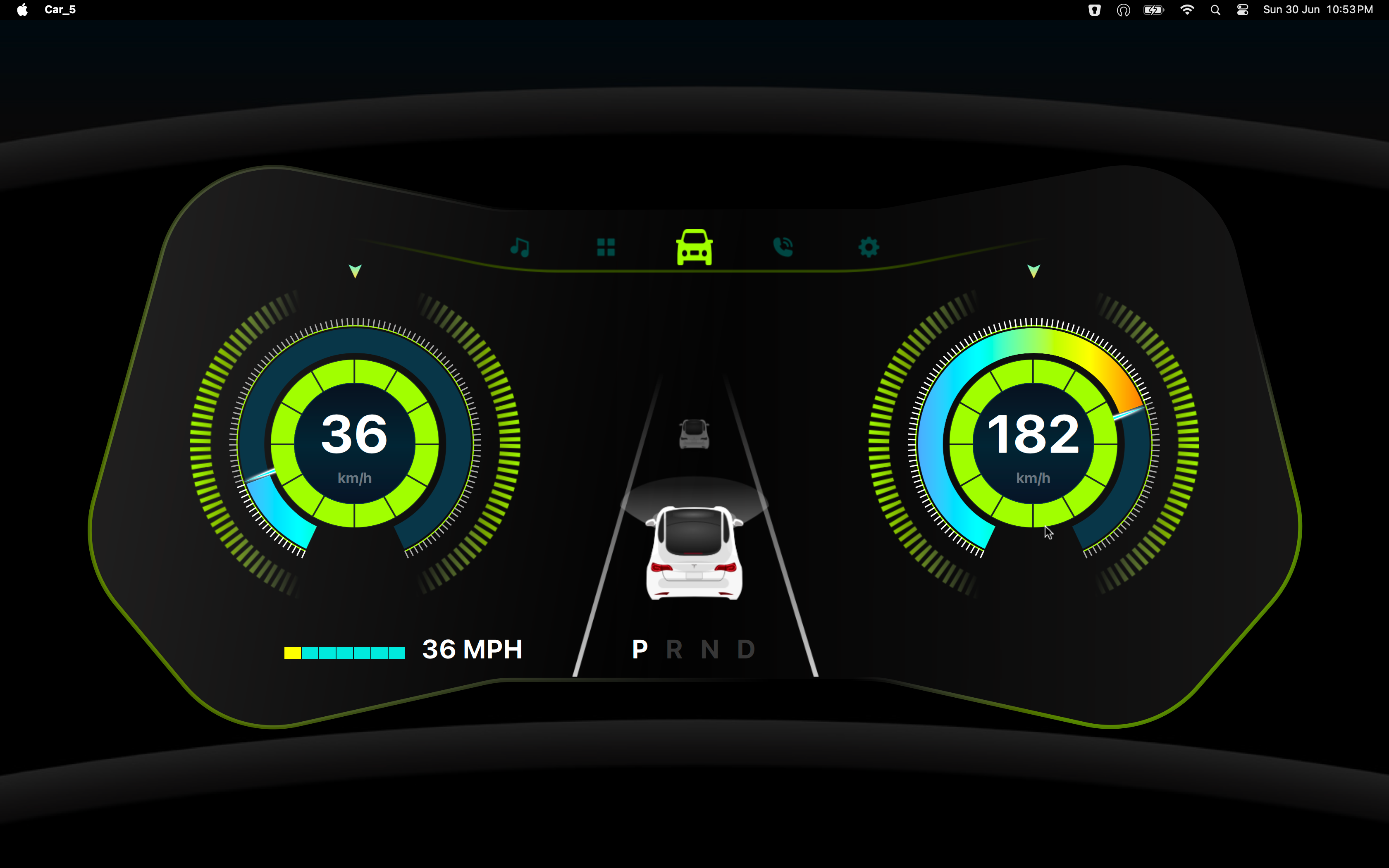
The cluster shows live driving speed and a high right-side gauge value while keeping the vehicle centered between lane markers.
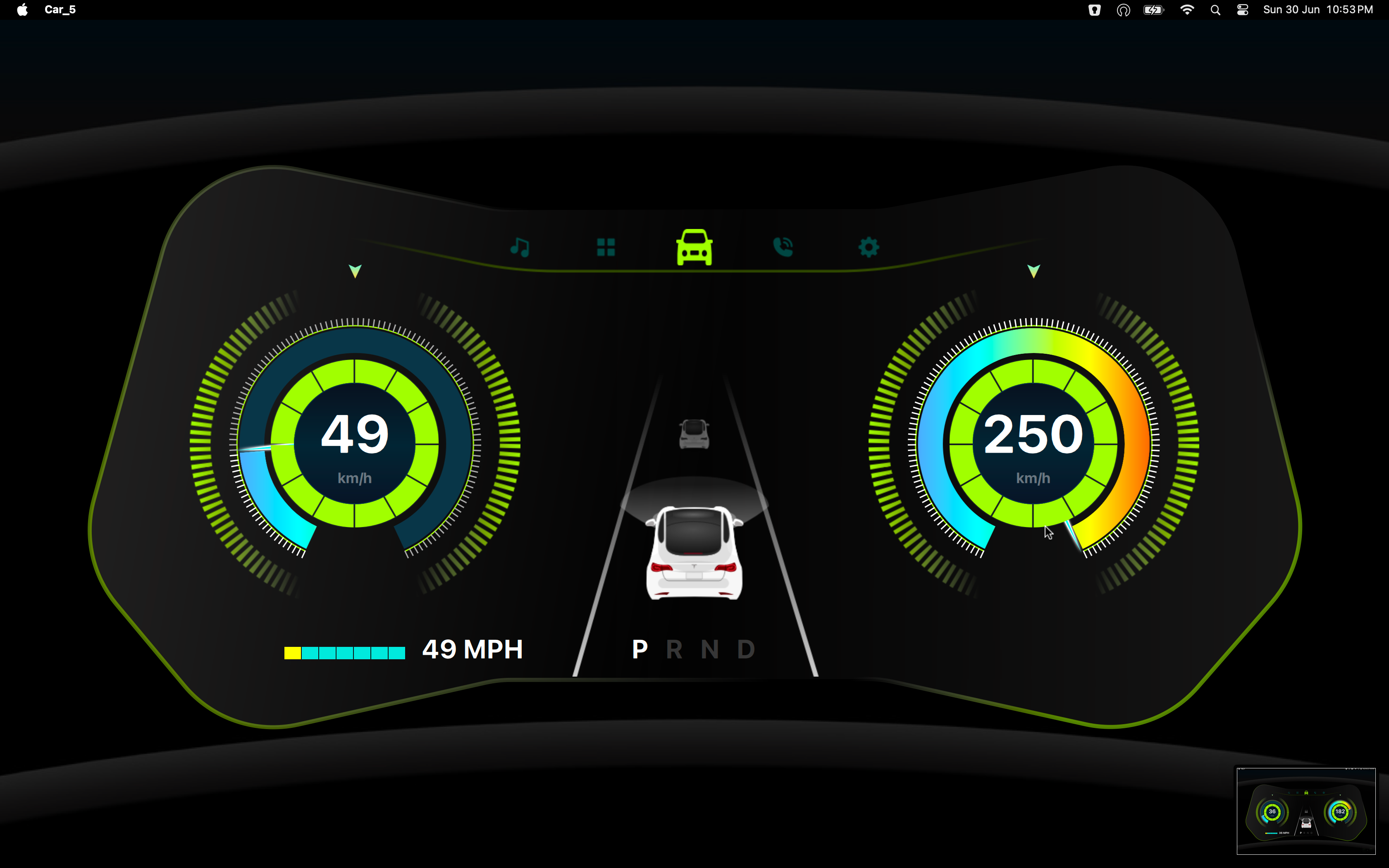
A mid-speed state demonstrates how gauge arcs, speed, and lower status indicators react during normal driving.
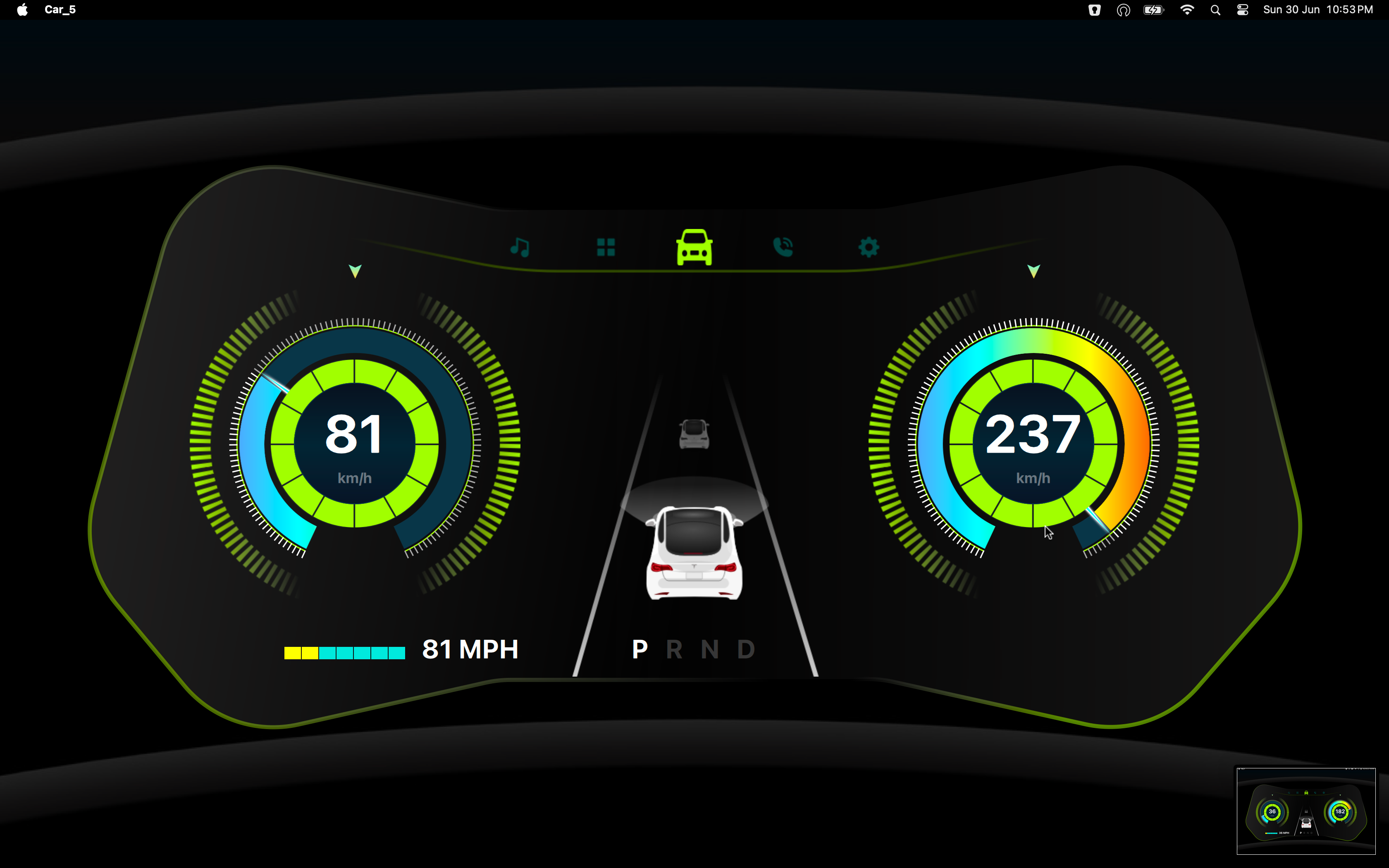
A higher-speed state with stronger gauge values, lane context, and small system icons for an active digital cockpit.
Watch the project in action and explore the source code.
Access the complete project source code, including Qt/QML UI, C++ backend logic, and build configuration.
Related work
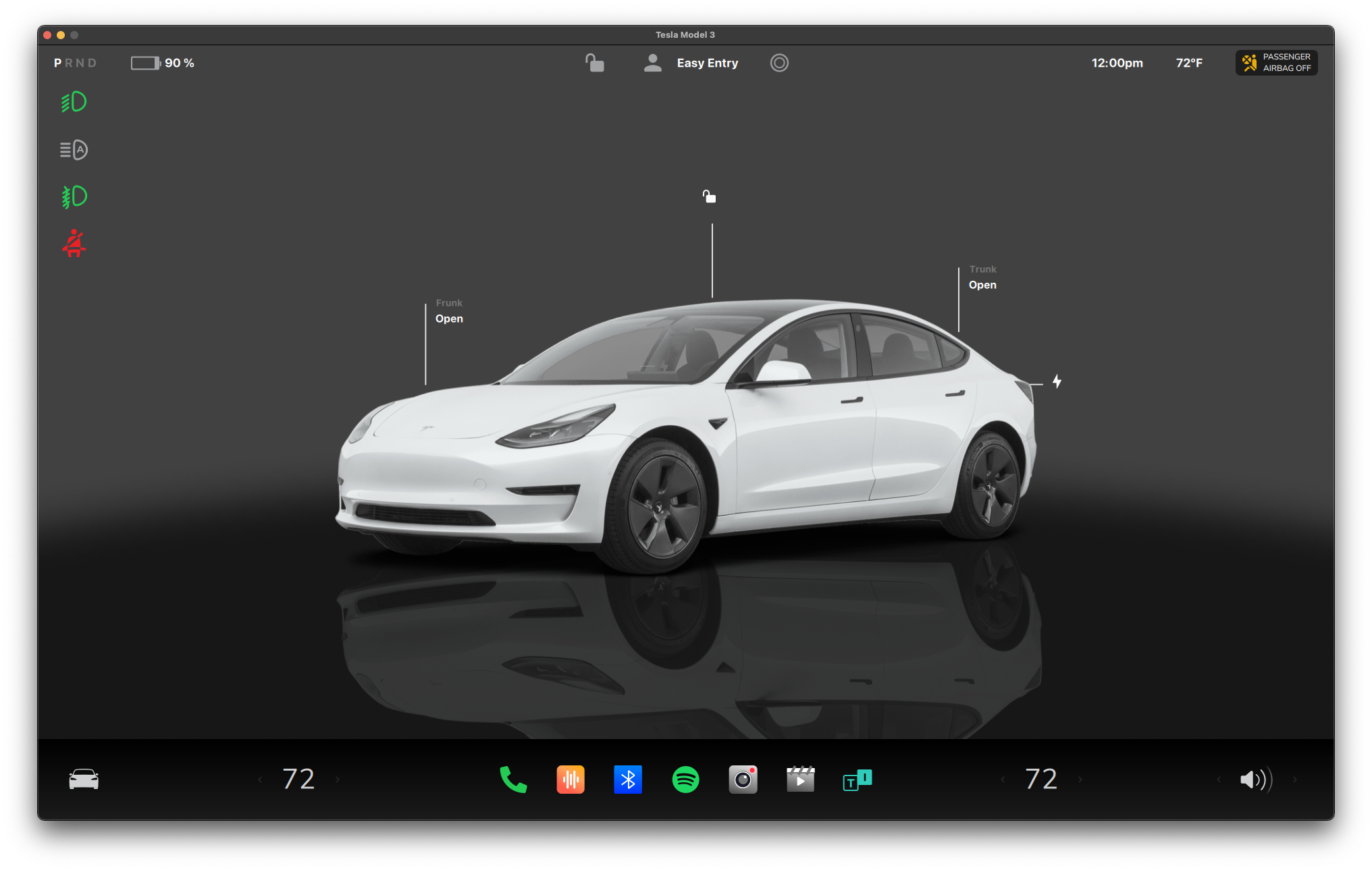
Automotive-style infotainment and vehicle control UI developed with Qt/QML.
Automotive-style control interface for vehicle state, media, navigation, and comfort controls.
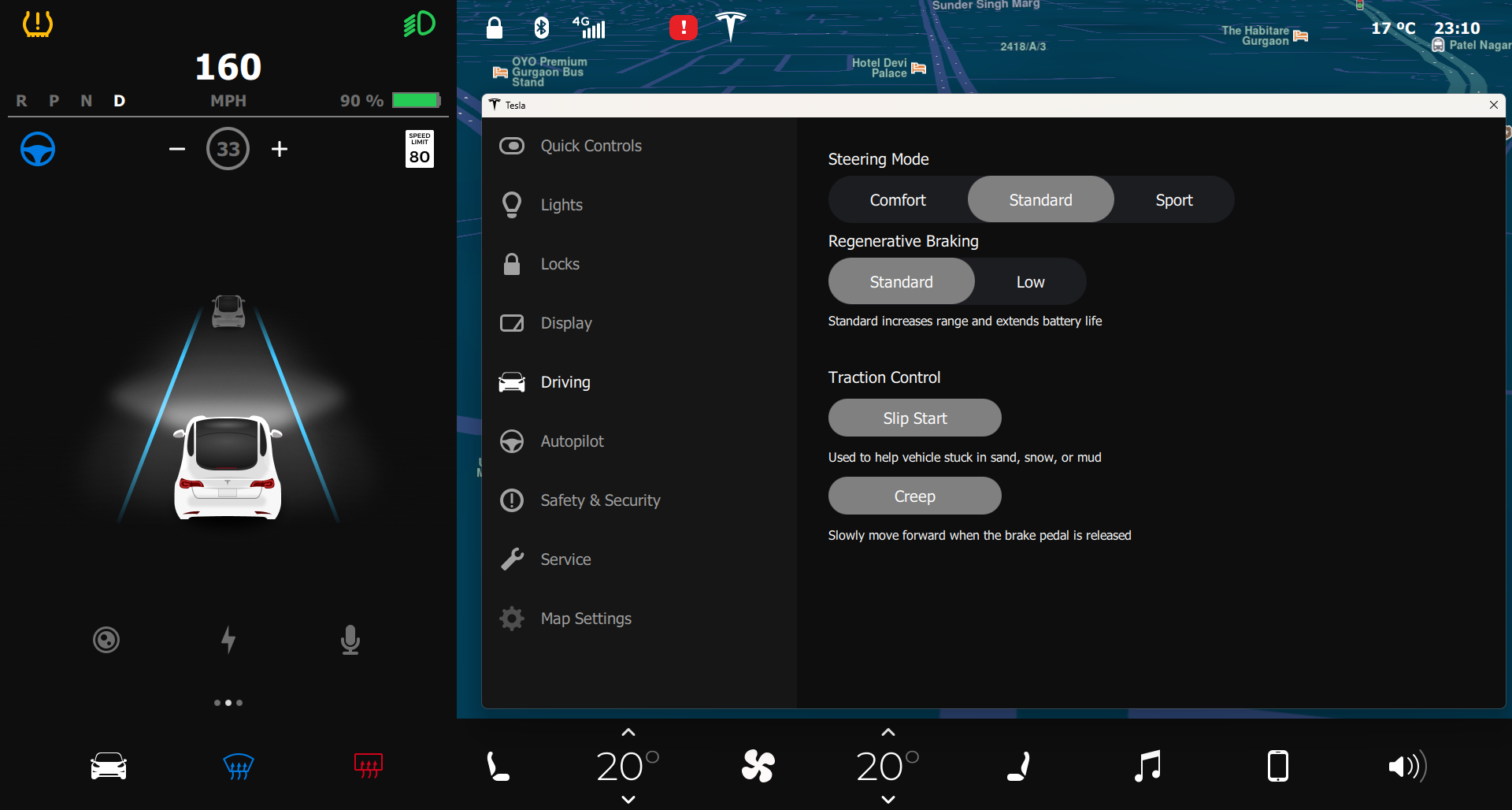
Next-generation vehicle control and digital cluster UI built with Qt/QML.
Refined vehicle control experience with stronger visual hierarchy and screen-to-screen consistency.
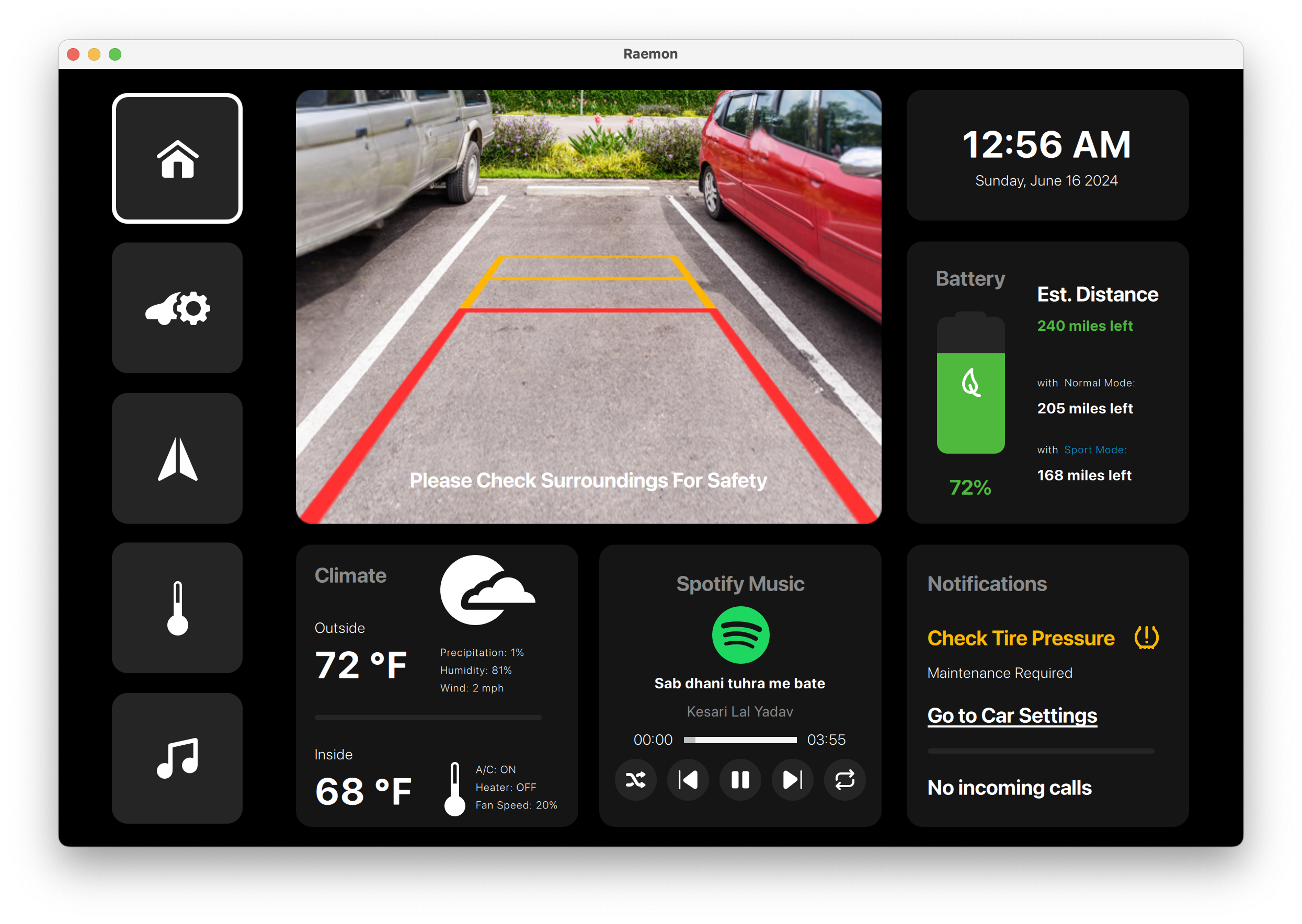
Automotive infotainment and vehicle-control console built with Qt/QML for camera, navigation, climate, media, tire pressure, and power controls.
A Reamon-branded vehicle console covering reverse camera, tire warnings, navigation, climate, seat comfort, media, and power-mode controls.
Share your hardware target, UI scope, Qt version, and delivery timeline. We will provide a practical technical assessment.
