Automotive Infotainment
Full-featured car infotainment system built with Qt/QML featuring dual light and dark themes, navigation, media playback, climate control, EV battery management, voice assistant, driver profiles, vehicle status, safety settings, and a theme studio for cabin personalization.
Outcome
A production-ready automotive infotainment interface with 22+ screens across light and dark themes, covering navigation, media, climate, EV energy, voice control, driver profiles, vehicle diagnostics, safety management, and complete theme customization.

Industry
Automotive Infotainment
Platform
Qt Quick, QML, C++, In-Vehicle Touch Display
Engagement
Infotainment system UI design and development
01
22+ infotainment screens
02
Full light and dark theme system
03
10 integrated vehicle modules
Case study
The infotainment system needed to unify navigation, media, climate, EV battery management, vehicle controls, voice assistant, driver profiles, safety settings, and theme personalization into a single coherent interface — all while supporting a complete light and dark theme system that remains readable in both bright sunlight and nighttime cabin conditions.
A production-ready automotive infotainment interface with 22+ screens across light and dark themes, covering navigation, media, climate, EV energy, voice control, driver profiles, vehicle diagnostics, safety management, and complete theme customization.
Deliverables
The implementation focuses on maintainable QML composition, C++ integration readiness, responsive screen layouts, and UI states that can be validated against real product data.
Screenshots
Screens from the project showing core workflows, control surfaces, dashboard states, and interaction patterns.
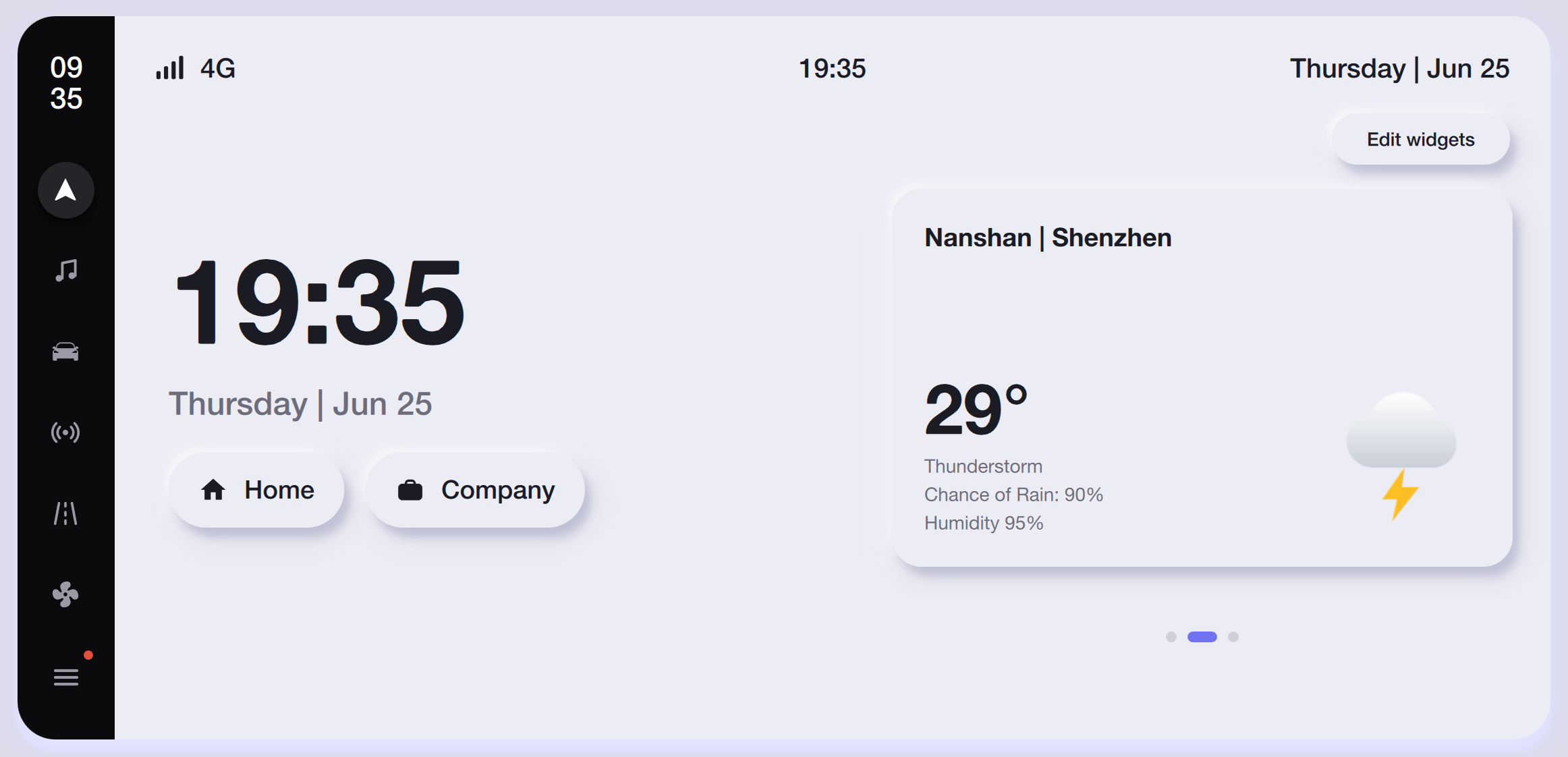
The home screen in dark mode displays a large digital clock, date, location shortcuts, and a live weather widget showing current temperature, forecast conditions, and humidity for Nanshan, Shenzhen.
The same home layout adapted to light mode with a soft lavender background, white widget cards, and high-contrast typography that remains readable in bright cabin conditions.
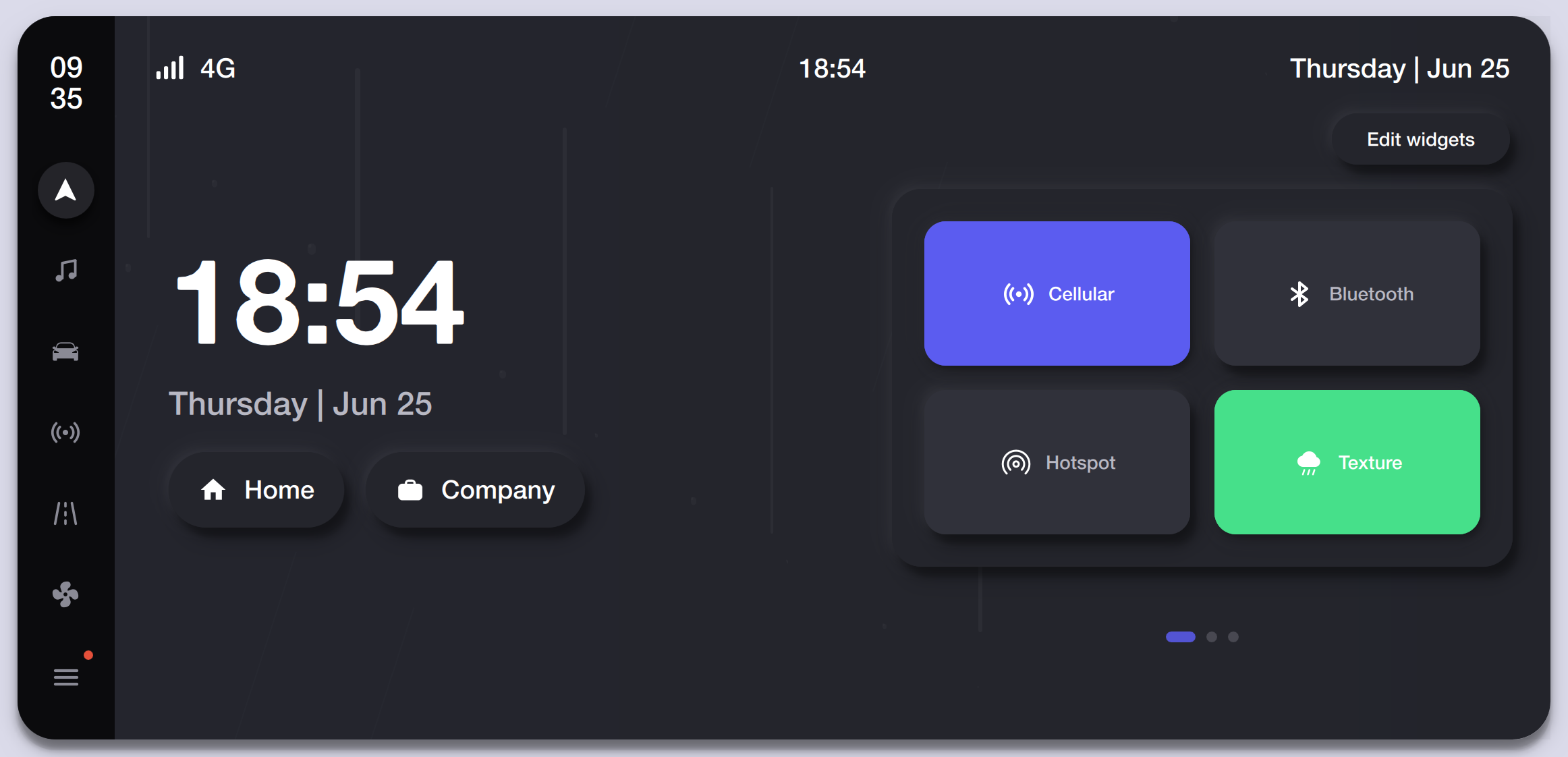
The home screen widget page showing quick-toggle cards for Cellular, Bluetooth, Hotspot, and Texture controls with active-state color coding on a dark surface.
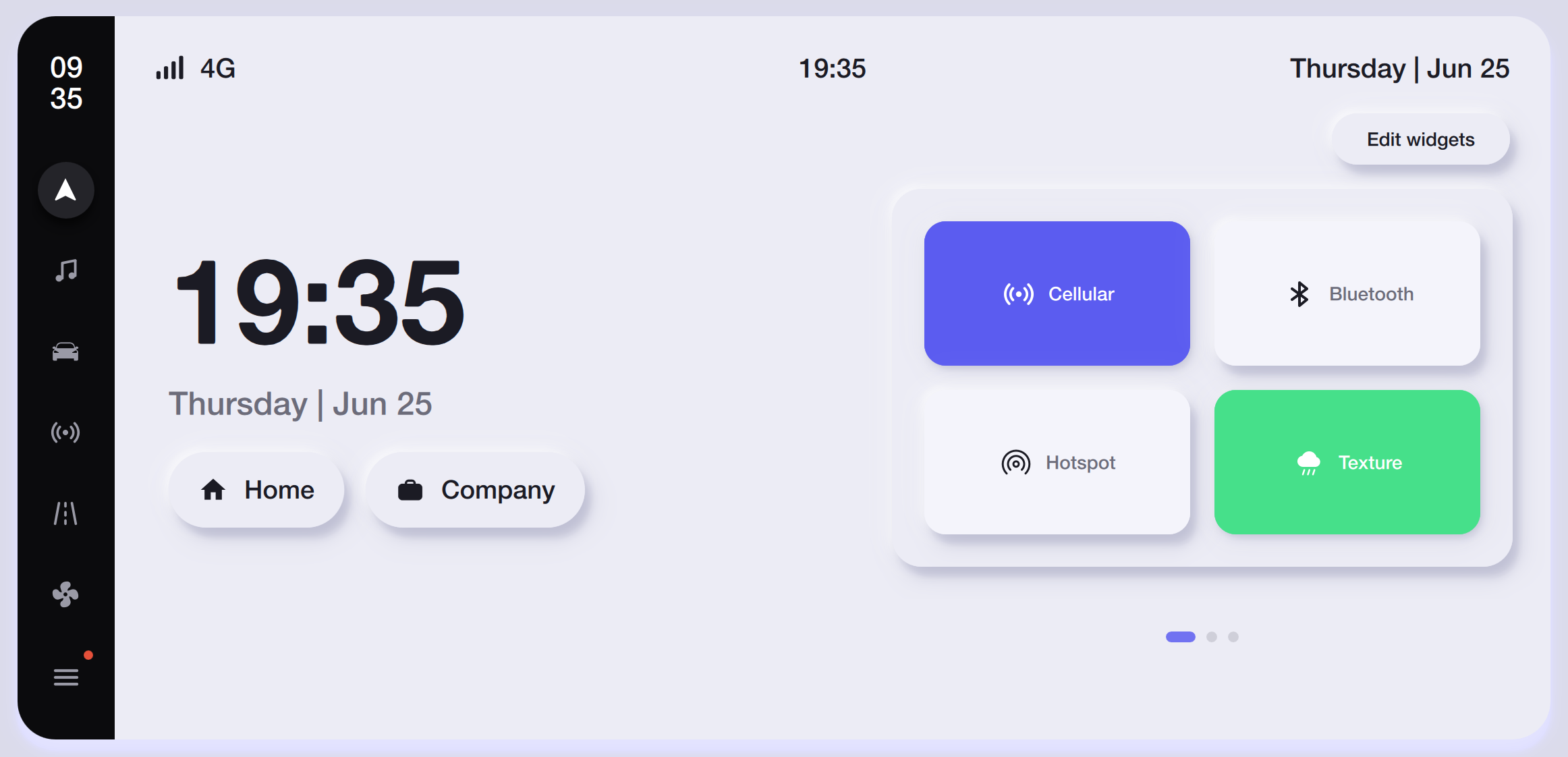
Light-mode connectivity widgets with elevated white cards, preserving the same toggle layout and color accents against the soft background.
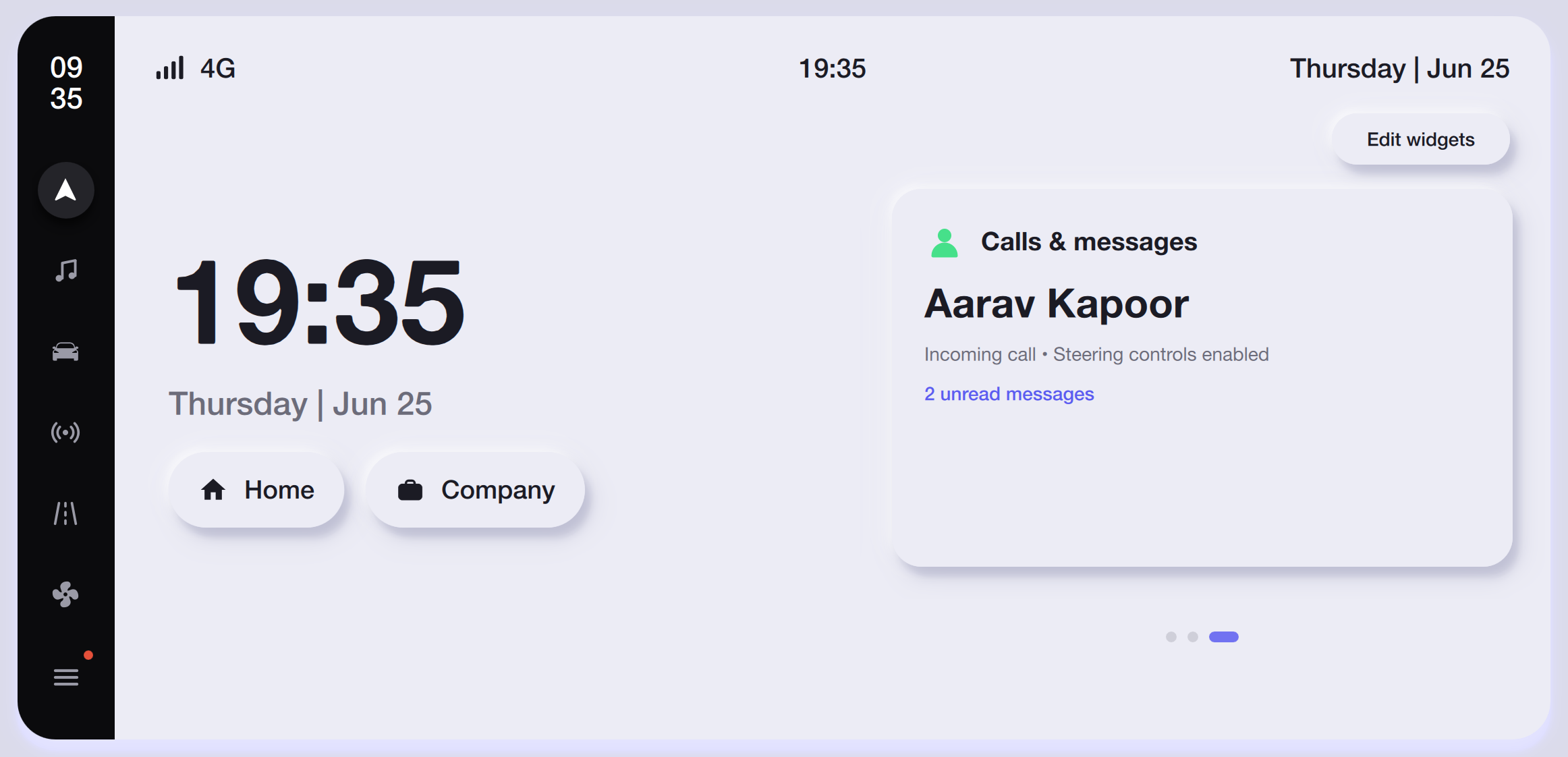
A home widget page showing an incoming call card for Aarav Kapoor with steering-control prompt and unread message count, designed for quick glance-and-act while driving.
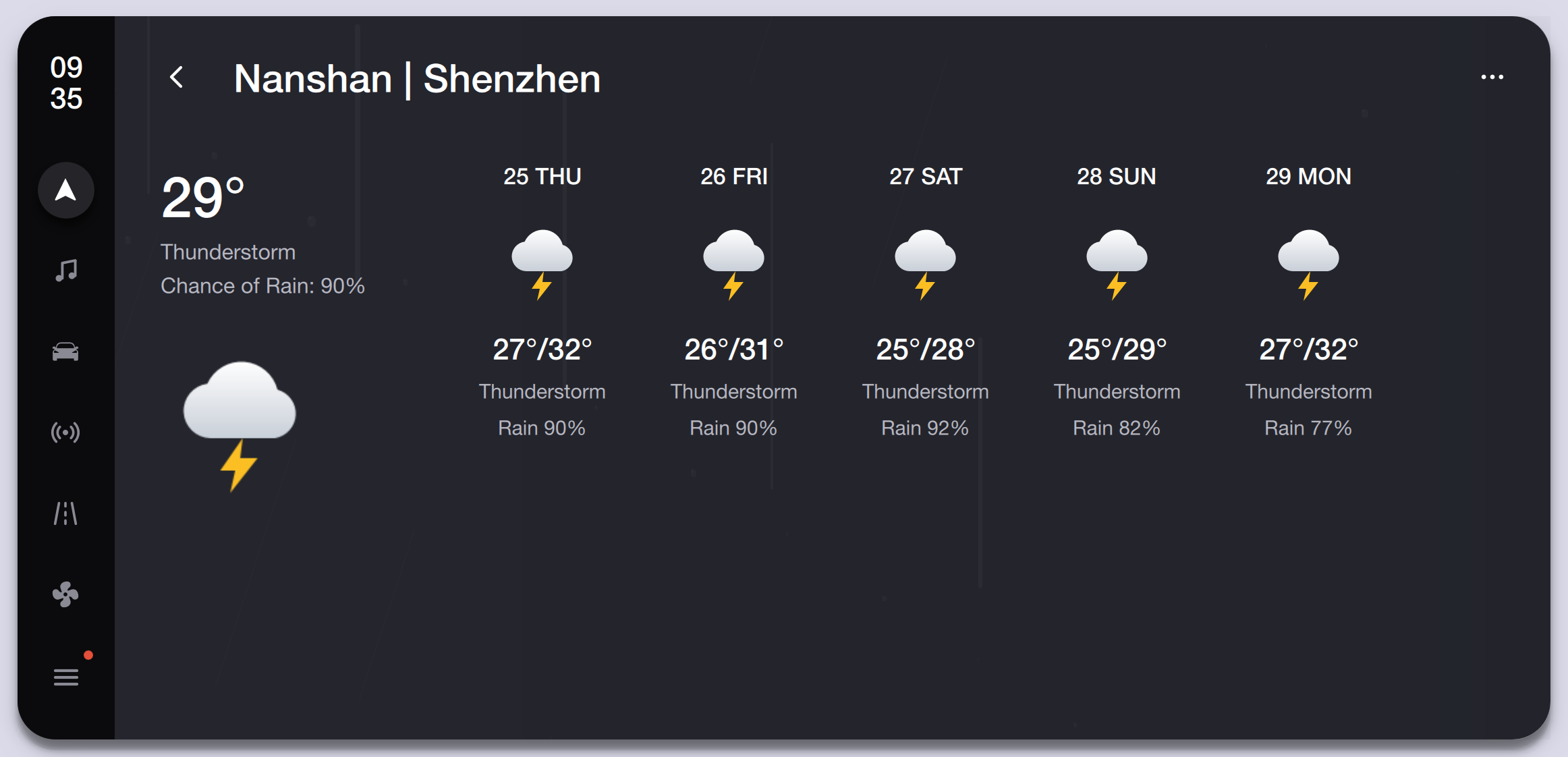
Detailed weather view with current conditions, animated cloud icon, and a five-day thunderstorm forecast for Nanshan, Shenzhen, showing temperature ranges and rain probability.
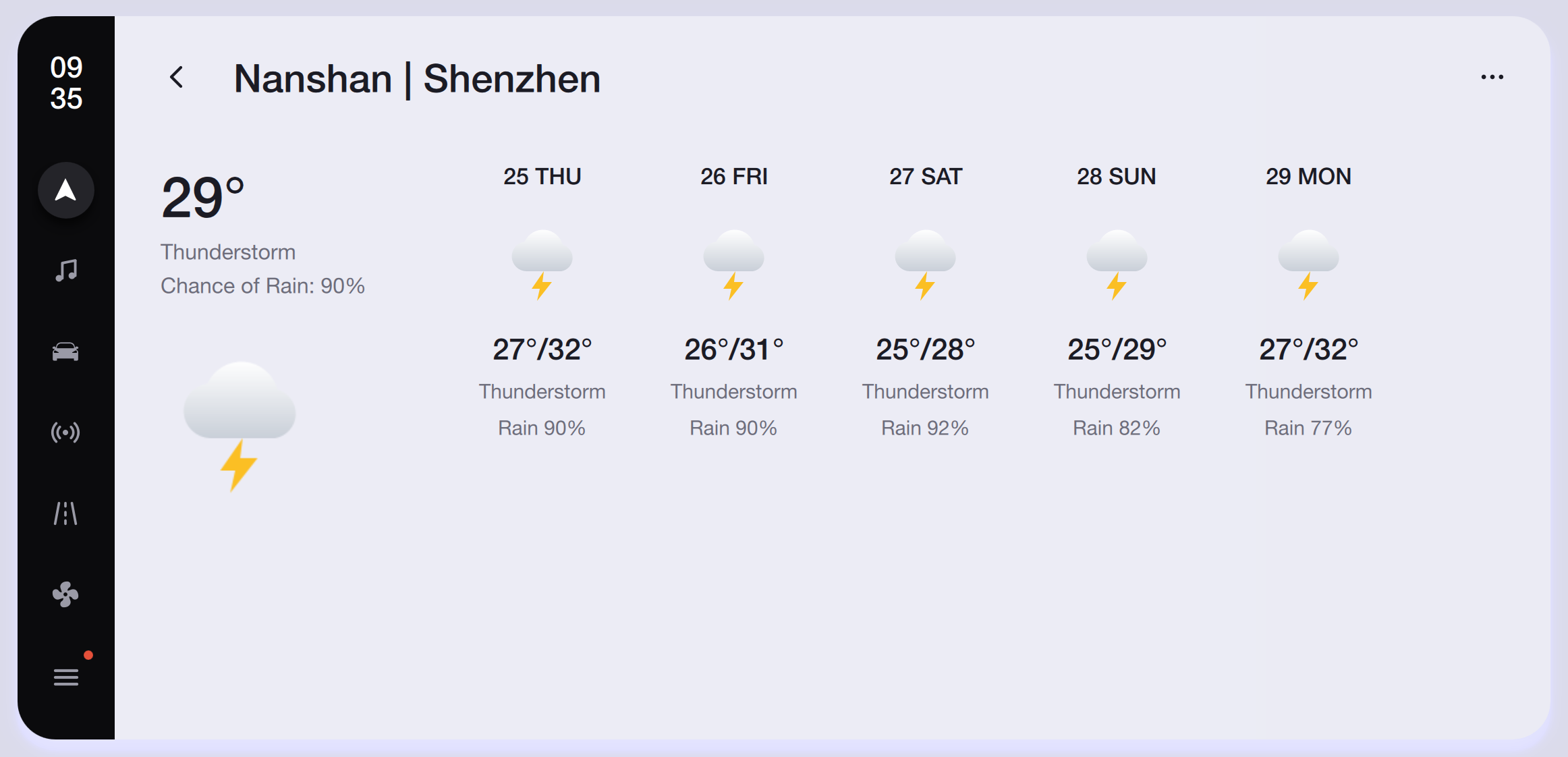
The same five-day forecast in light mode with a clean white background and subtle cloud icons, ensuring readability under direct sunlight through the windshield.
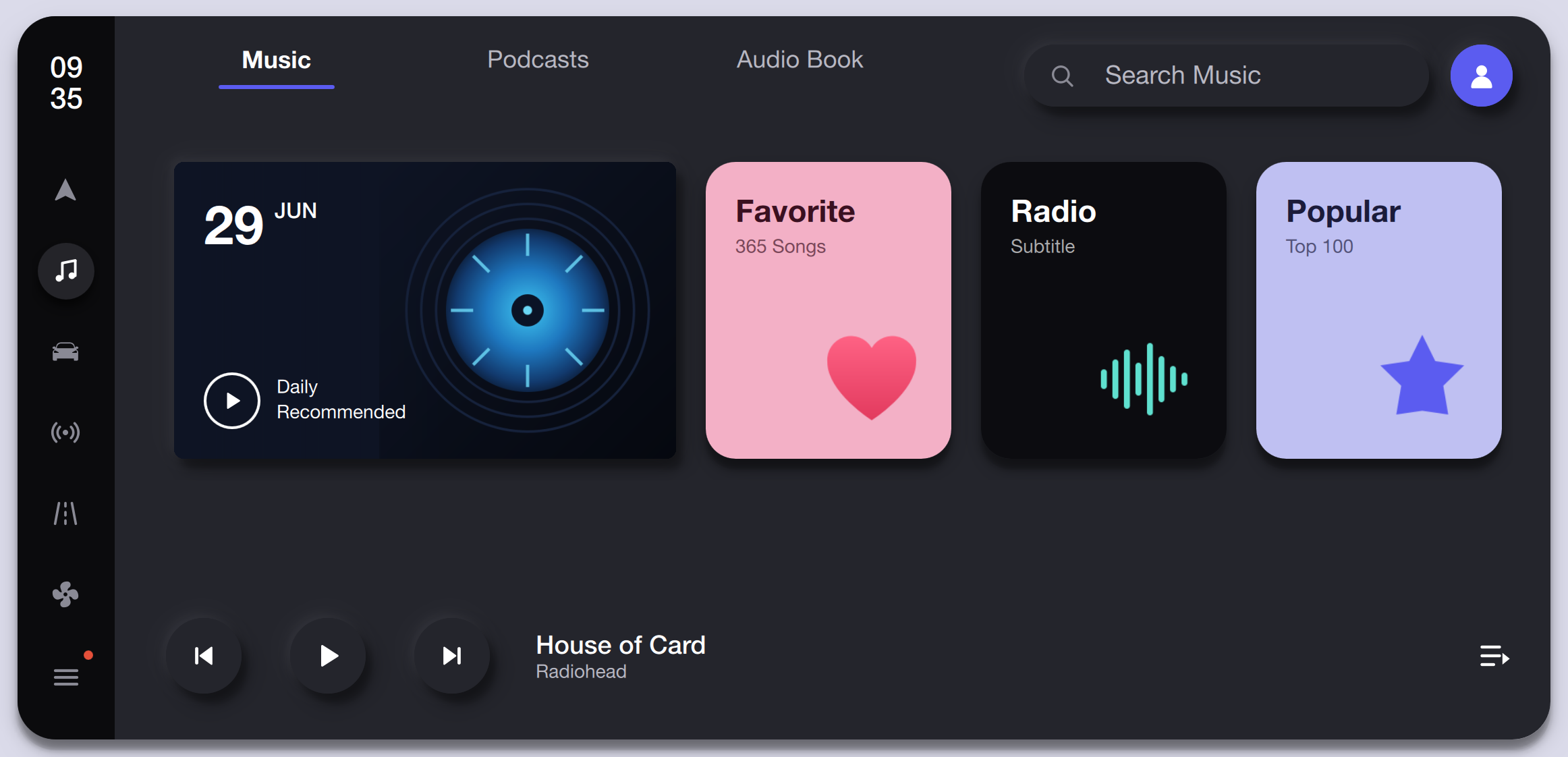
The music tab shows category cards for Daily Recommended, Favorites, Radio, and Popular with album-art thumbnails, a now-playing bar, and tabbed navigation for Music, Podcasts, and Audio Book.
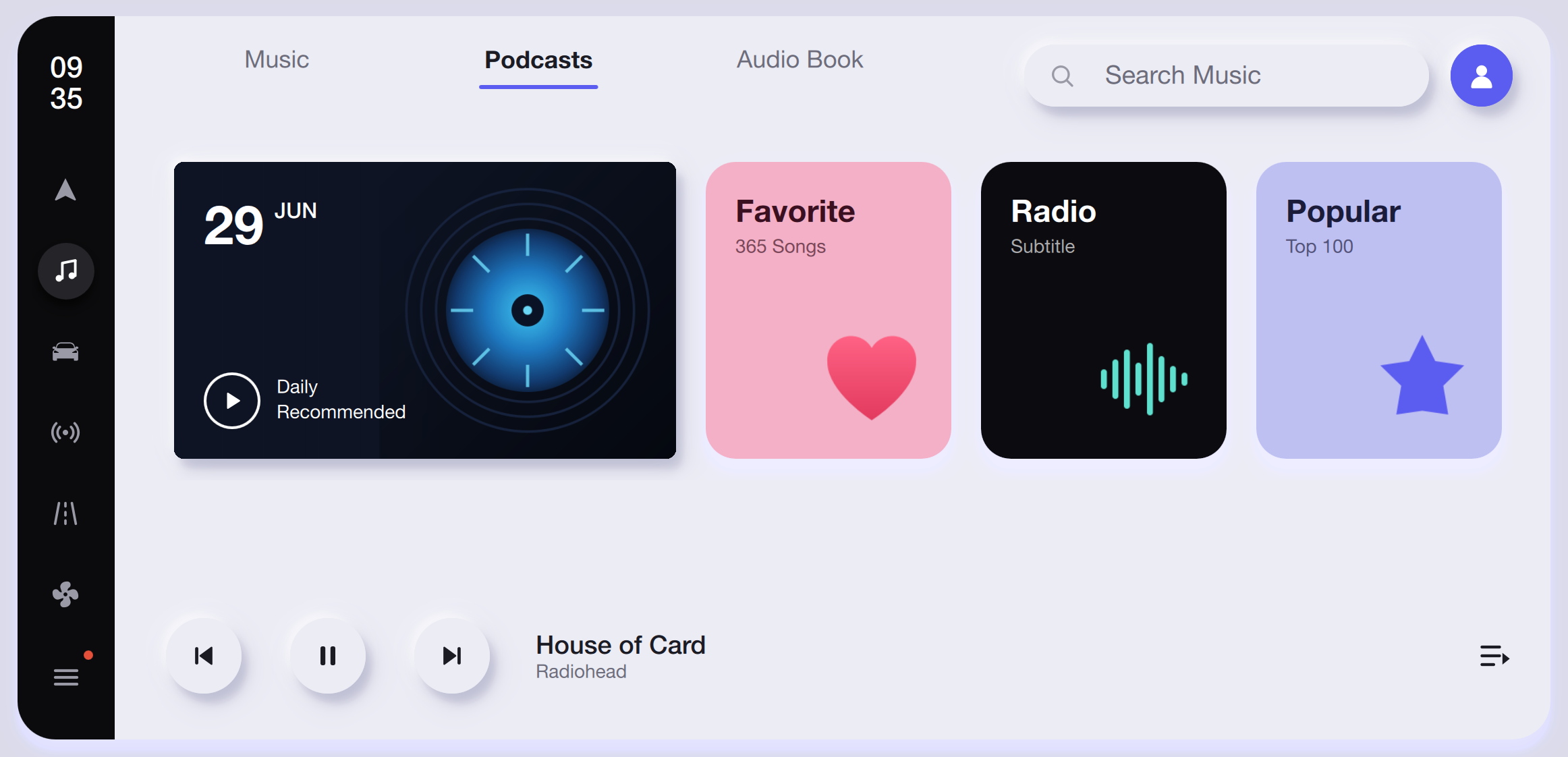
Light-mode media browser with the Podcasts tab active, showing the same category grid with soft card shadows and a compact now-playing strip at the bottom.
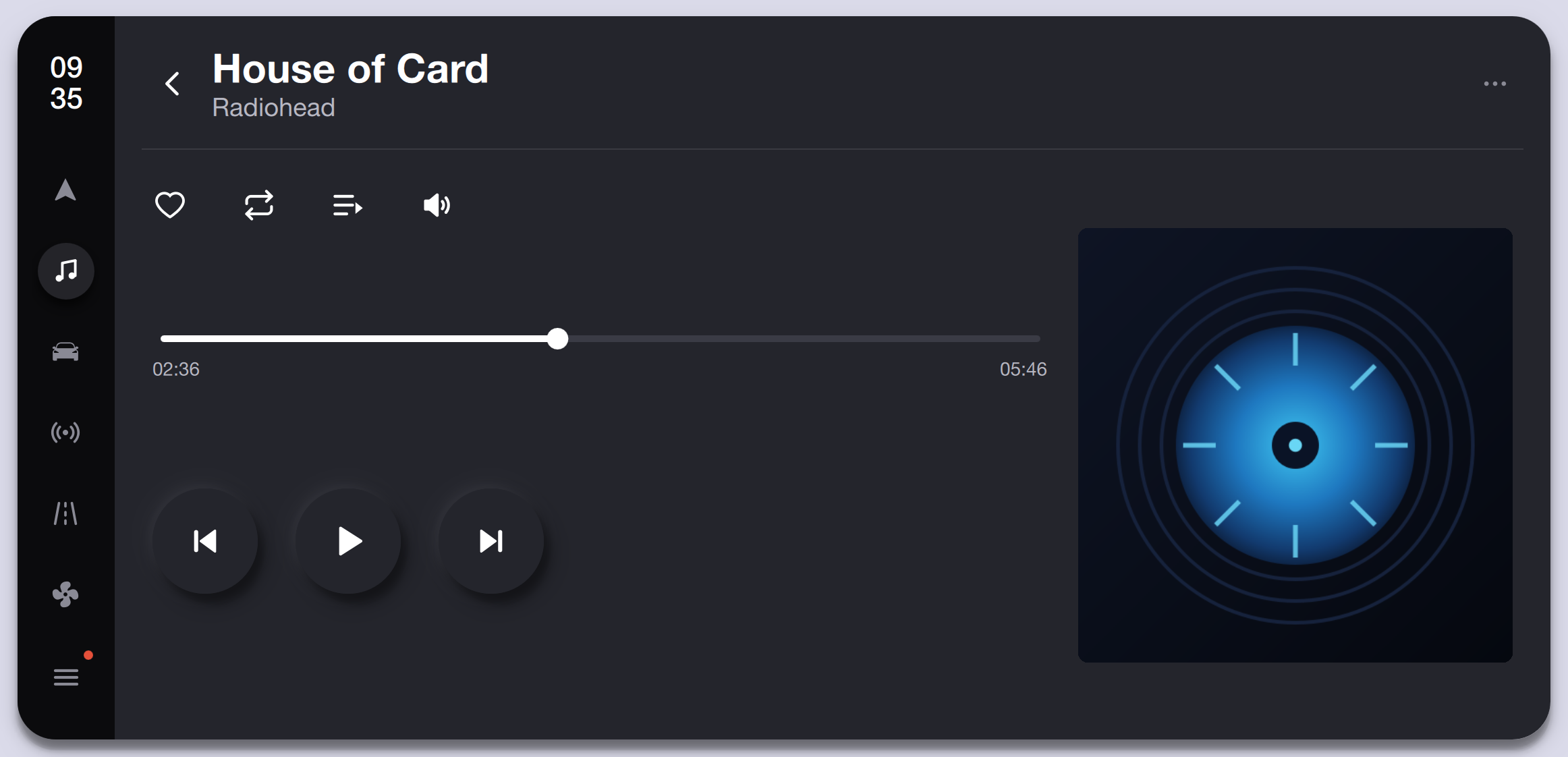
Full-screen now-playing view for Radiohead's House of Card with a progress scrubber, playback controls, like, repeat, queue, and volume actions alongside an animated album-art clock.
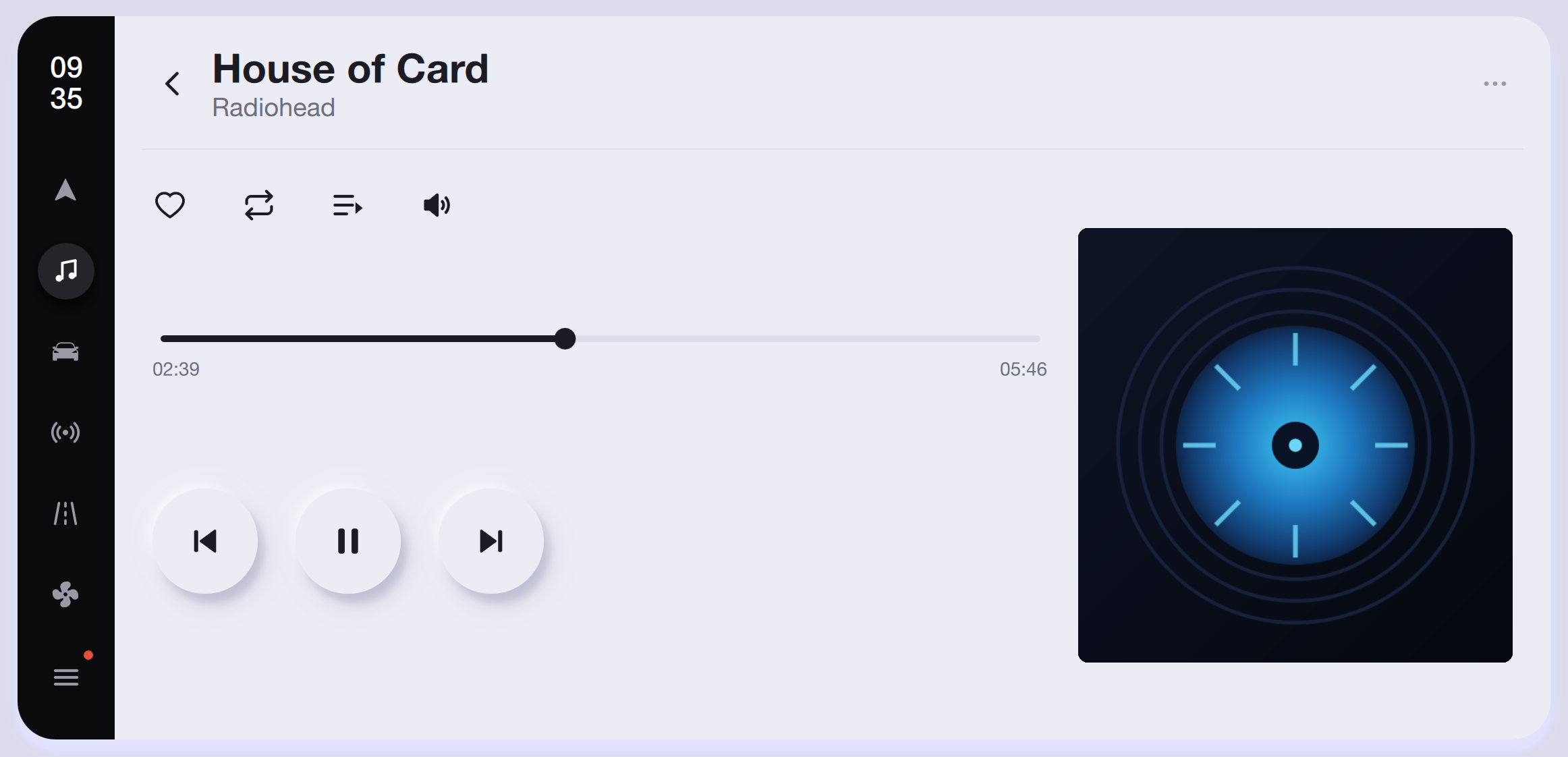
The now-playing screen in light mode with elevated circular playback buttons, a dark album-art visualizer, and high-contrast progress timeline.
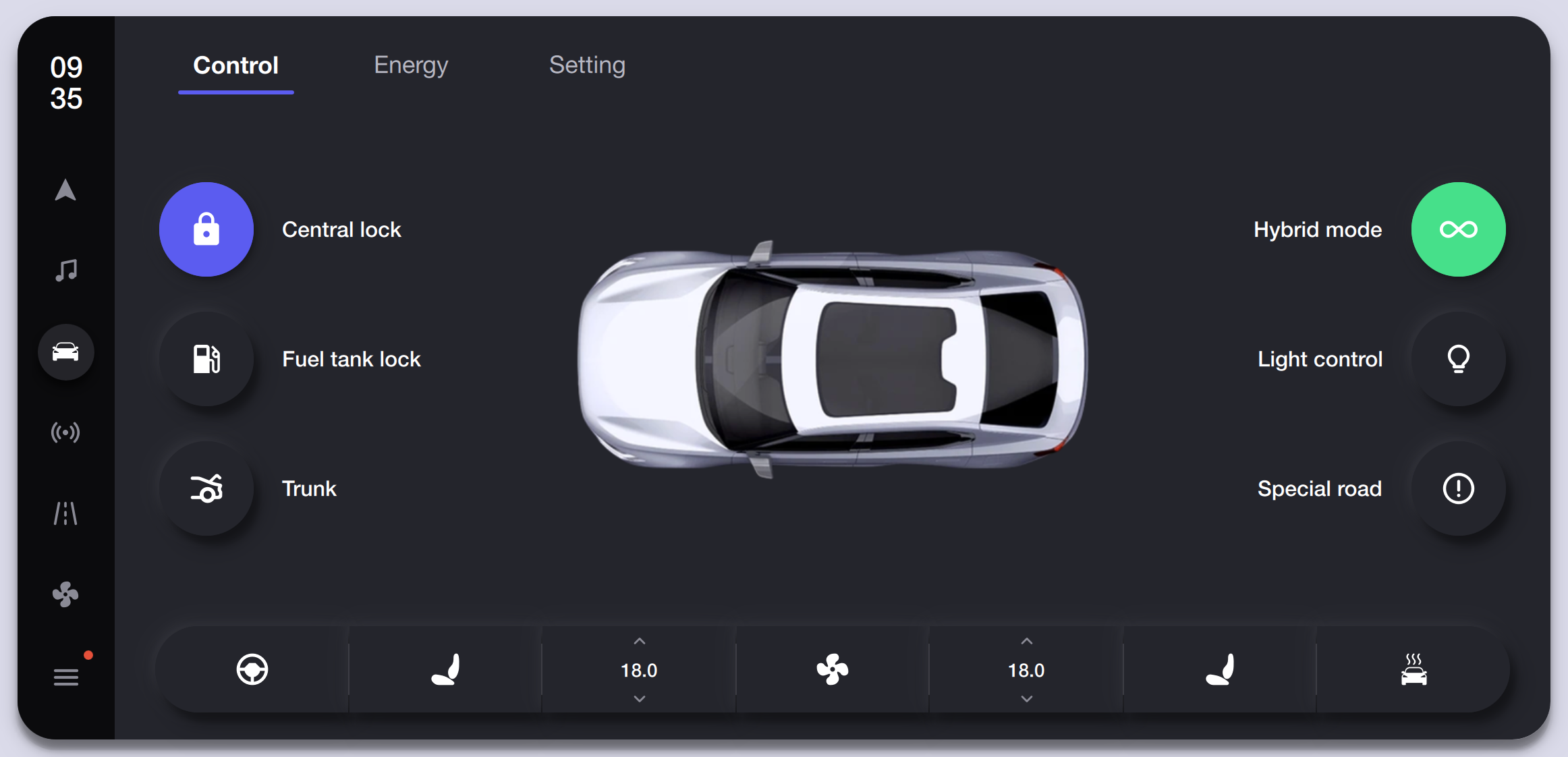
The Control tab displays a top-down vehicle silhouette surrounded by Central Lock, Fuel Tank Lock, Trunk, Hybrid Mode, Light Control, and Special Road toggles with a bottom climate bar.
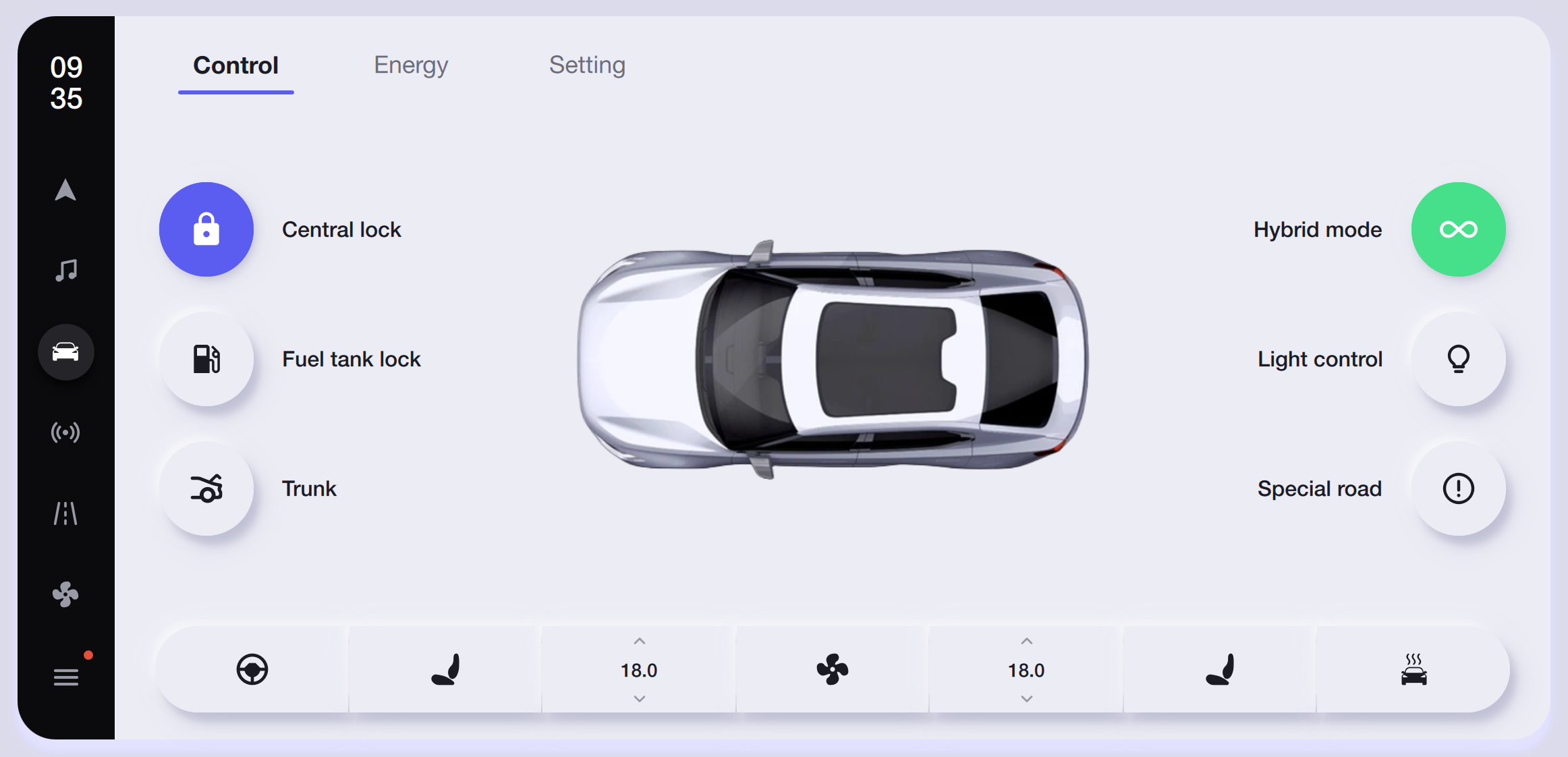
Light-mode vehicle controls with the same layout, white card surfaces, and consistent toggle states, keeping the 3D car render as the visual anchor.
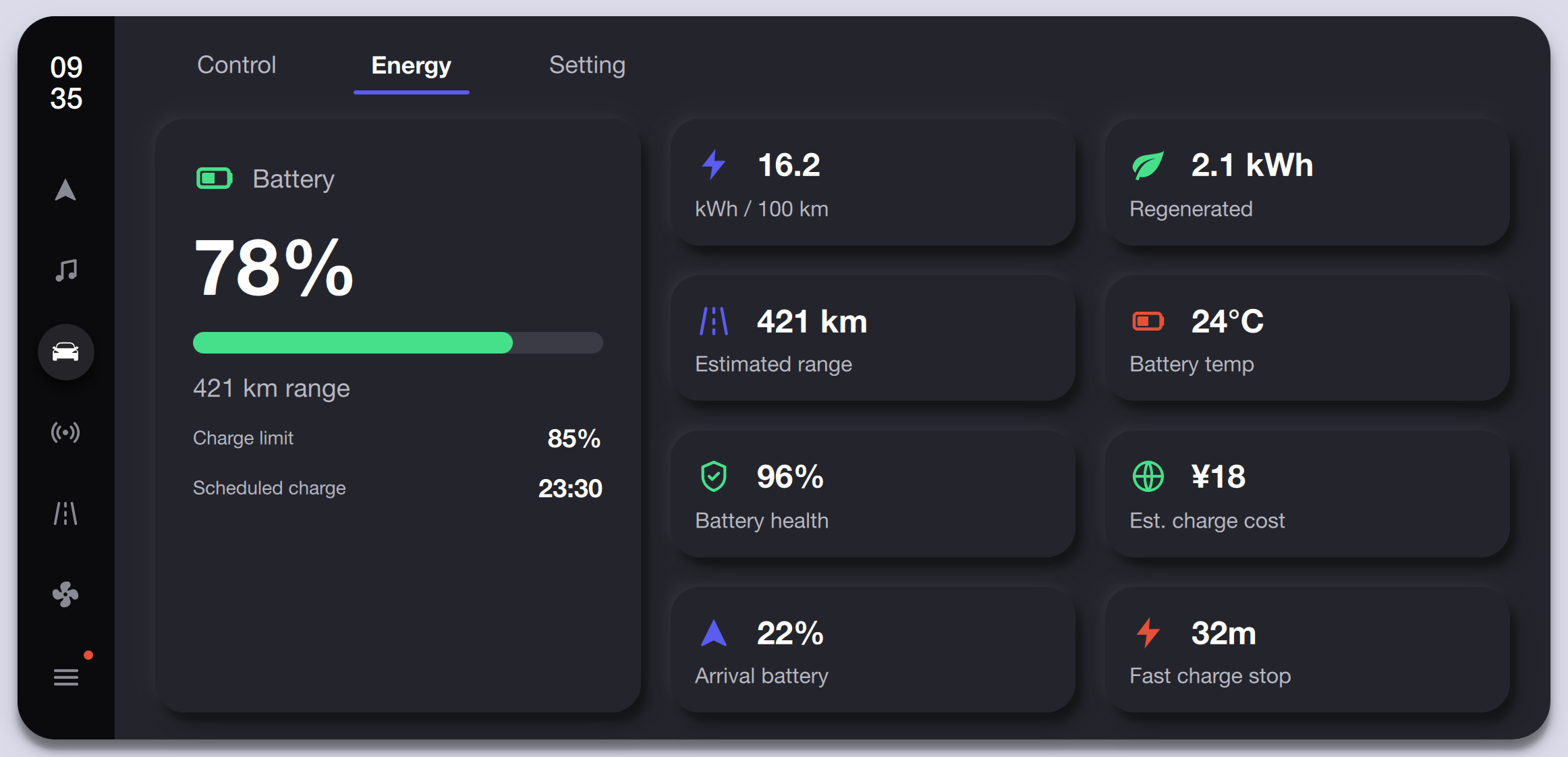
The Energy tab shows 78% battery with 421 km range, charge limit, scheduled charge time, and eight metric cards covering consumption, regeneration, range, temperature, health, cost, arrival battery, and fast-charge stop time.
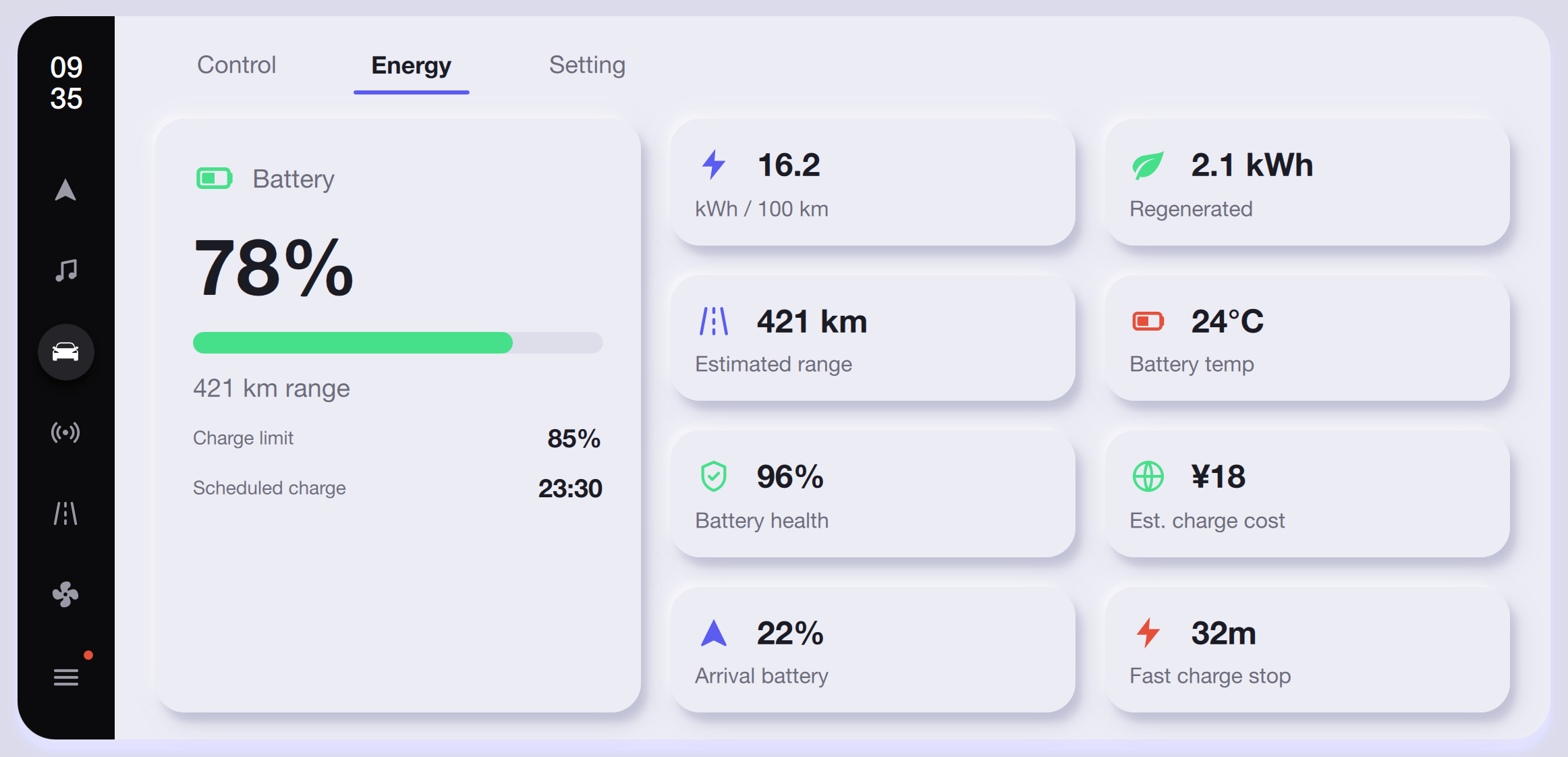
Light-mode energy dashboard with the same EV metrics displayed in white bordered cards, green battery progress bar, and clear metric icons against the light background.
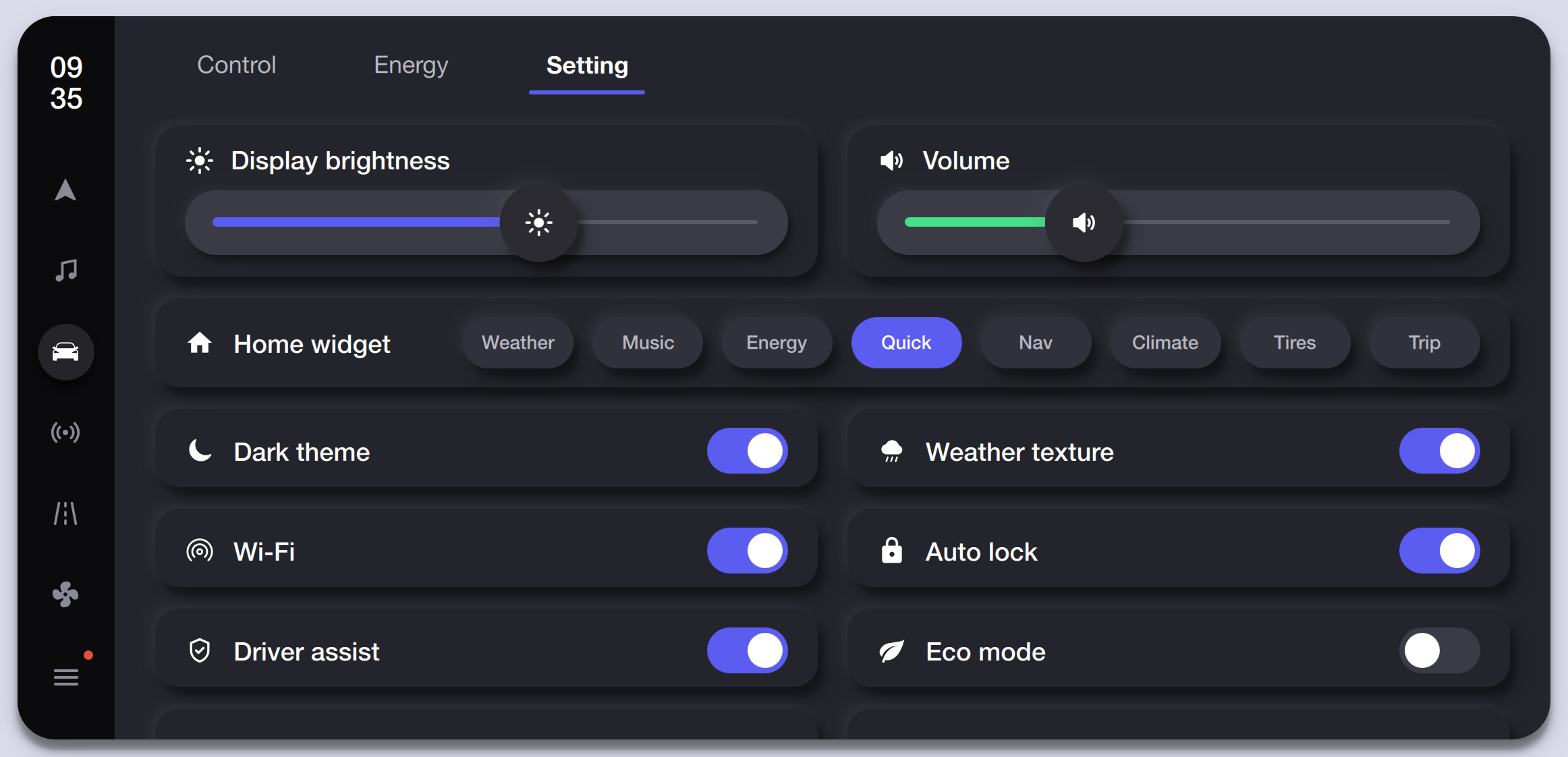
The Setting tab groups display brightness, volume sliders, home-widget selector, and toggle switches for Dark Theme, Wi-Fi, Driver Assist, Weather Texture, Auto Lock, and Eco Mode.
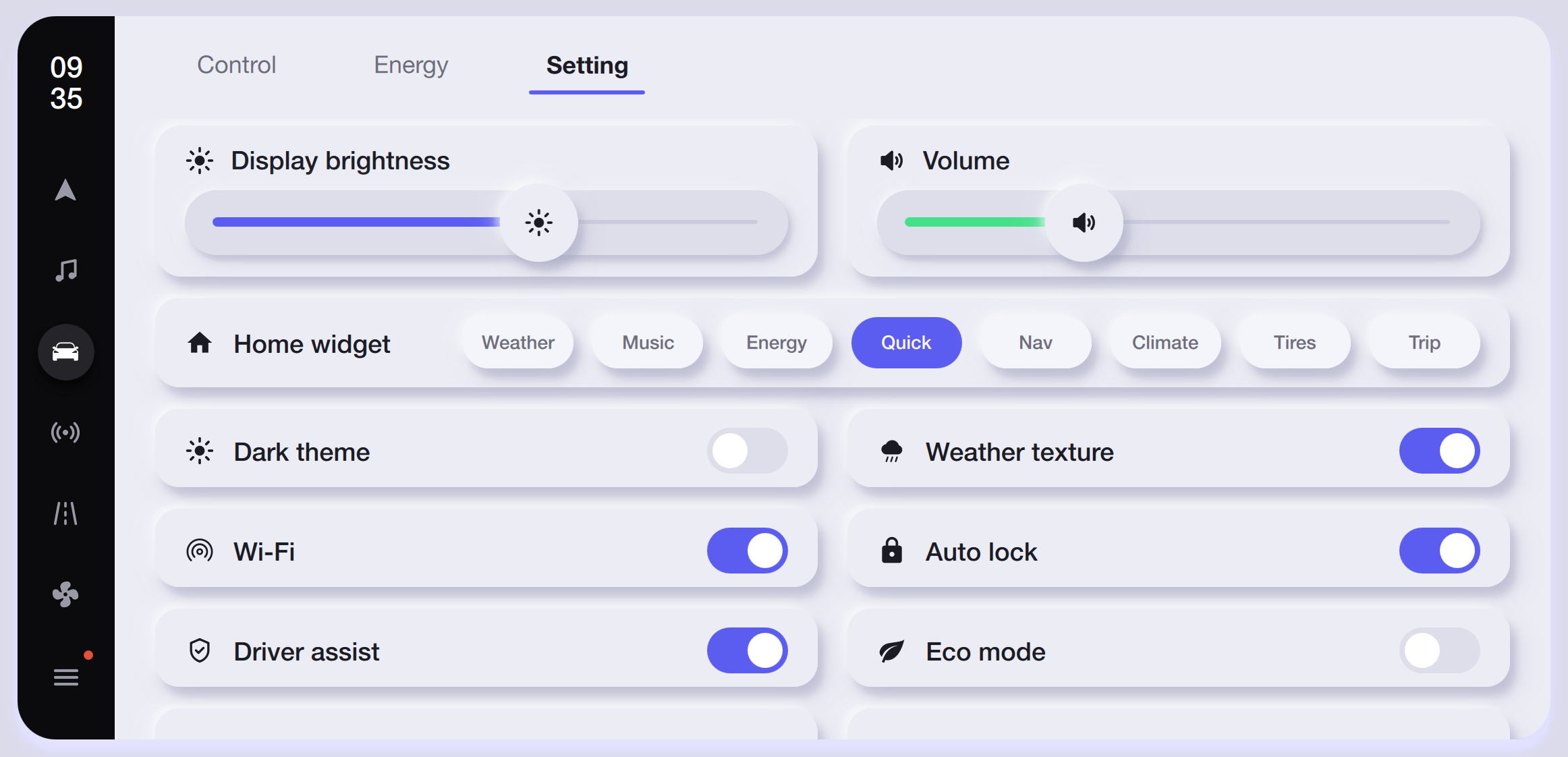
Light-mode settings panel with the Dark Theme toggle off, preserving the same slider and switch layout with softer surface colors and visible toggle accents.
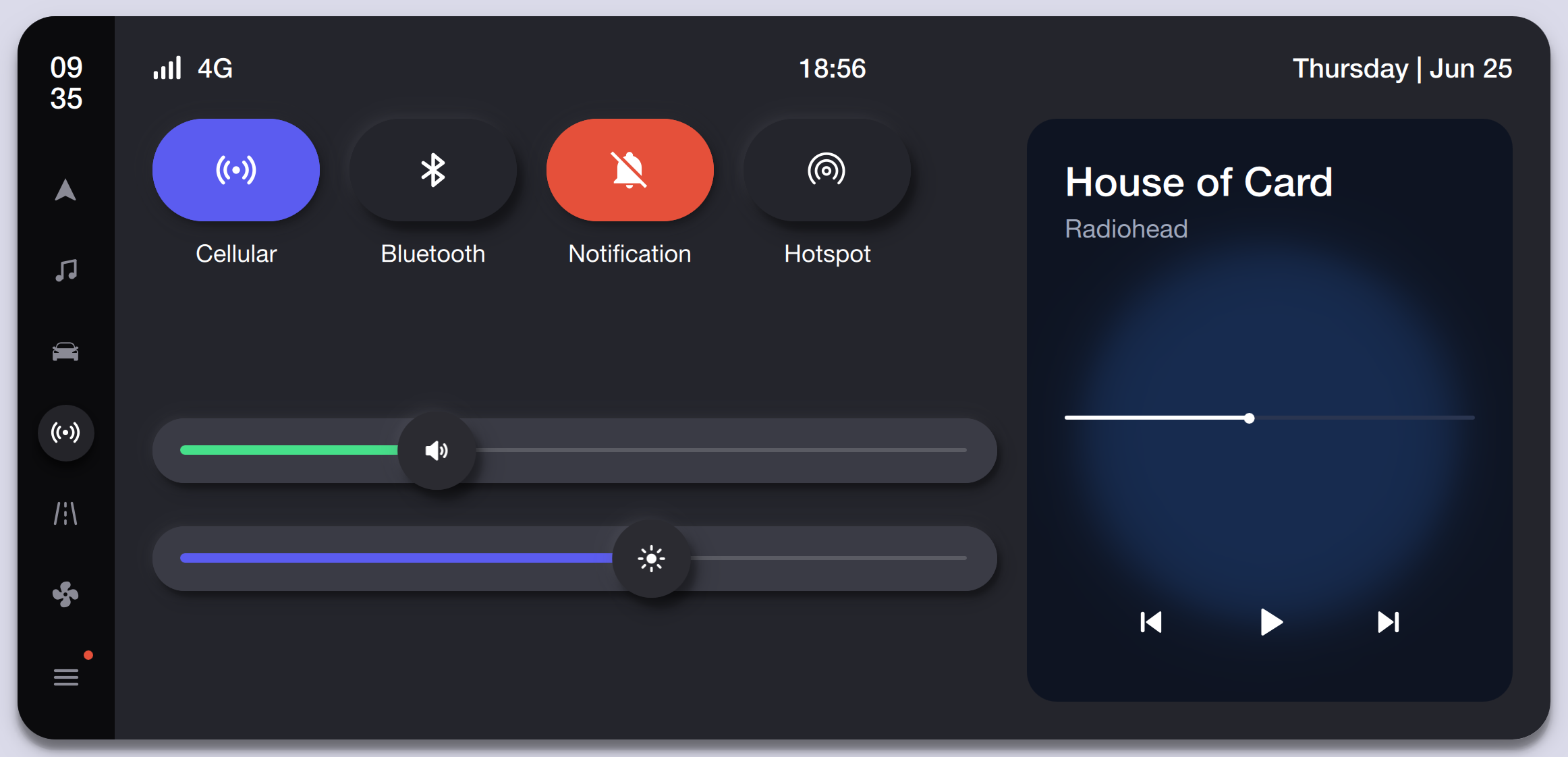
A pull-down control center with Cellular, Bluetooth, Notification, and Hotspot toggles, volume and brightness sliders, and a mini now-playing card with playback controls.
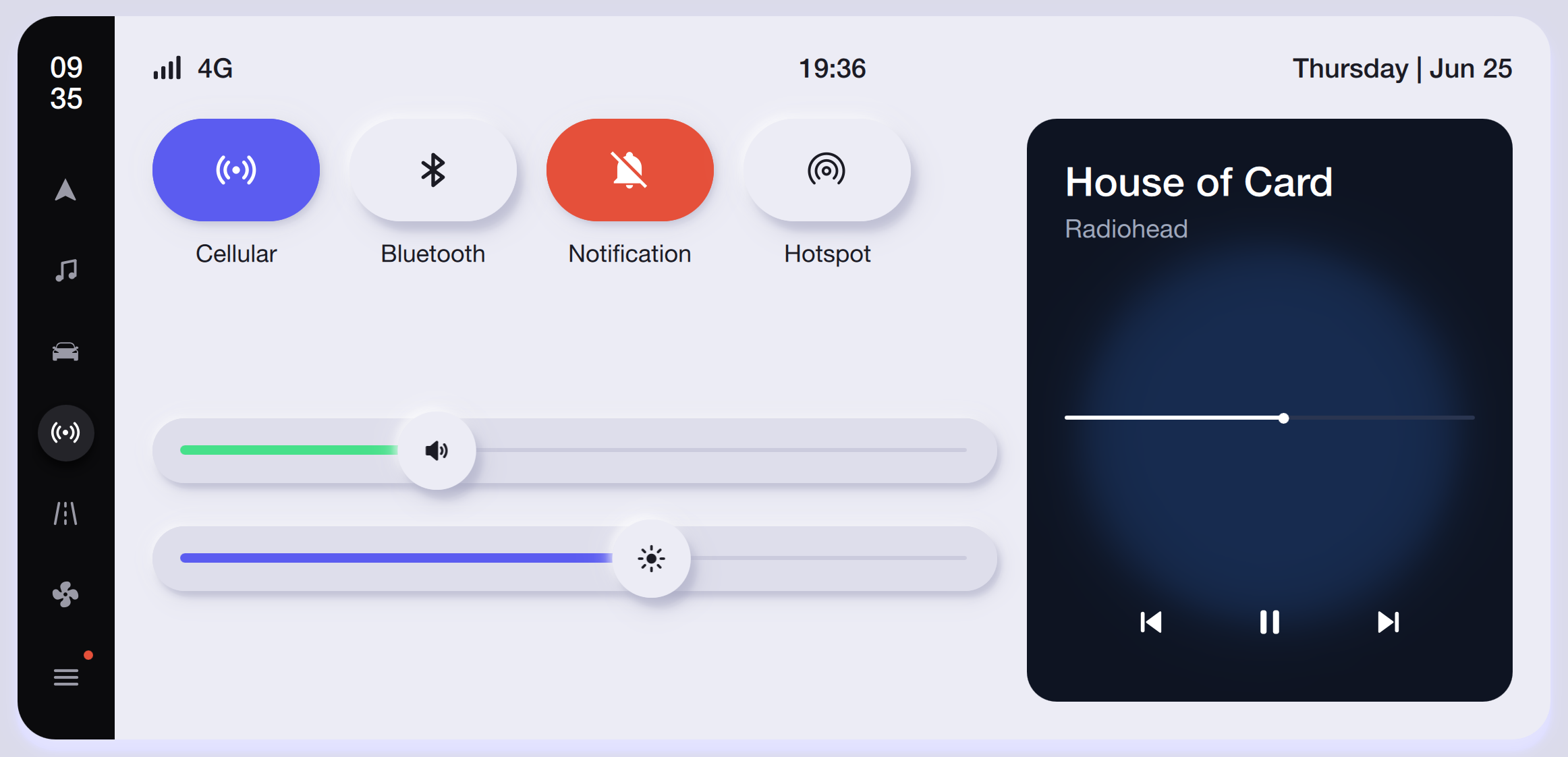
The same control-center layout in light mode with pill-shaped toggle buttons, white slider tracks, and the now-playing mini-card on a soft lavender background.
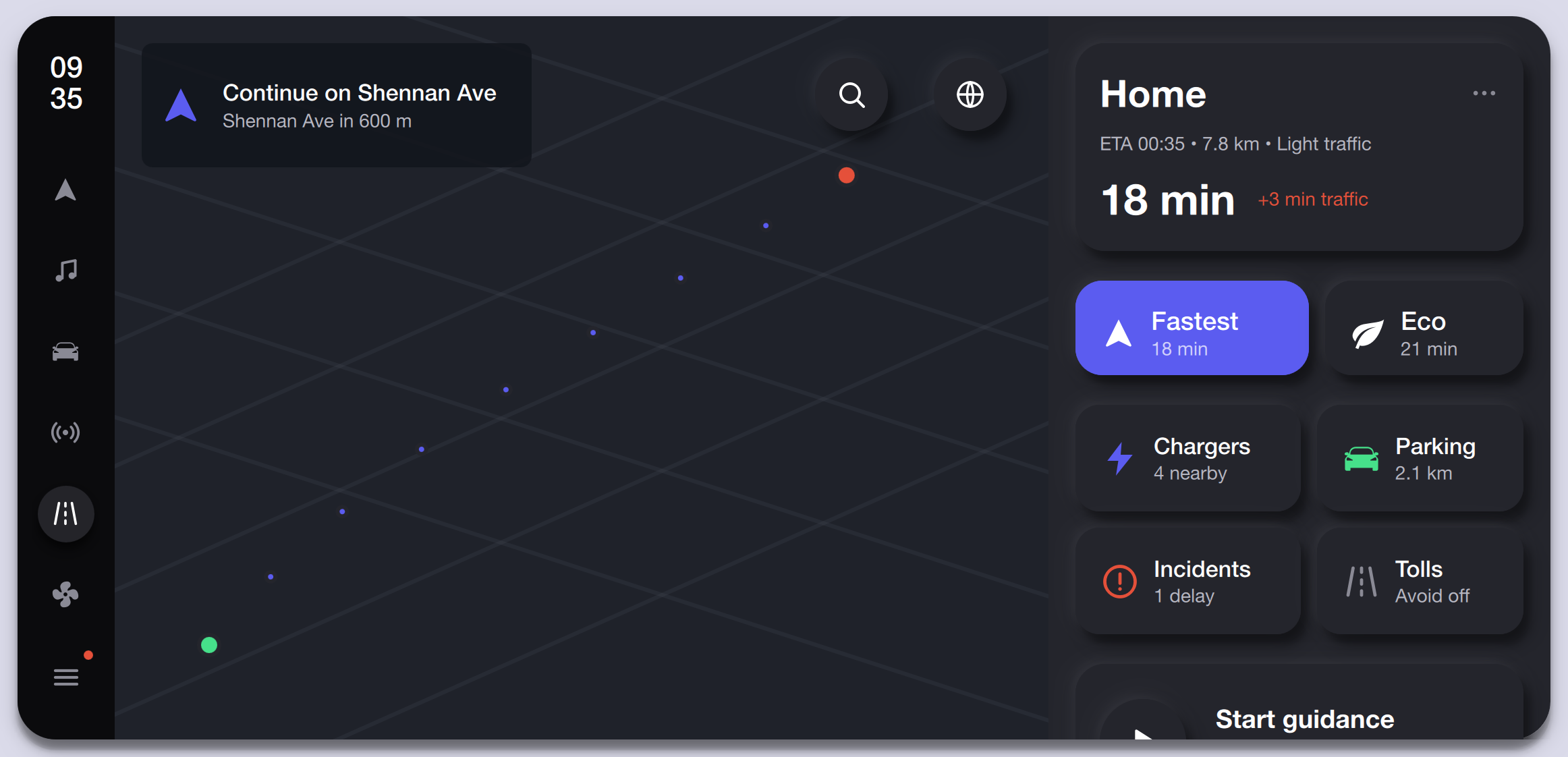
Turn-by-turn map view with route line, ETA, distance, traffic estimate, and quick-access cards for Fastest and Eco routes, nearby Chargers, Parking, Incidents, and Tolls.
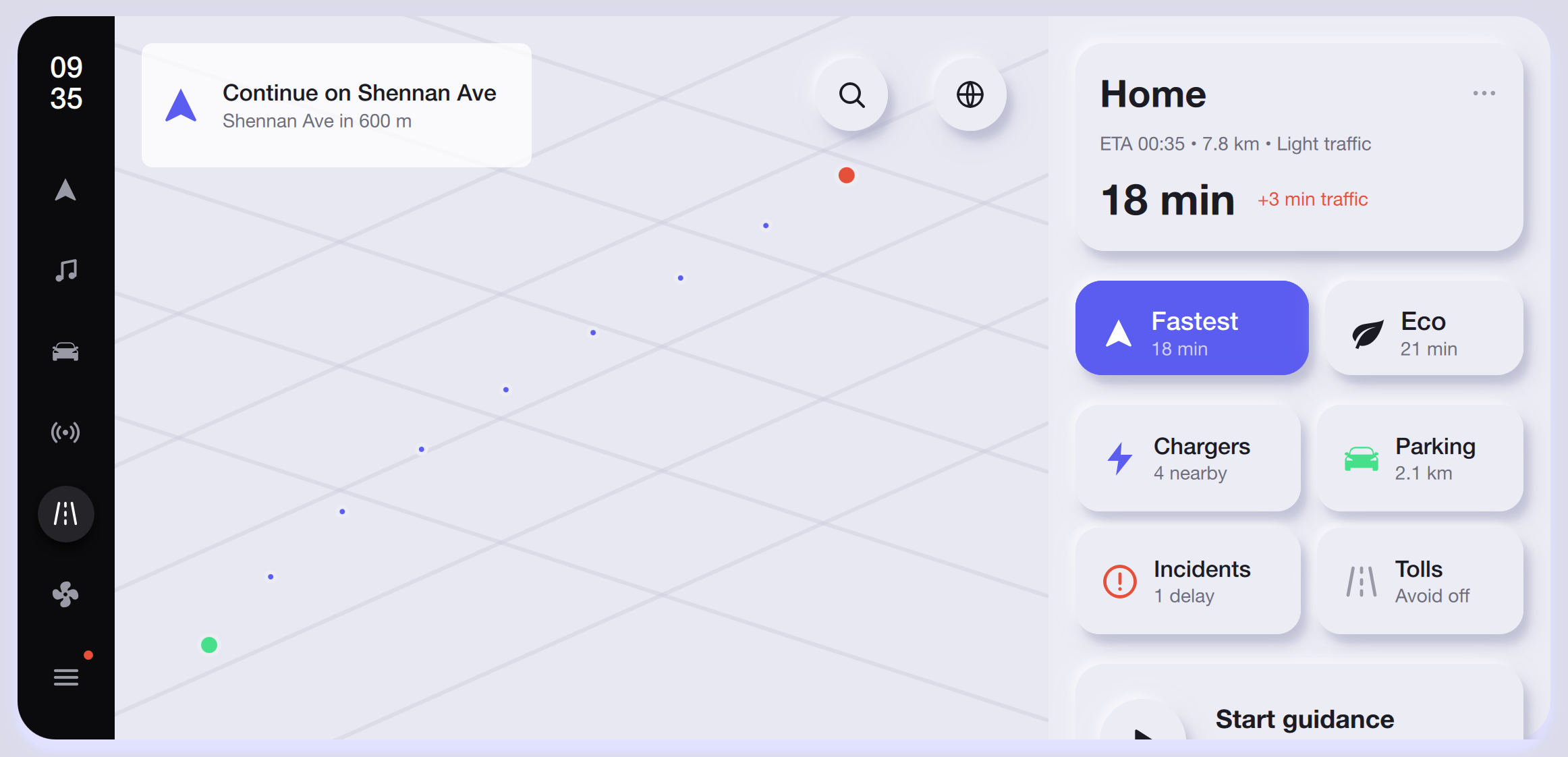
Light-mode navigation with the same route panel, lighter map tiles, and white info cards maintaining readability for route options, chargers, and parking during daytime driving.
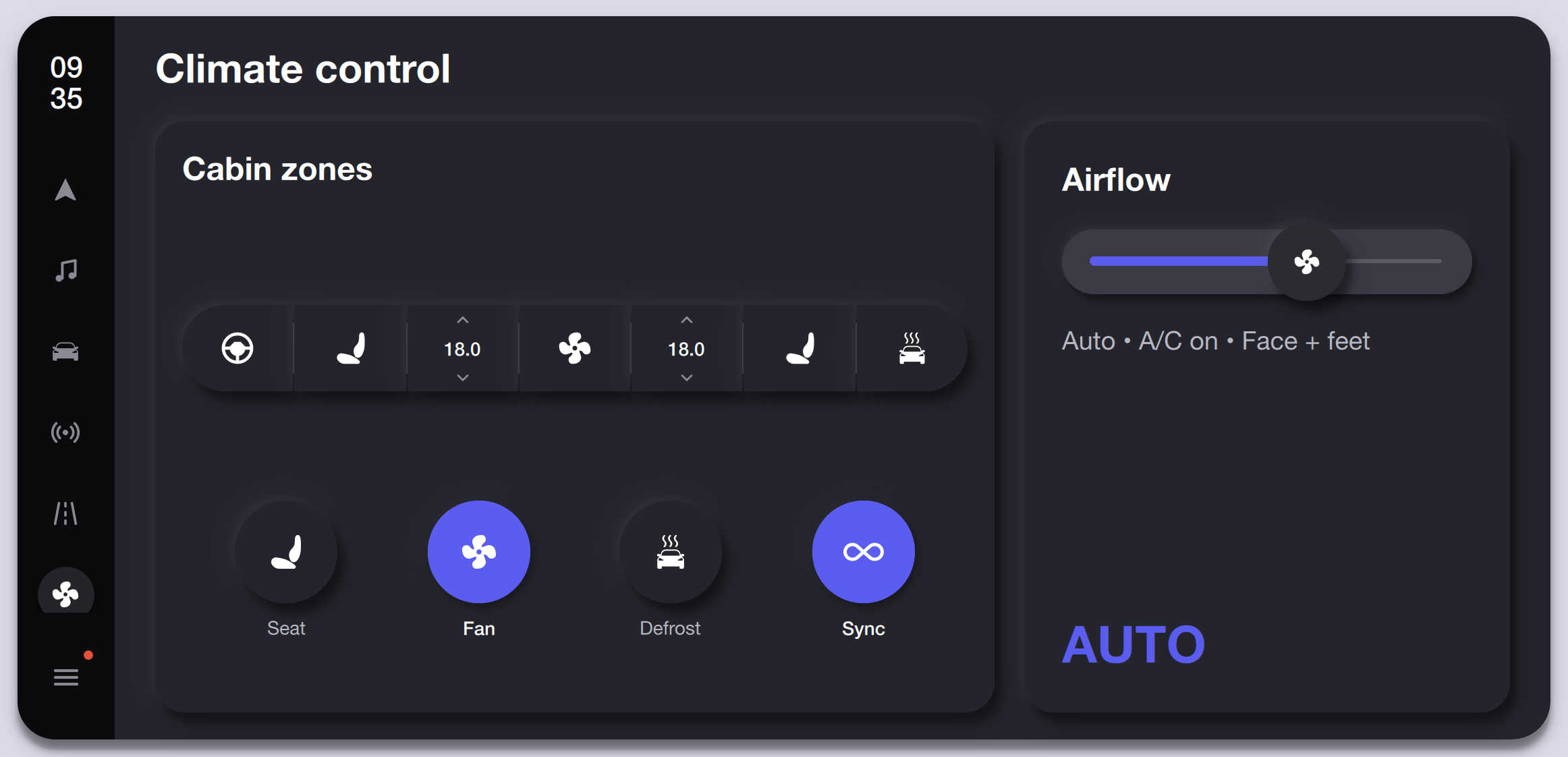
Full climate screen with cabin-zone temperature controls, steering wheel and seat heater toggles, airflow slider, A/C mode indicator, and quick actions for Seat, Fan, Defrost, and Sync.
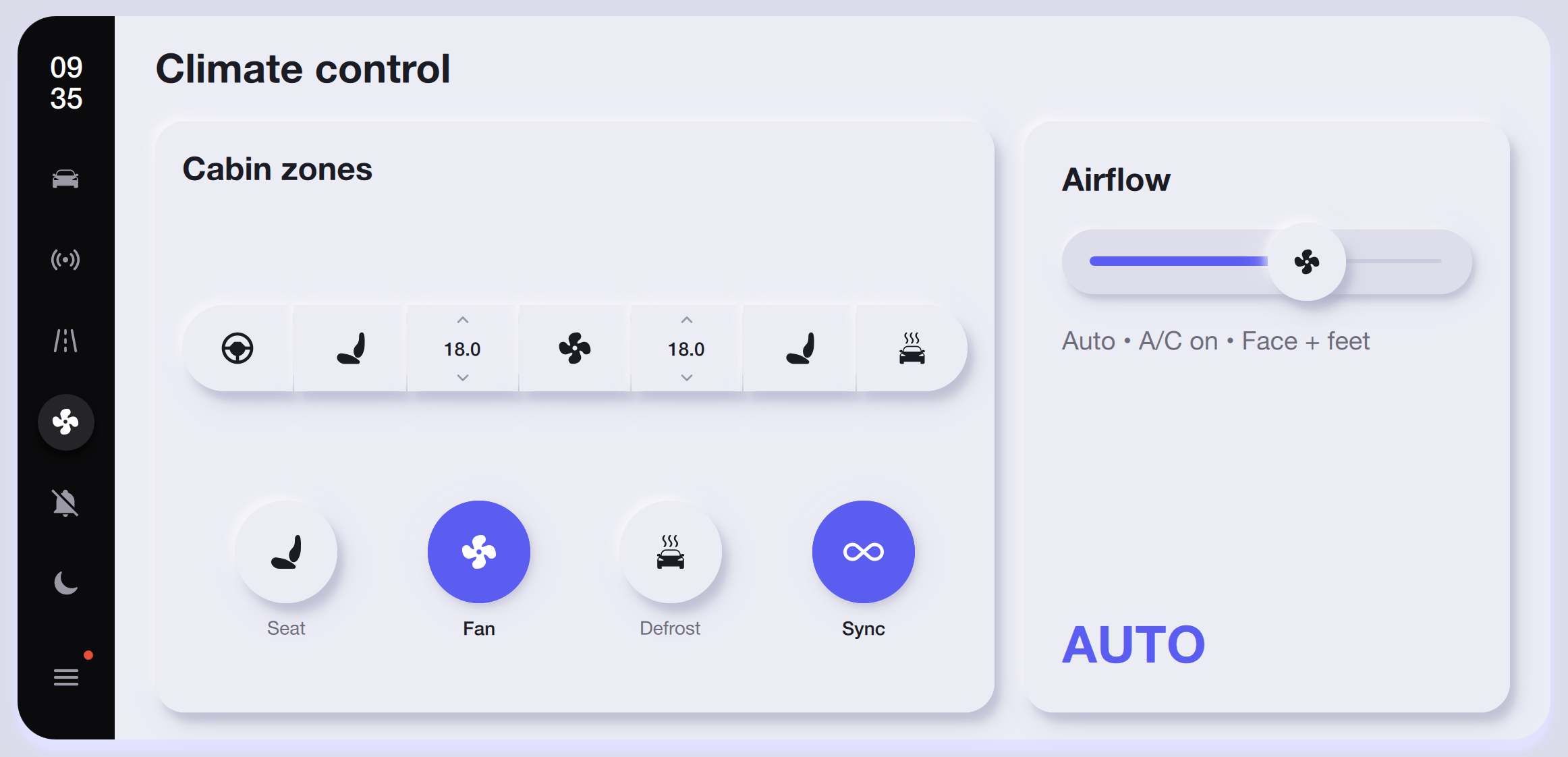
Light-mode climate panel with the same cabin-zone layout, white card surfaces, and purple accent highlights on active Fan and Sync buttons.
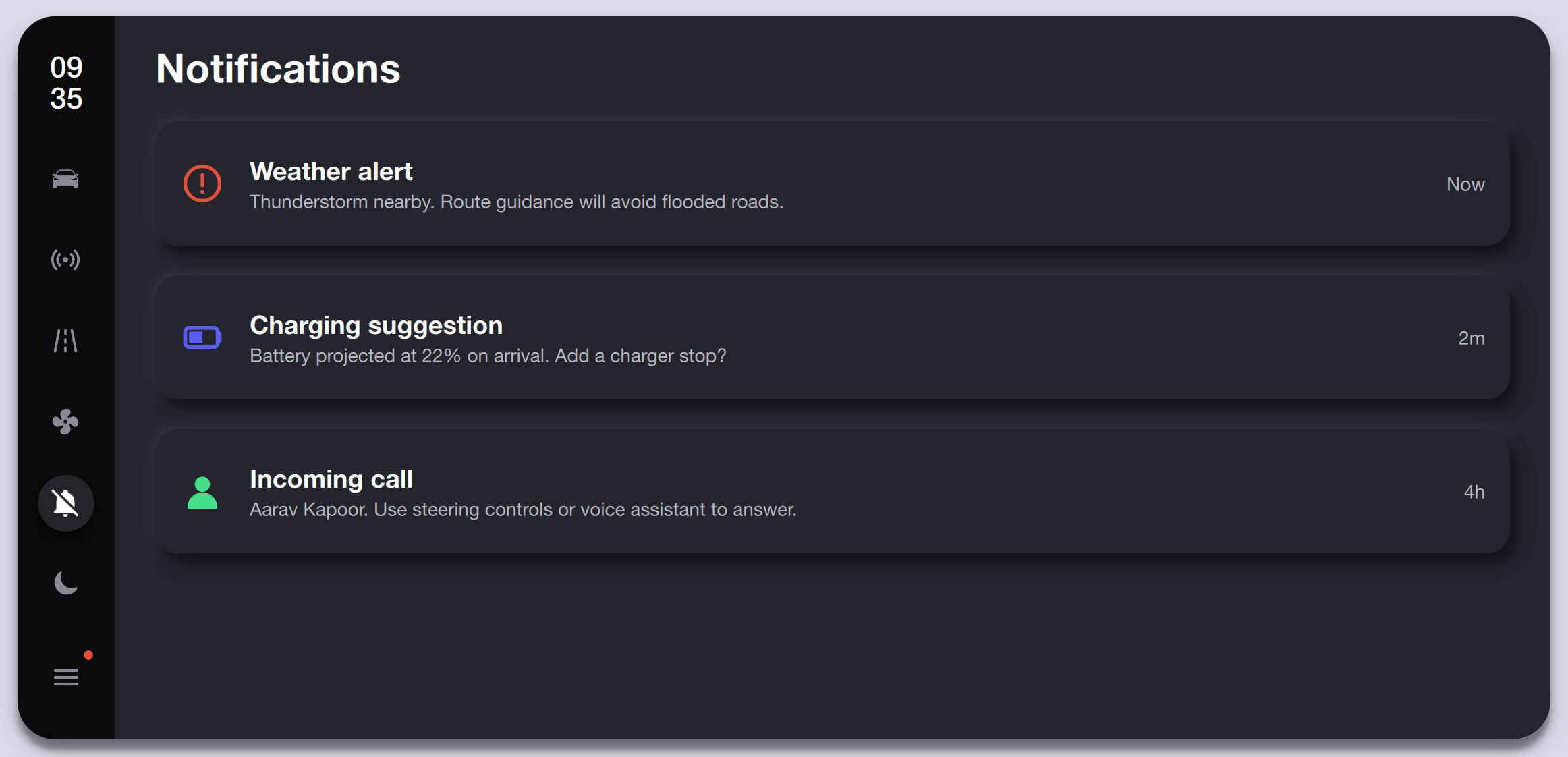
Stacked notification cards showing a Weather Alert, Charging Suggestion, and Incoming Call from Aarav Kapoor, each with an icon, description, and timestamp.
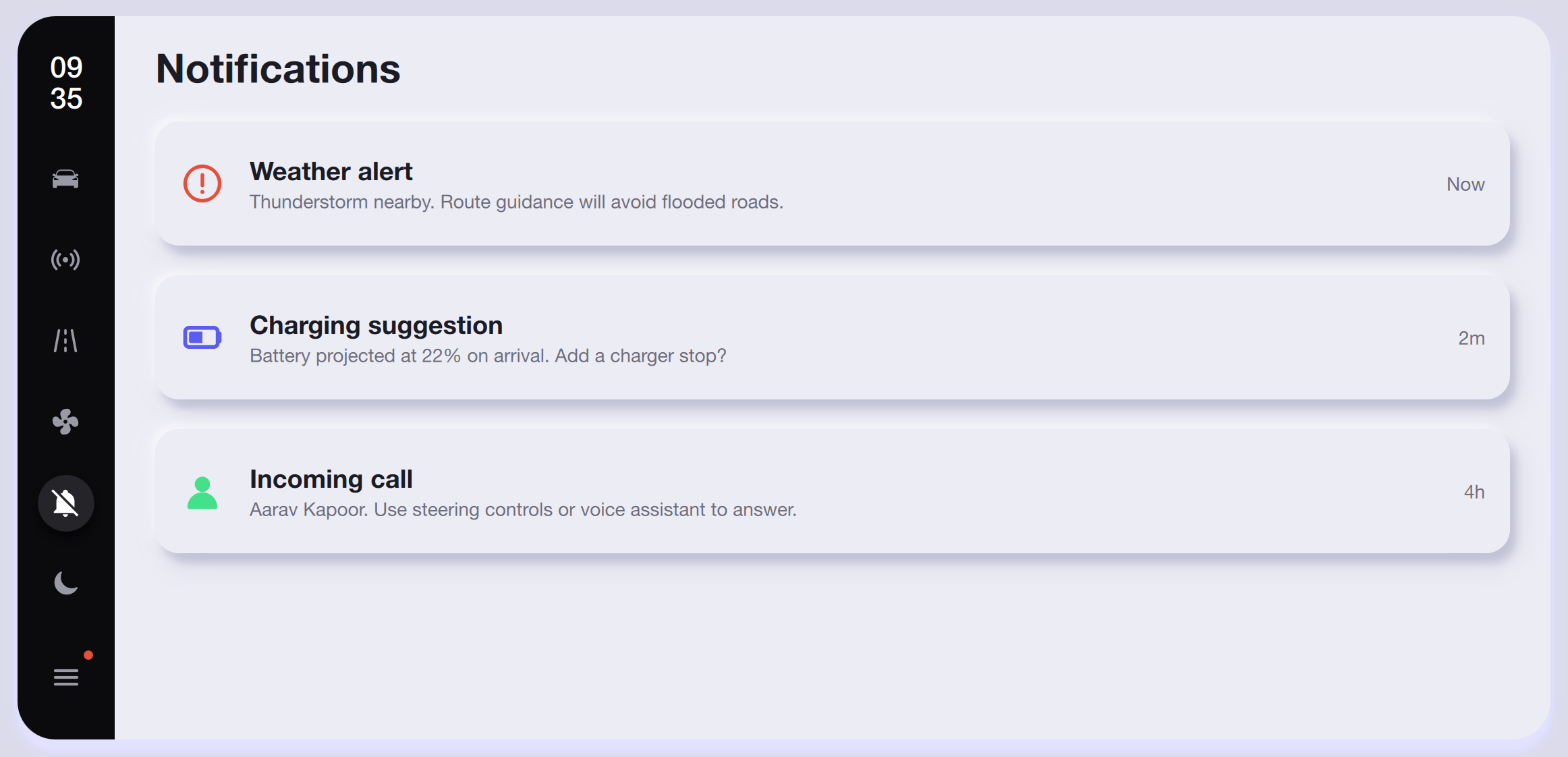
The same notification list rendered on a light surface with subtle card borders, maintaining the alert, suggestion, and call hierarchy.
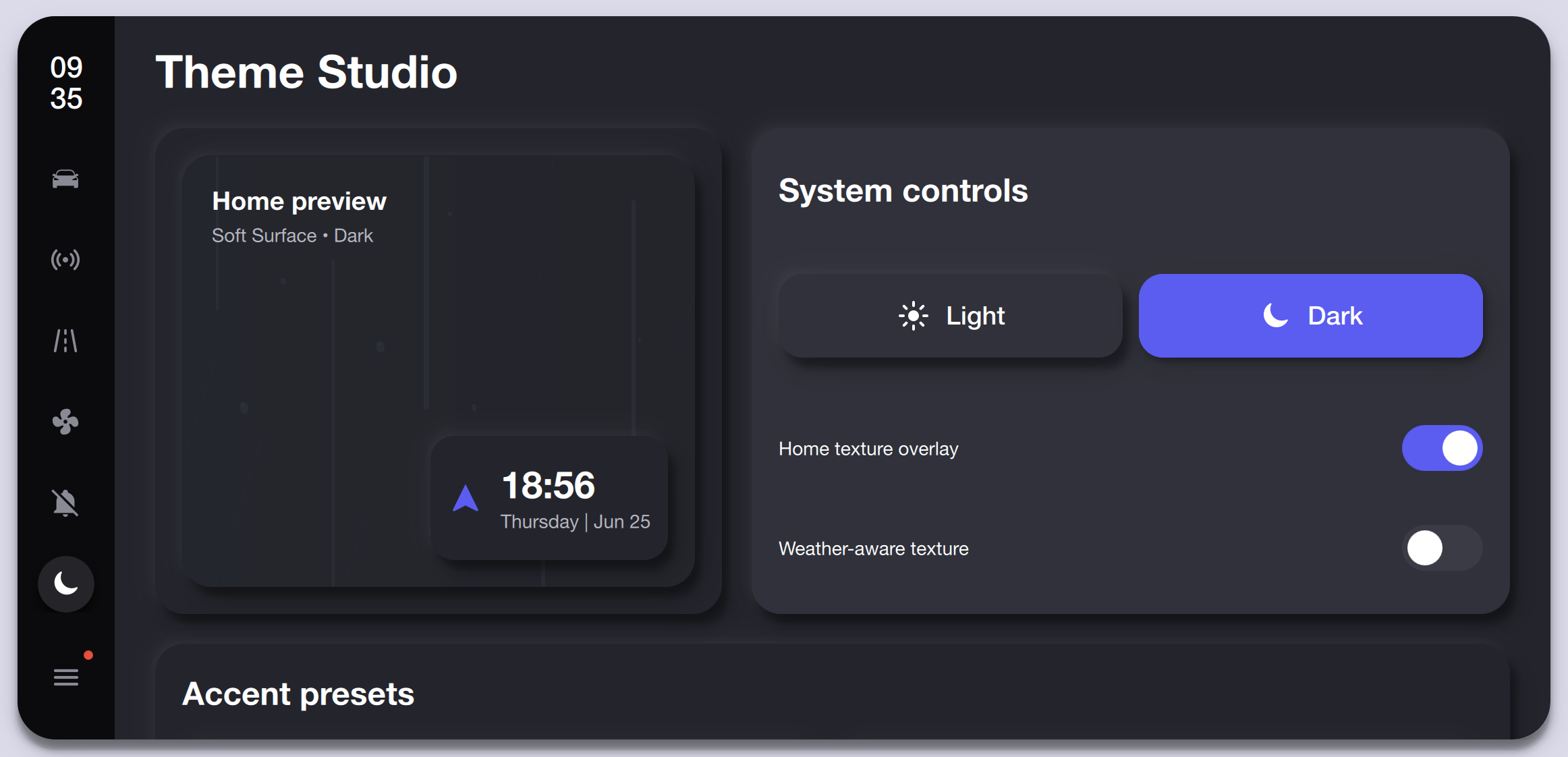
Theme personalization screen showing a home preview in dark surface style, Light/Dark system toggle with Dark active, and switches for Home Texture Overlay and Weather-Aware Texture.
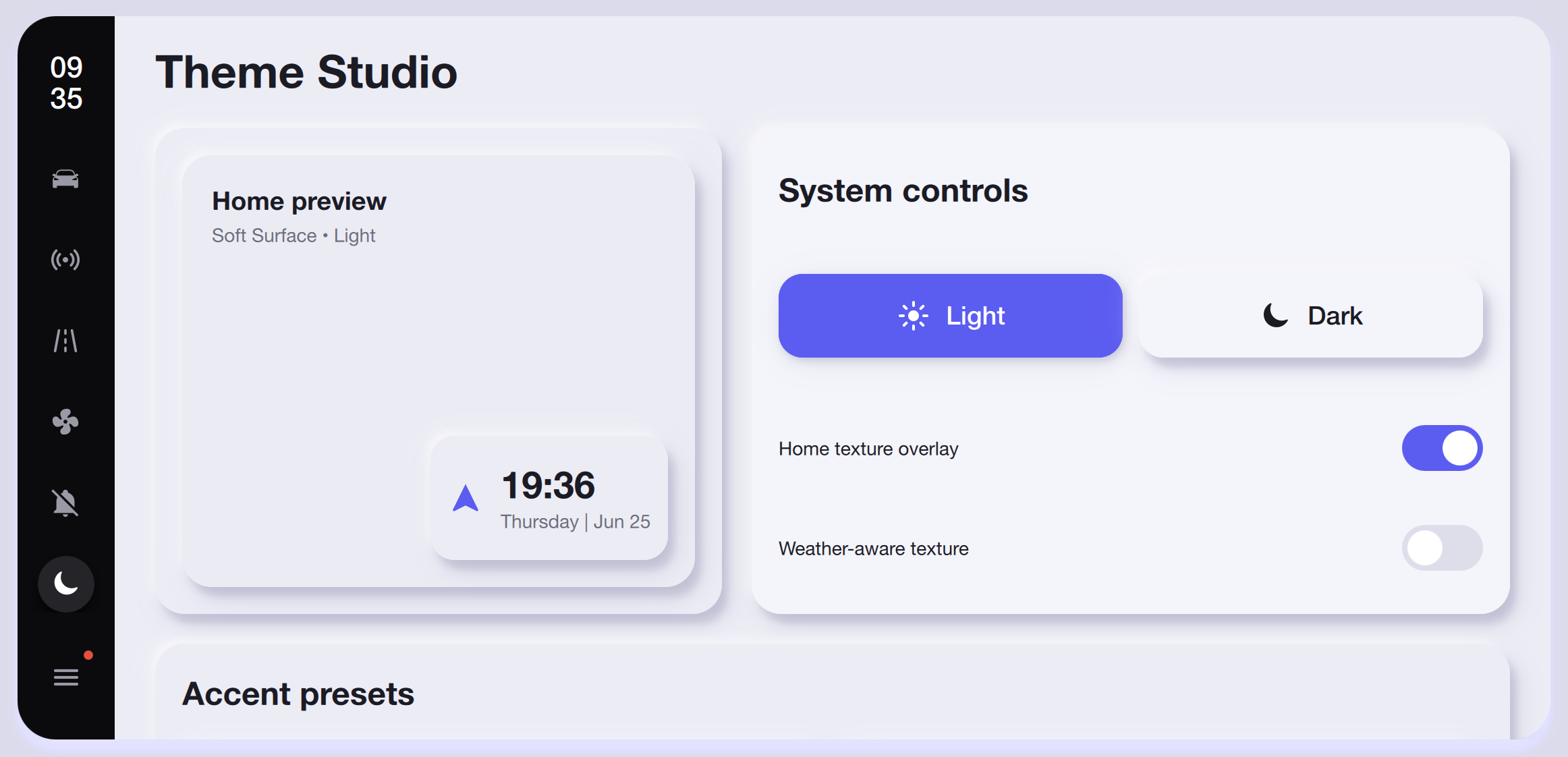
The Theme Studio with the Light toggle active, showing a light home preview, soft surface style, and the same overlay and texture switches.
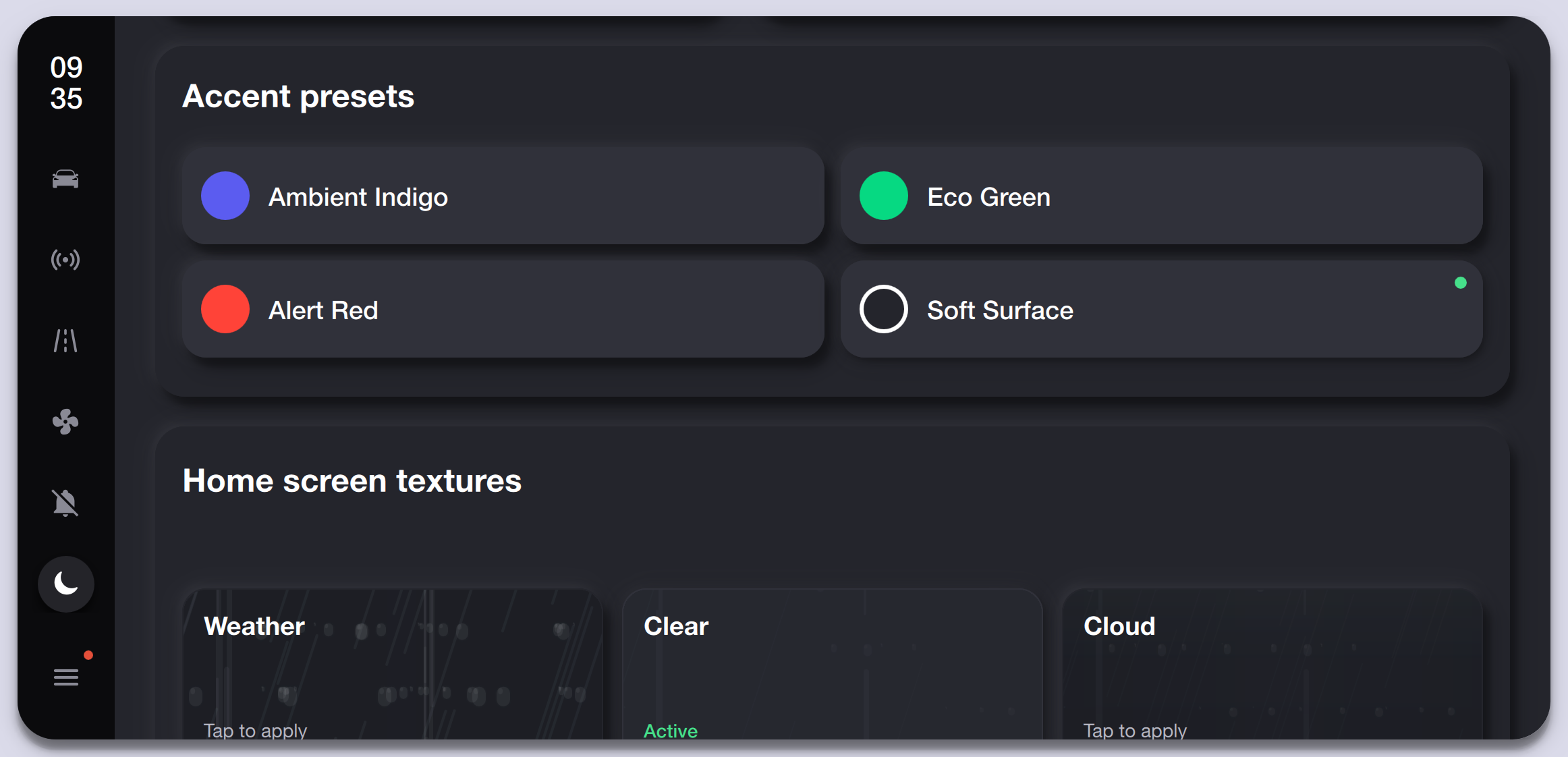
Theme customization section offering Ambient Indigo, Eco Green, Alert Red, and Soft Surface accent palettes, letting drivers personalize the console color scheme.
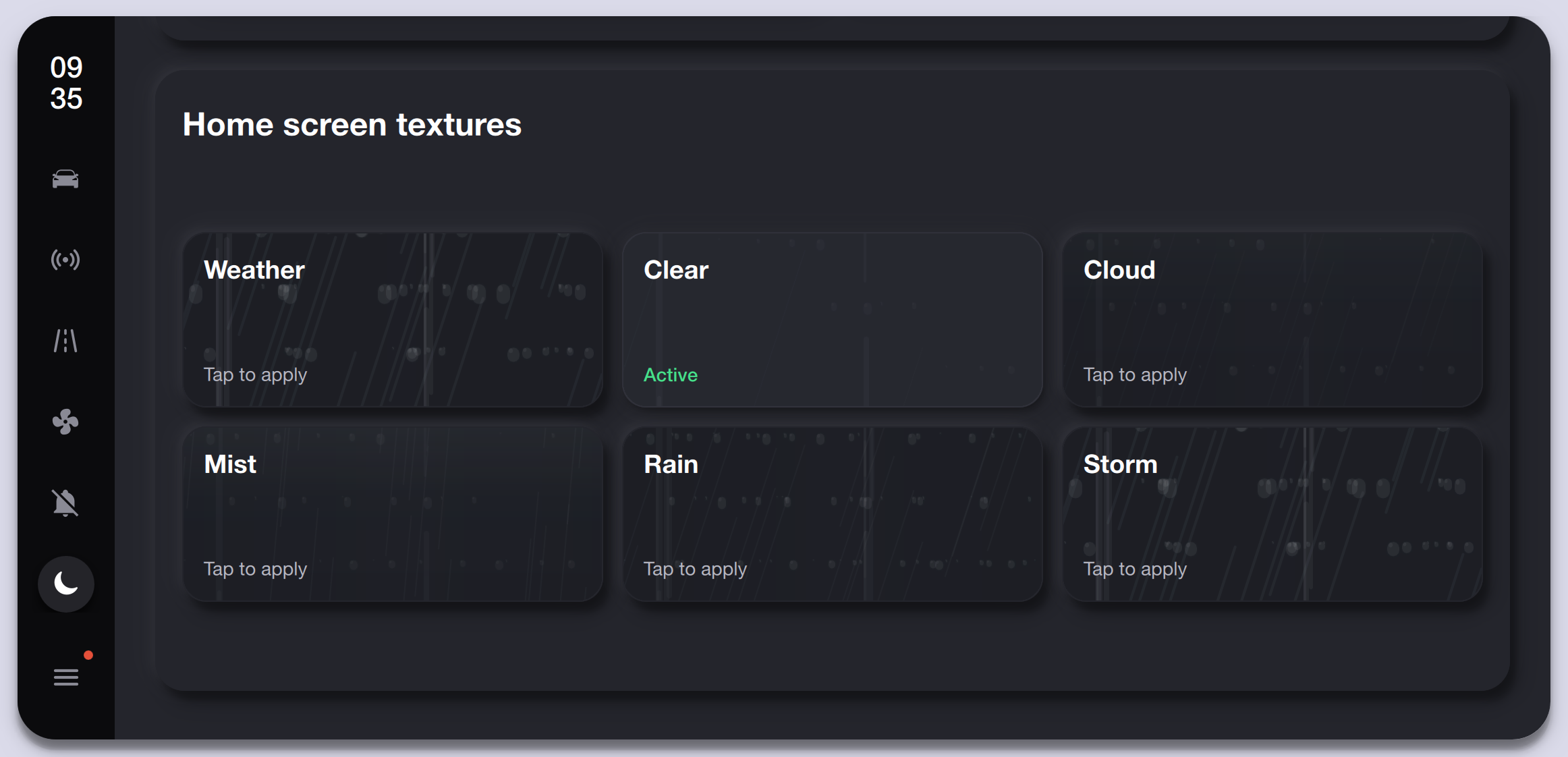
Six selectable home-screen background textures — Weather, Clear, Cloud, Mist, Rain, and Storm — with the Clear preset marked as active.
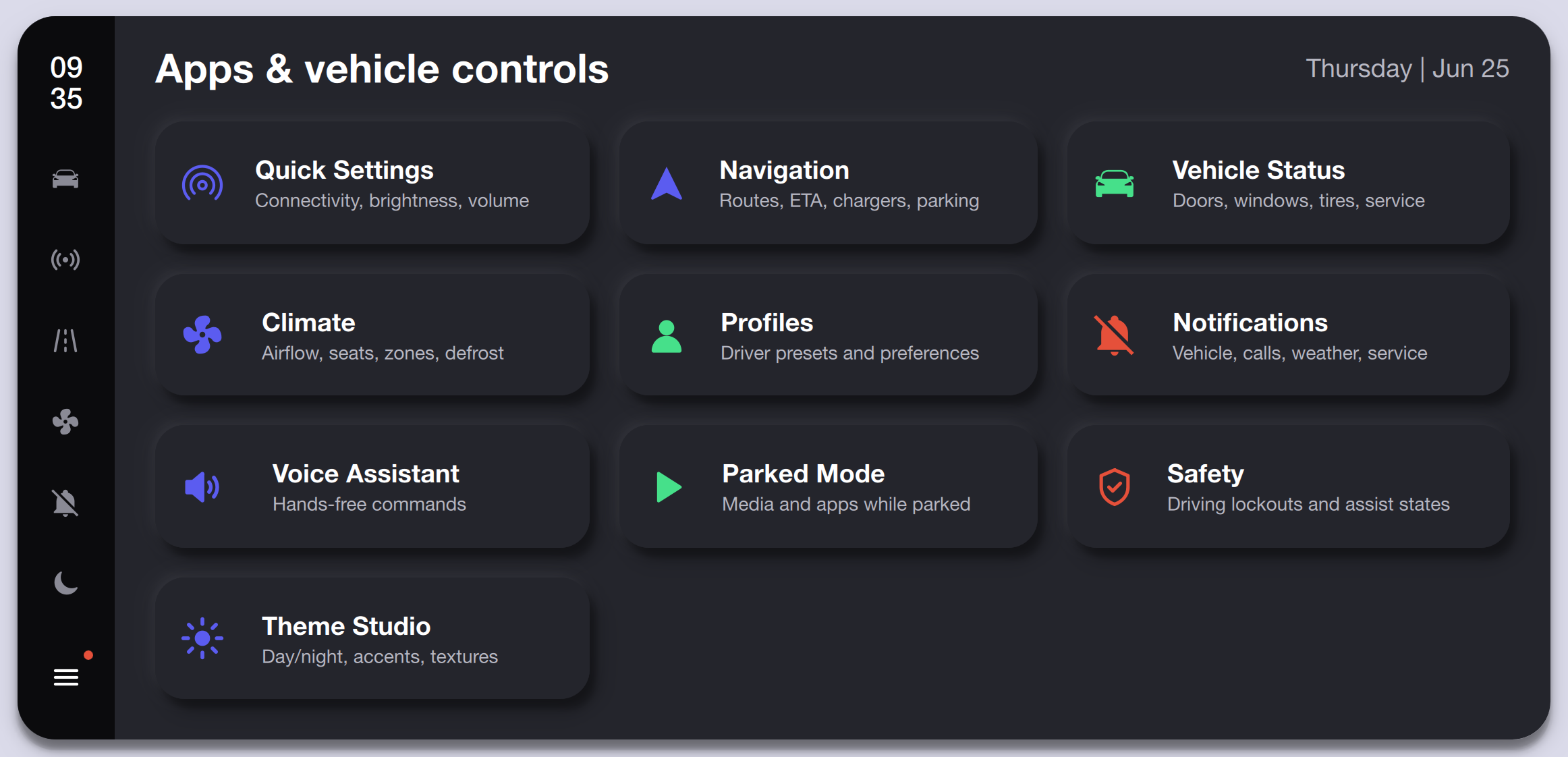
App launcher grid with Quick Settings, Navigation, Vehicle Status, Climate, Profiles, Notifications, Voice Assistant, Parked Mode, Safety, and Theme Studio entries.
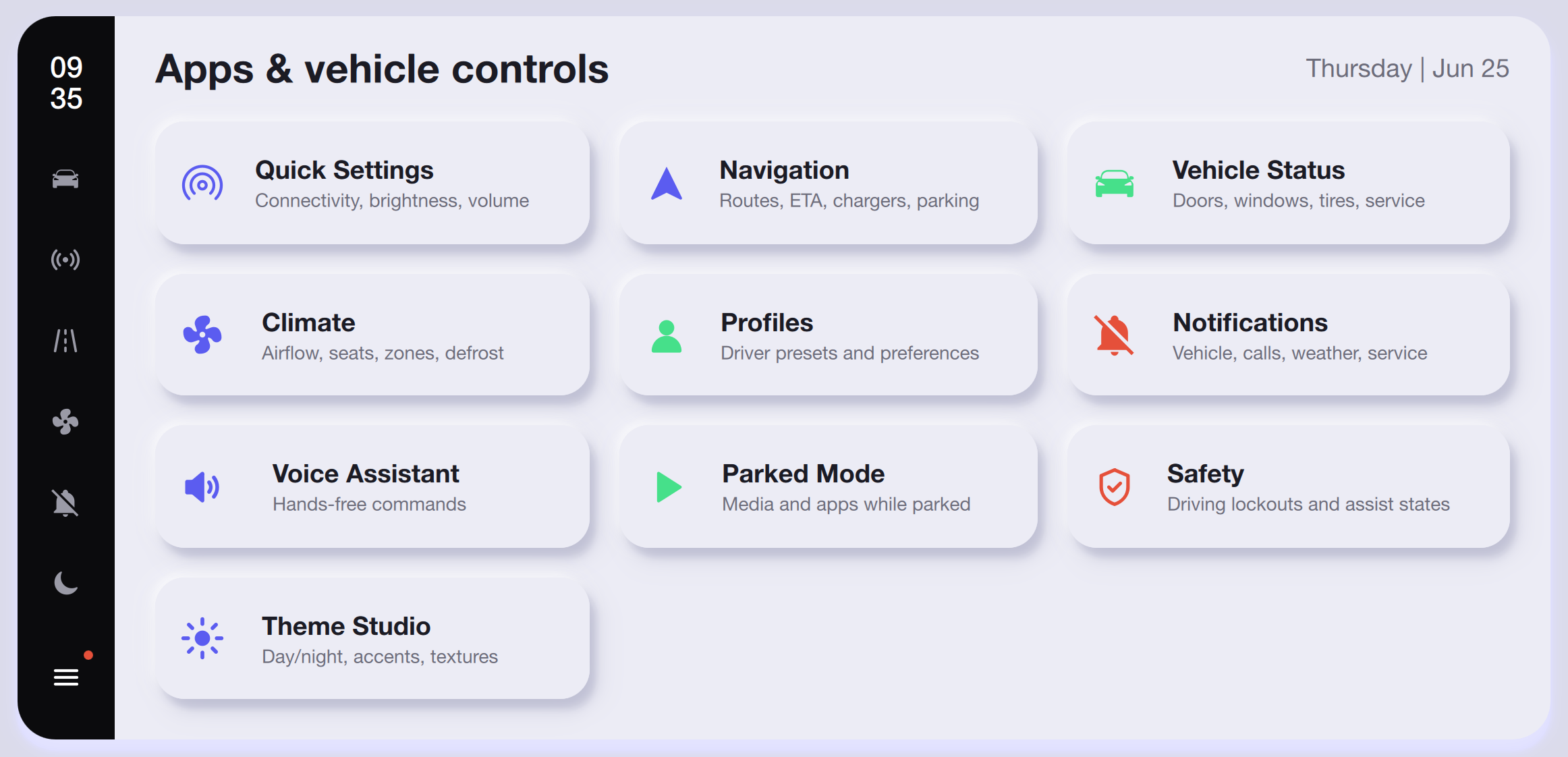
Light-mode app launcher showing the same ten control entries with white rounded cards, colored icons, and concise descriptions on a soft background.
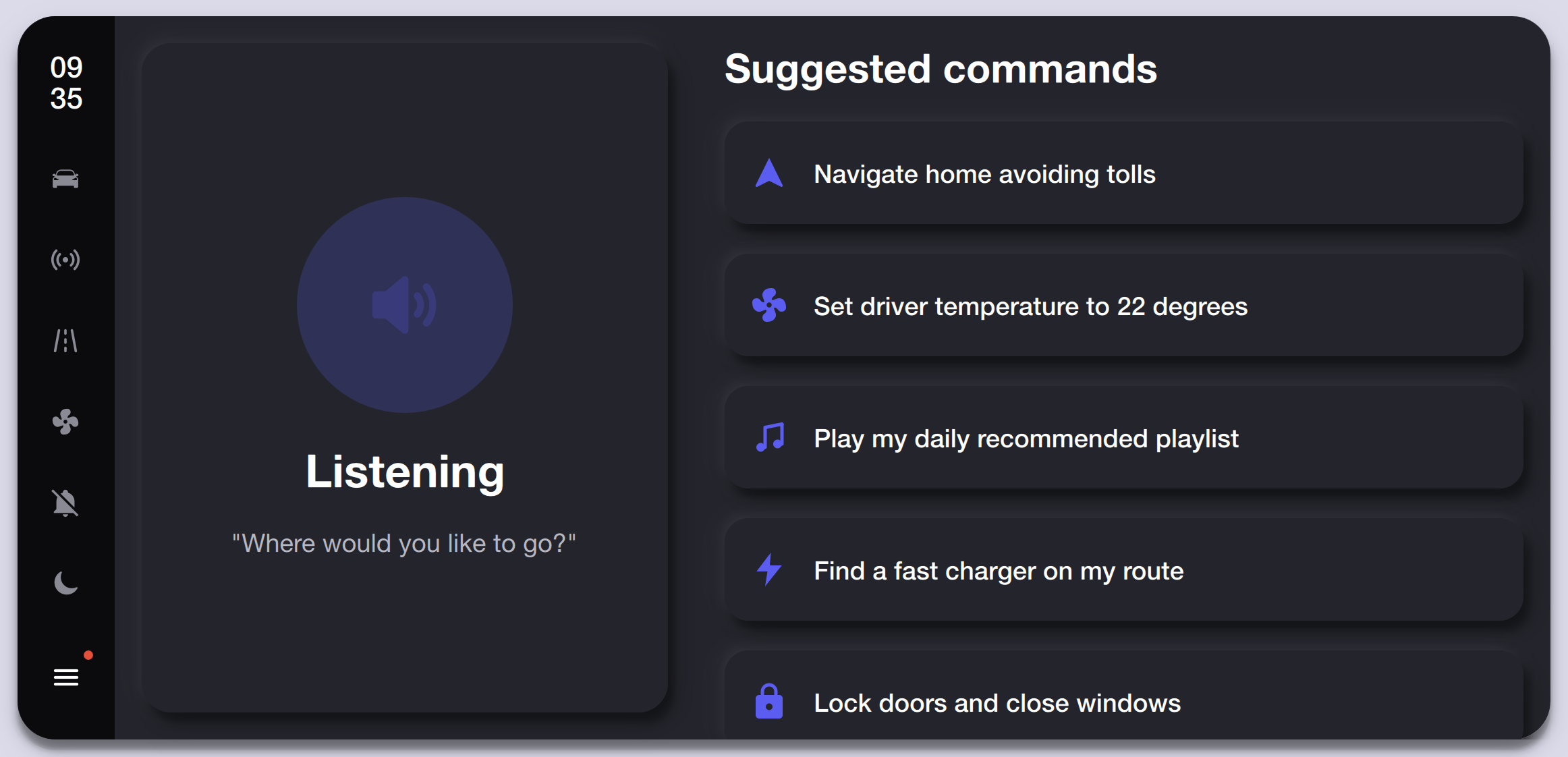
The voice assistant in listening state with a pulsing microphone orb, the prompt 'Where would you like to go?', and five contextual suggested commands for navigation, climate, music, charging, and locks.
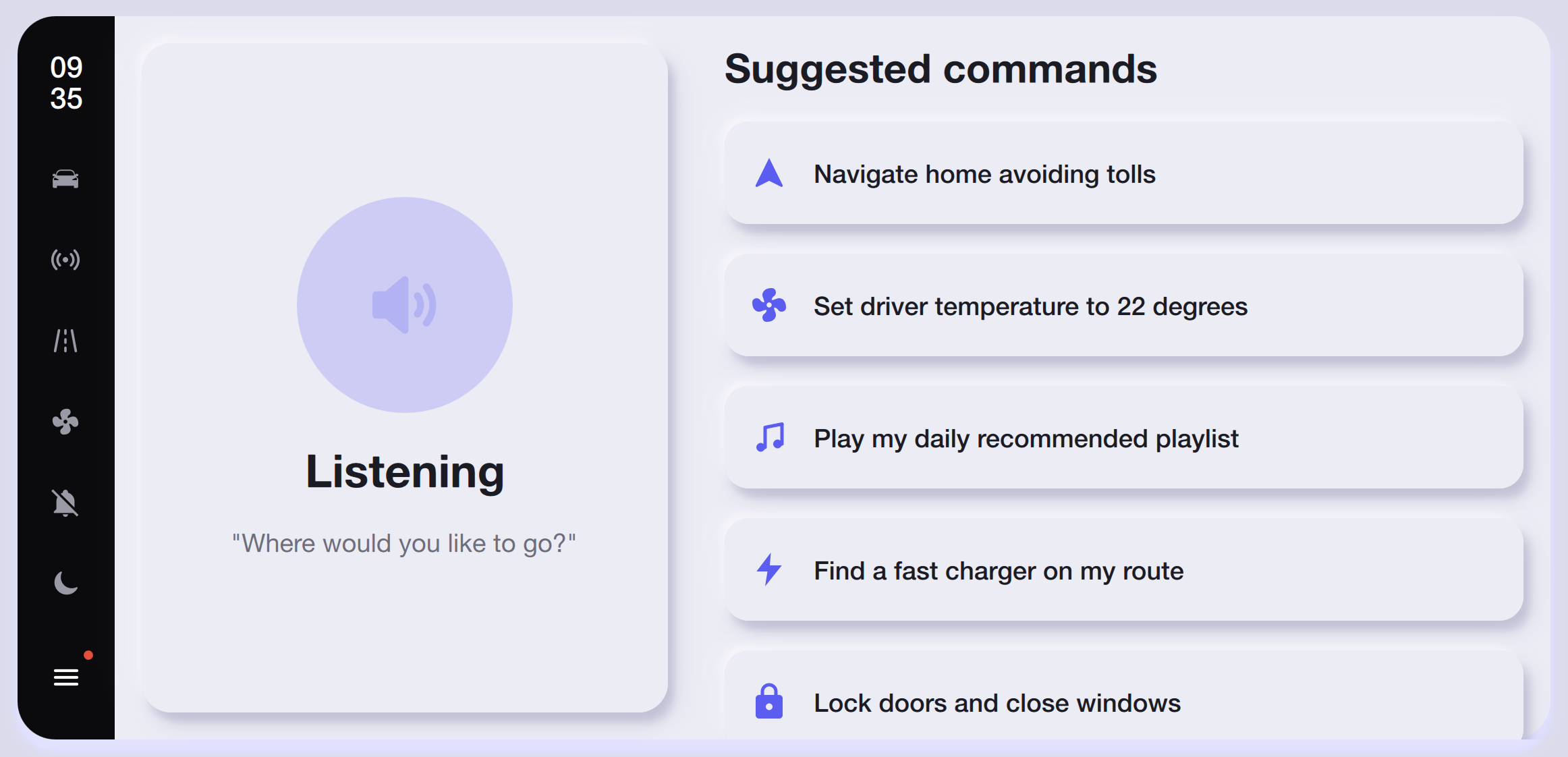
Light-mode voice UI with the same listening animation and suggested-command cards rendered on white surfaces for clarity during daytime cabin use.
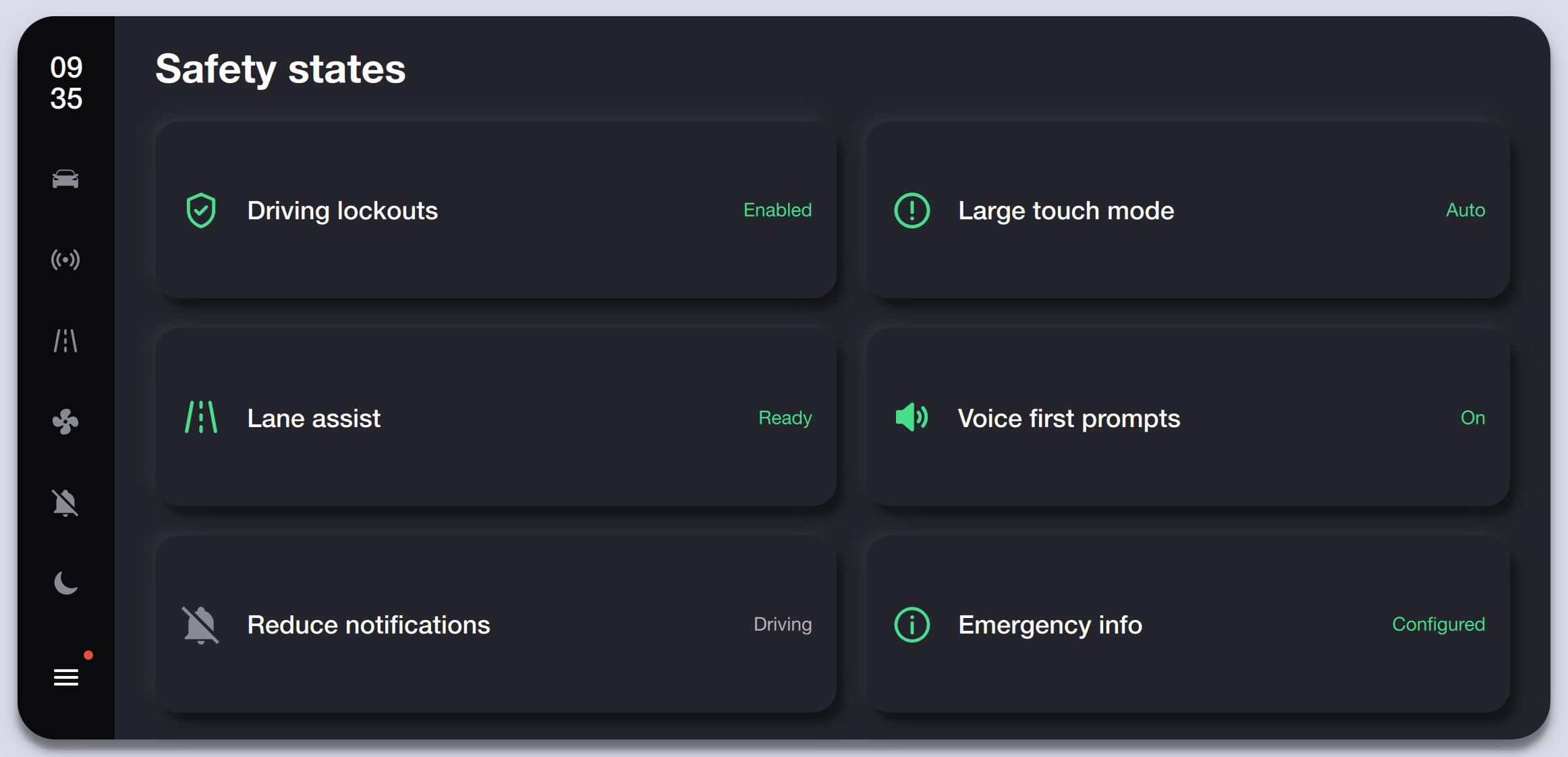
Safety dashboard showing status cards for Driving Lockouts, Large Touch Mode, Lane Assist, Voice First Prompts, Reduce Notifications, and Emergency Info with green status labels.
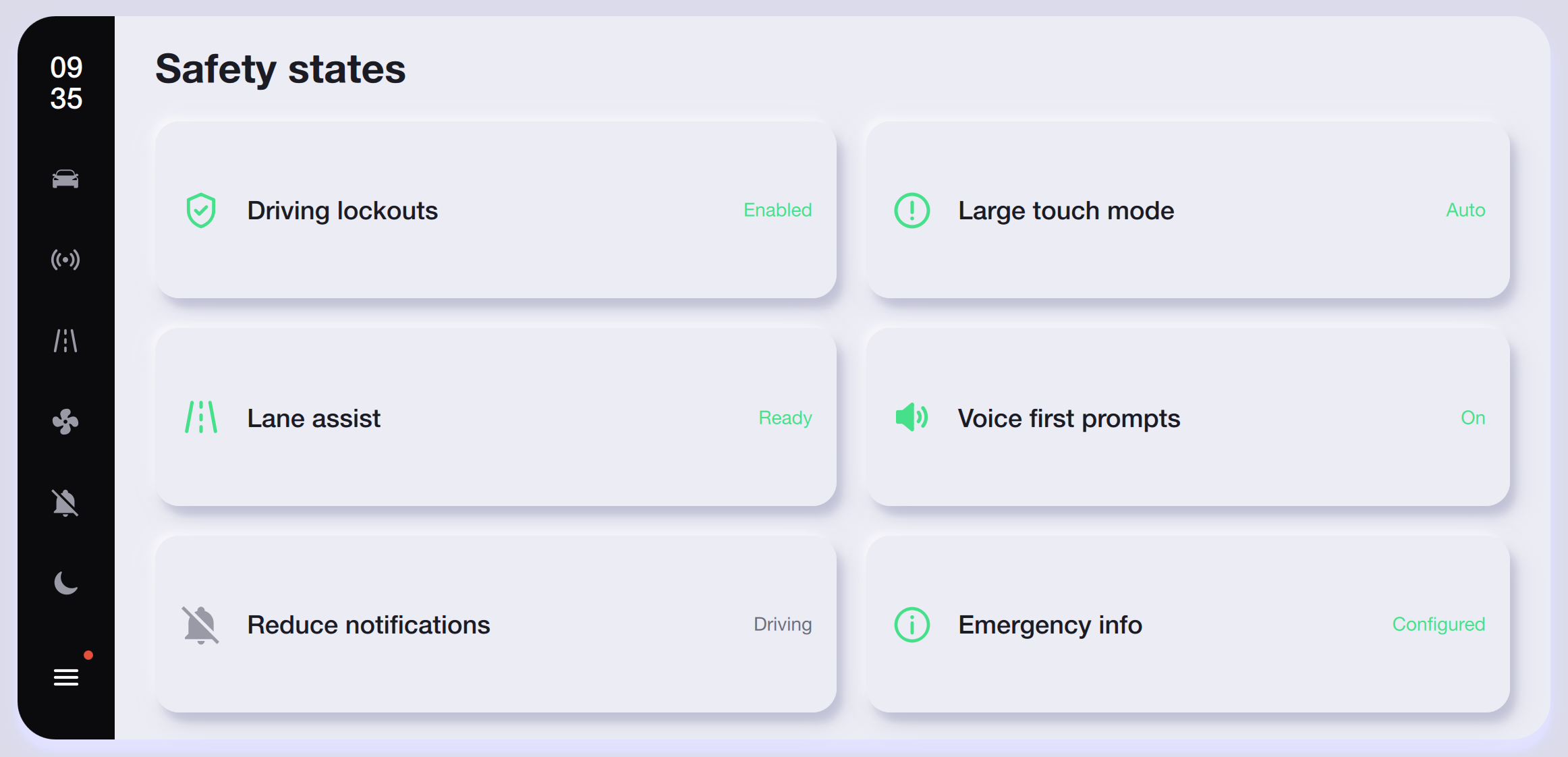
The same six safety-state cards on a light surface, maintaining the green Enabled/Ready/On indicators and orange Auto/Configured status labels.
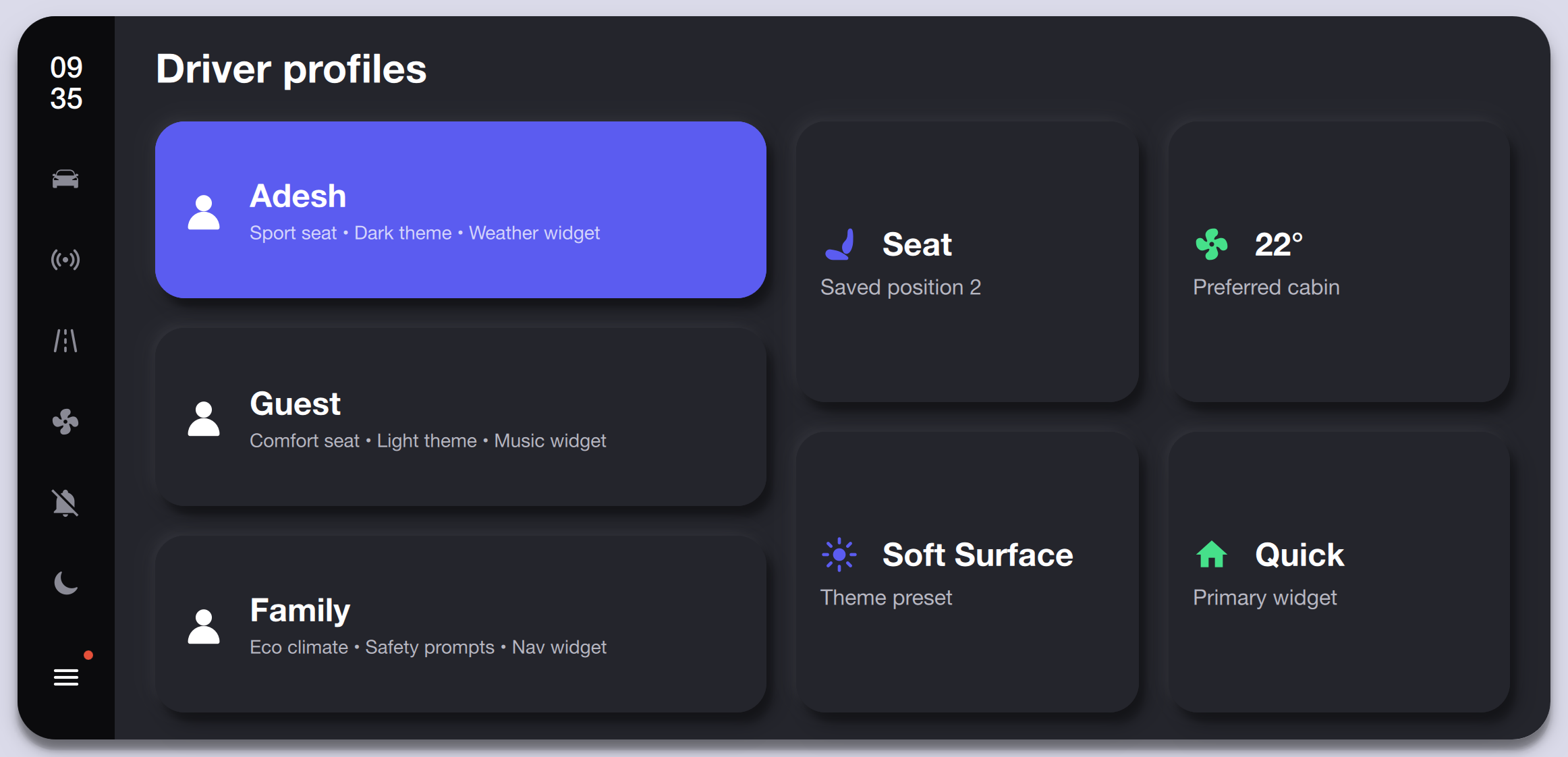
Profile selector showing Adesh (active, purple card), Guest, and Family profiles, each storing seat position, theme, climate, and widget preferences.
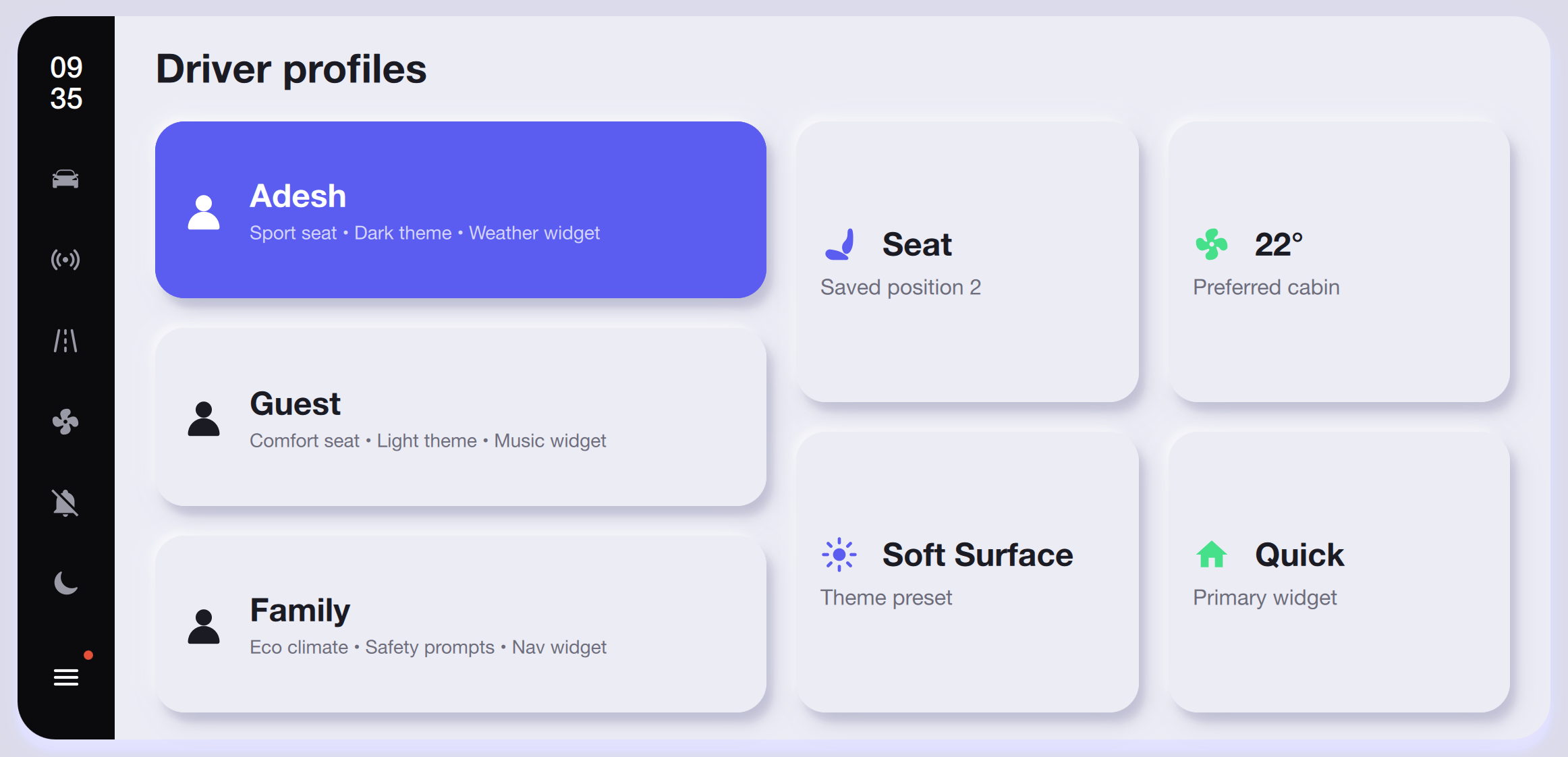
Light-mode driver profiles with the same three user cards, active profile highlight, and linked Seat, Climate, Theme, and Widget quick-access tiles.
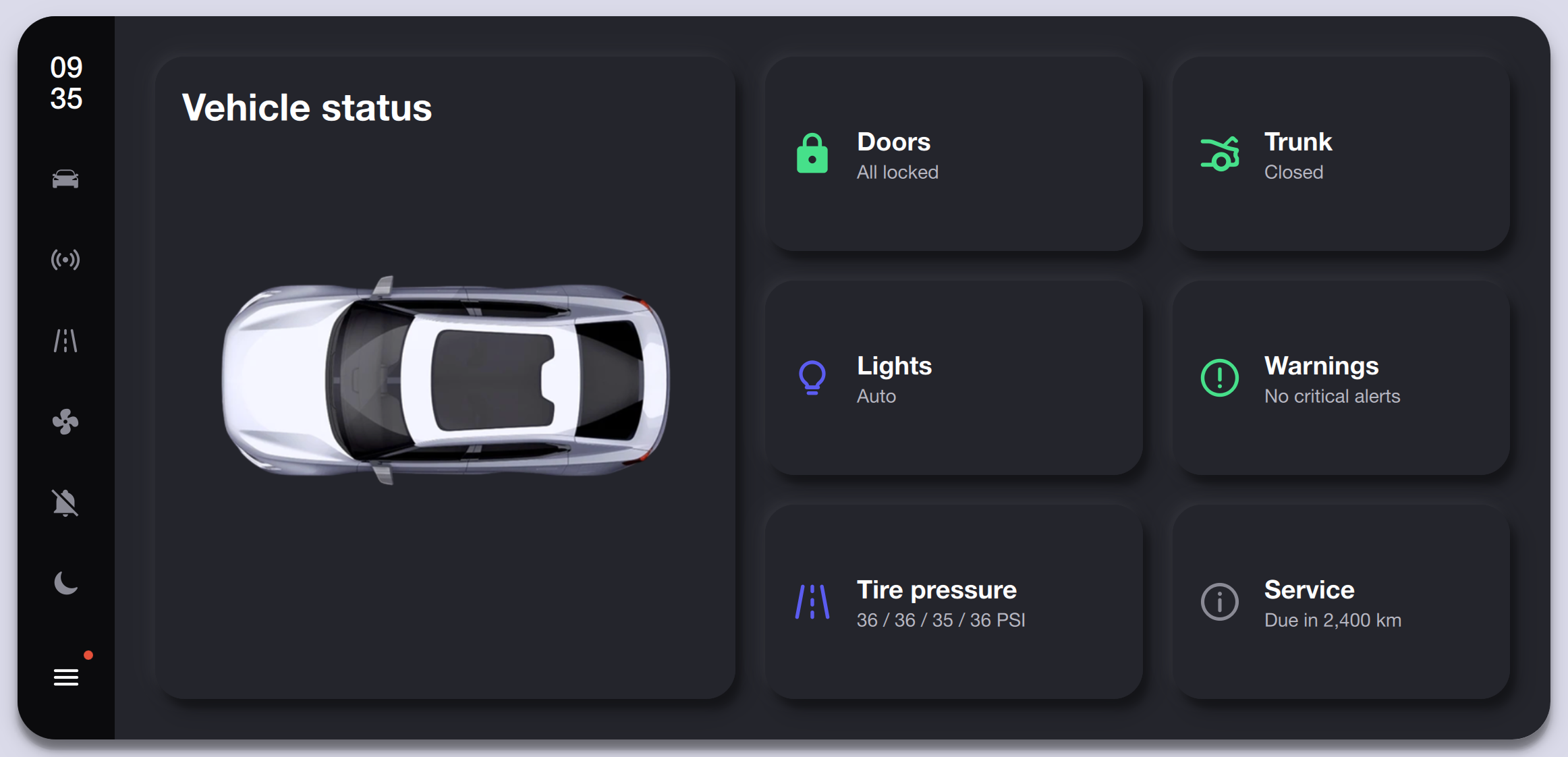
Top-down vehicle graphic with six status cards reporting Doors (locked), Trunk (closed), Lights (auto), Warnings (none), Tire Pressure (36 PSI all), and Service (due in 2,400 km).
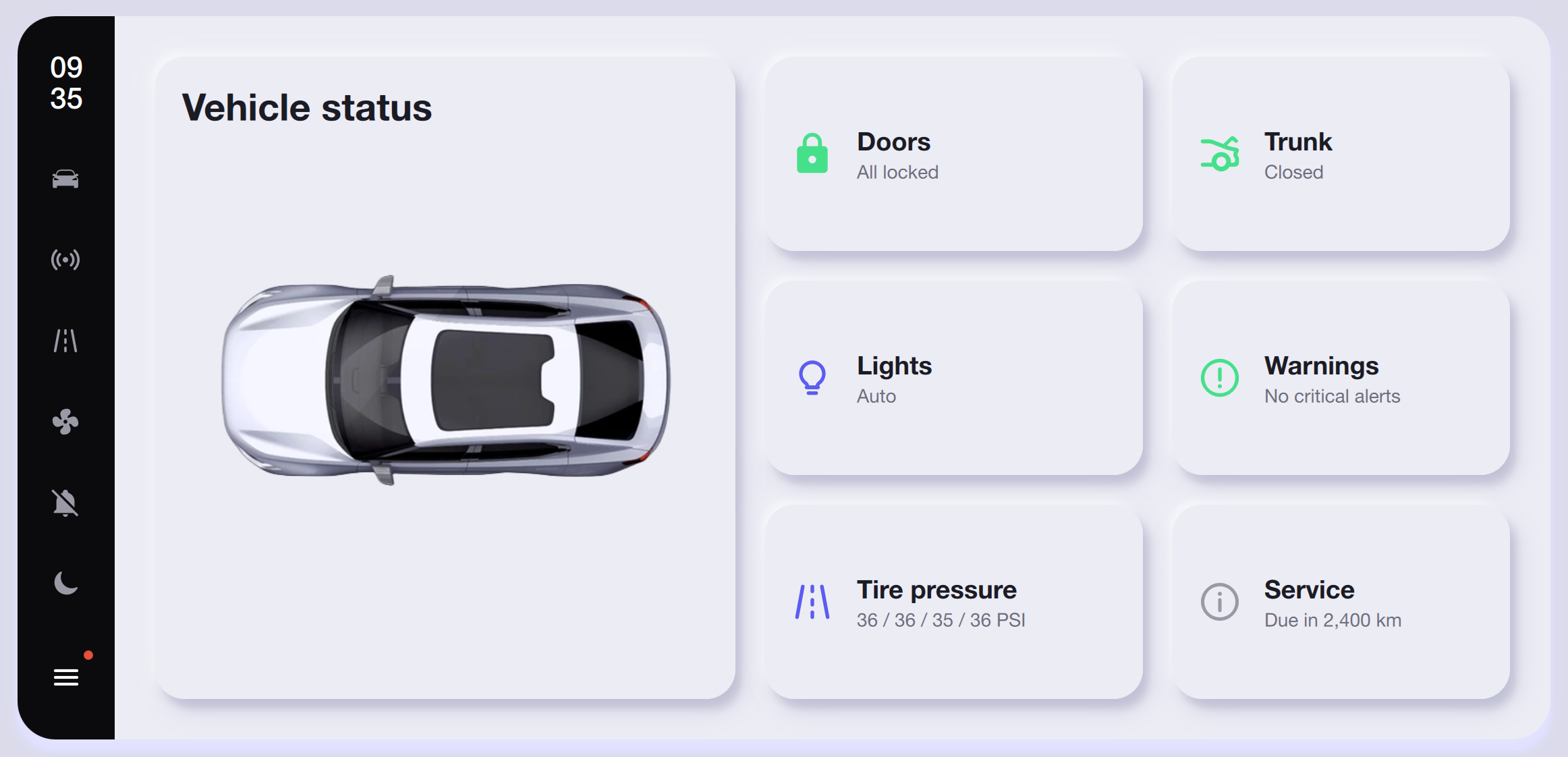
Light-mode vehicle status with the same six cards on white surfaces, keeping the 3D car silhouette and consistent status-icon colors.
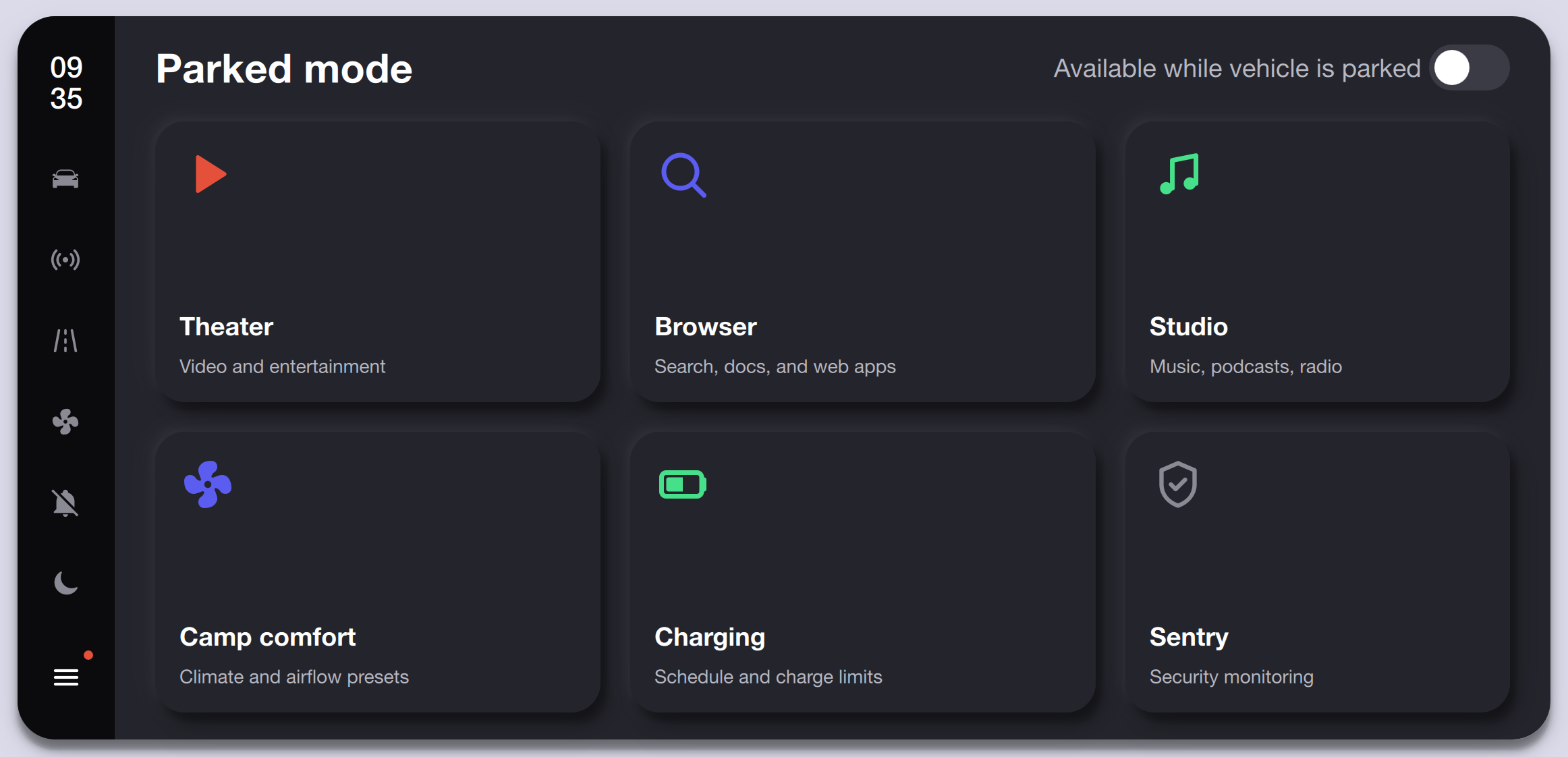
Entertainment and utility grid available while parked, offering Theater, Browser, Studio, Camp Comfort, Charging, and Sentry modules with colored feature icons.
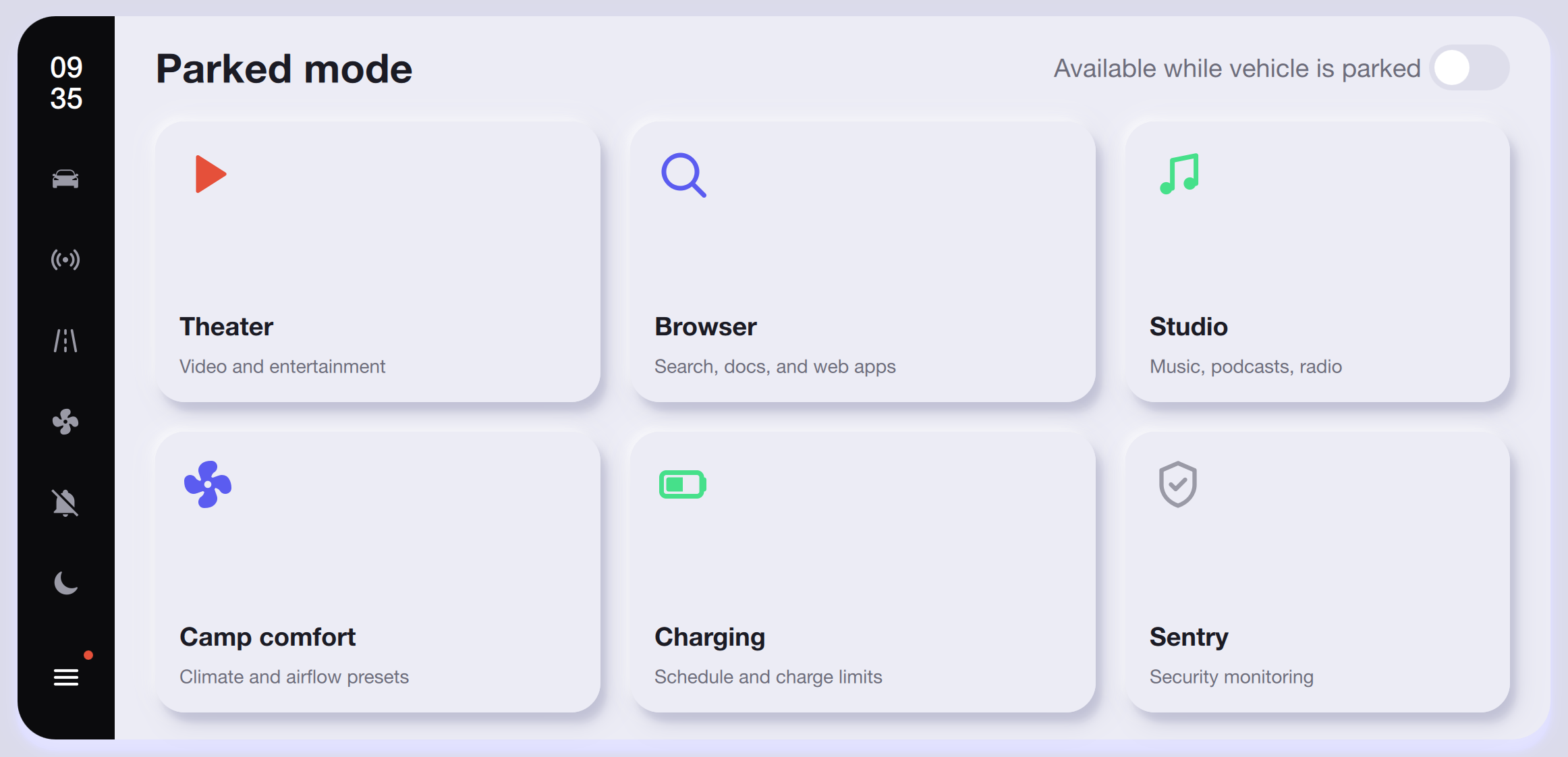
The same parked-mode grid in light mode with white rounded cards and subtle shadows, keeping the 'Available while vehicle is parked' system toggle.
Watch the project in action and explore the source code.
Access the complete project source code, including Qt/QML UI, C++ backend logic, and build configuration.
Related work
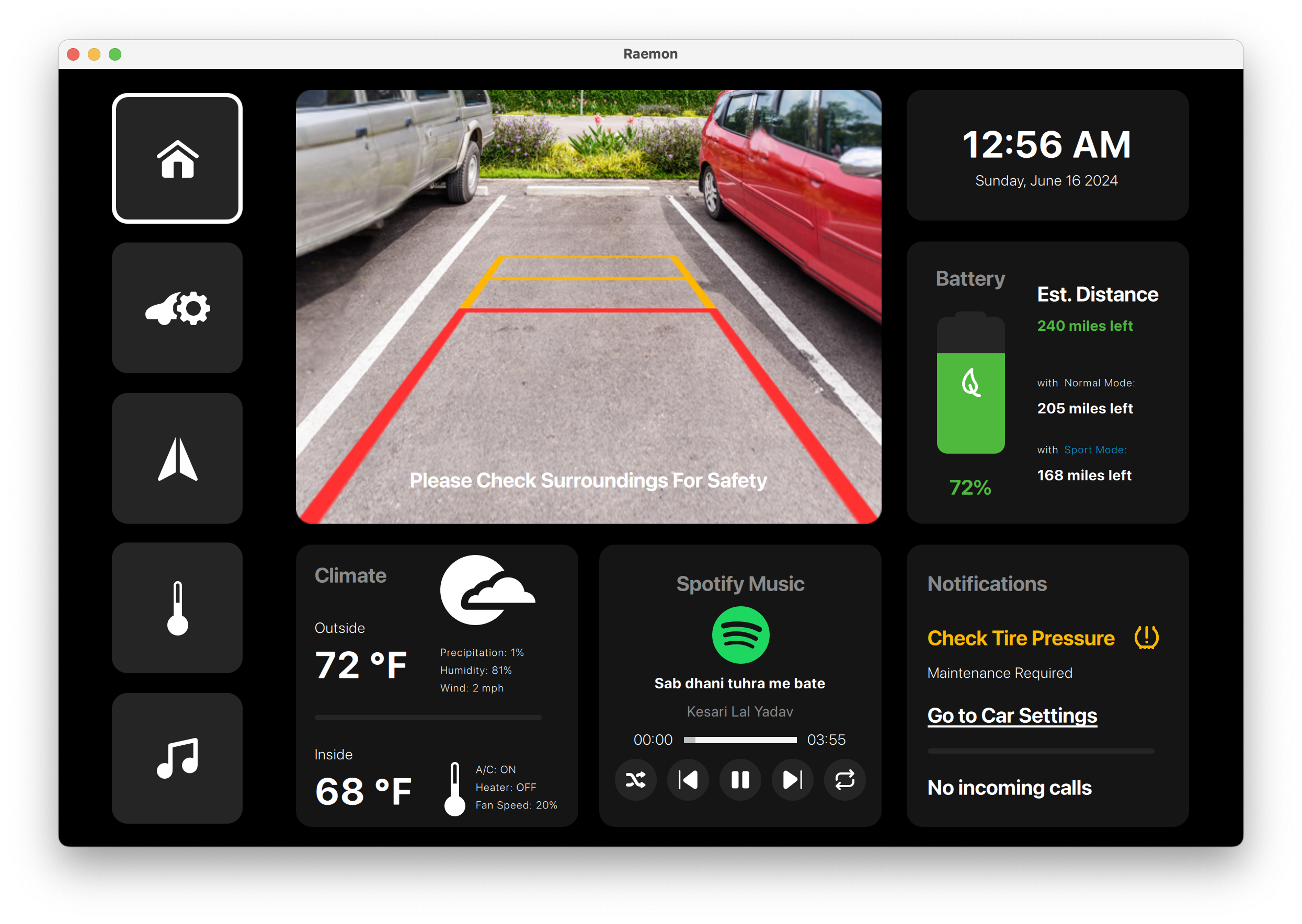
Automotive infotainment and vehicle-control console built with Qt/QML for camera, navigation, climate, media, tire pressure, and power controls.
A Reamon-branded vehicle console covering reverse camera, tire warnings, navigation, climate, seat comfort, media, and power-mode controls.
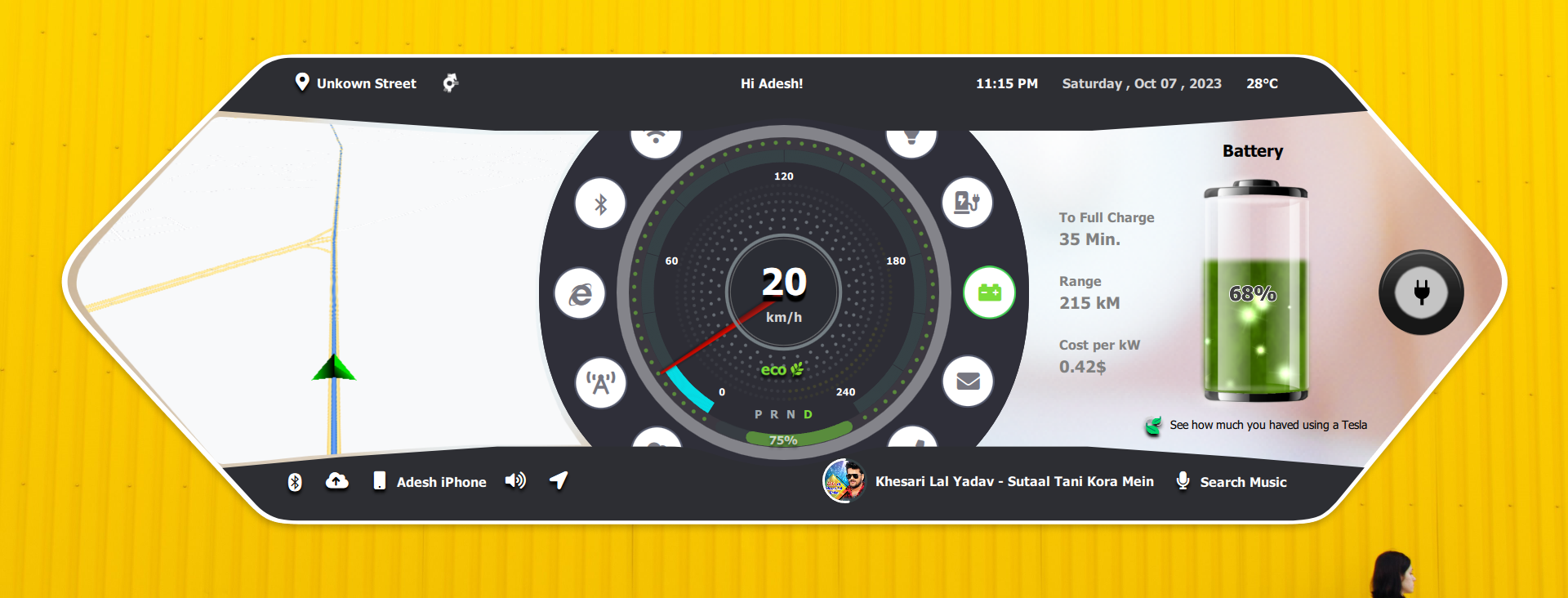
Wide-format electric vehicle dashboard with map, speed cluster, battery, charging, controls, Bluetooth, Spotify, and weather views.
A panoramic in-car dashboard experience for navigation, speed, charging, vehicle controls, connectivity, and media.

Clinical ventilator operator console built with Qt/QML for patient setup, live waveform monitoring, alarms, trends, therapy controls, and service workflows.
A complete bedside ventilator interface with secure access, patient setup, waveform monitoring, safety alarms, trend review, therapy tools, and maintenance screens.
Share your hardware target, UI scope, Qt version, and delivery timeline. We will provide a practical technical assessment.
